Room Scheduling System • Google Setup 59
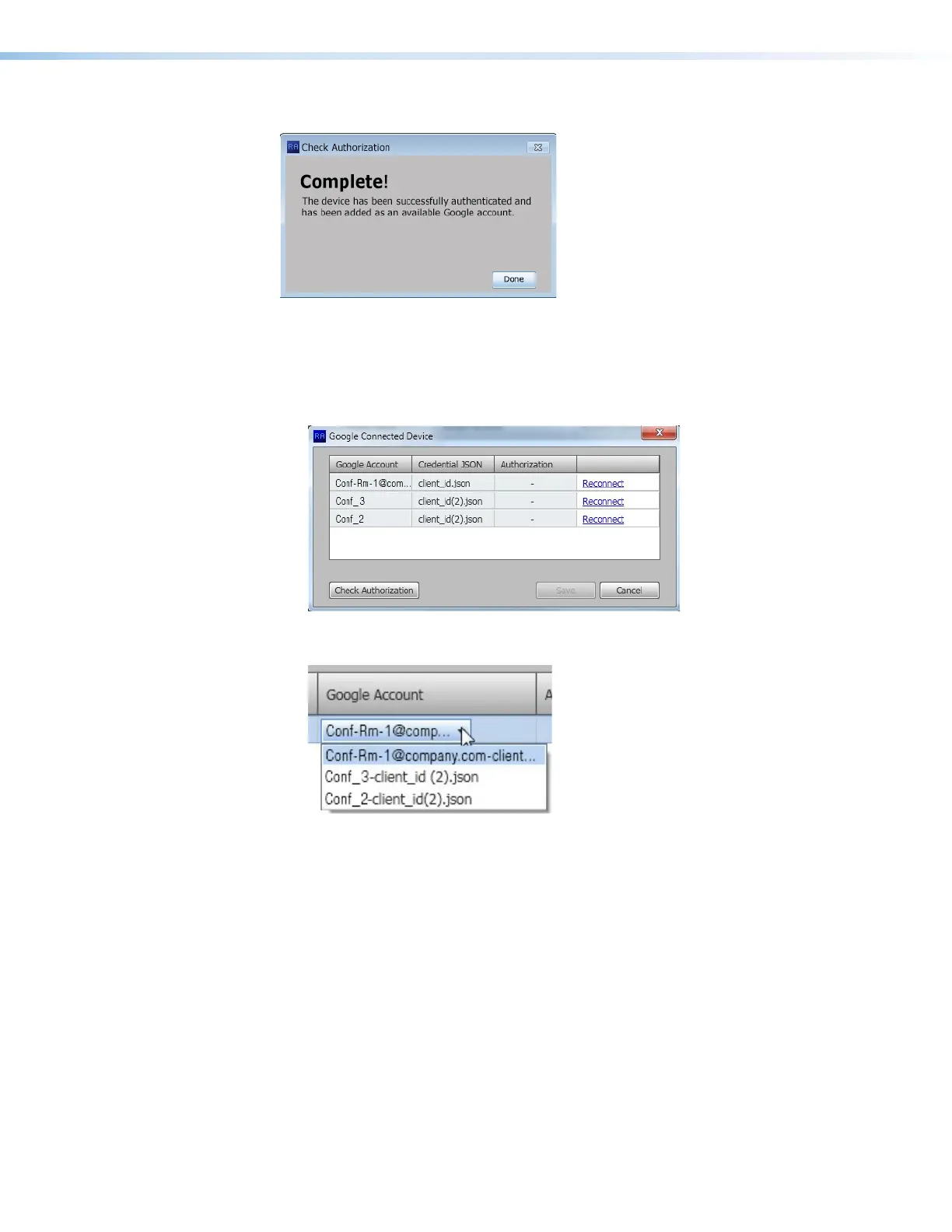
If there are no errors, the Authenticate a Device to Google dialog box shows complete.
1111111111
1111
Figure 67. Authentication Complete
The new account is added to the list of available accounts and can be viewed by either
of the following methods:
• By clicking View all available accounts at the top of the Panel
Configuration tab (see figure 64,
3
, on page 58).
• By clicking on the Google Account cell of any of the panels listed on the Panel
Configuration tab. A drop-down list shows the available accounts.



 To Next Page