Room Scheduling System • Rendezvous by NFS Setup 81
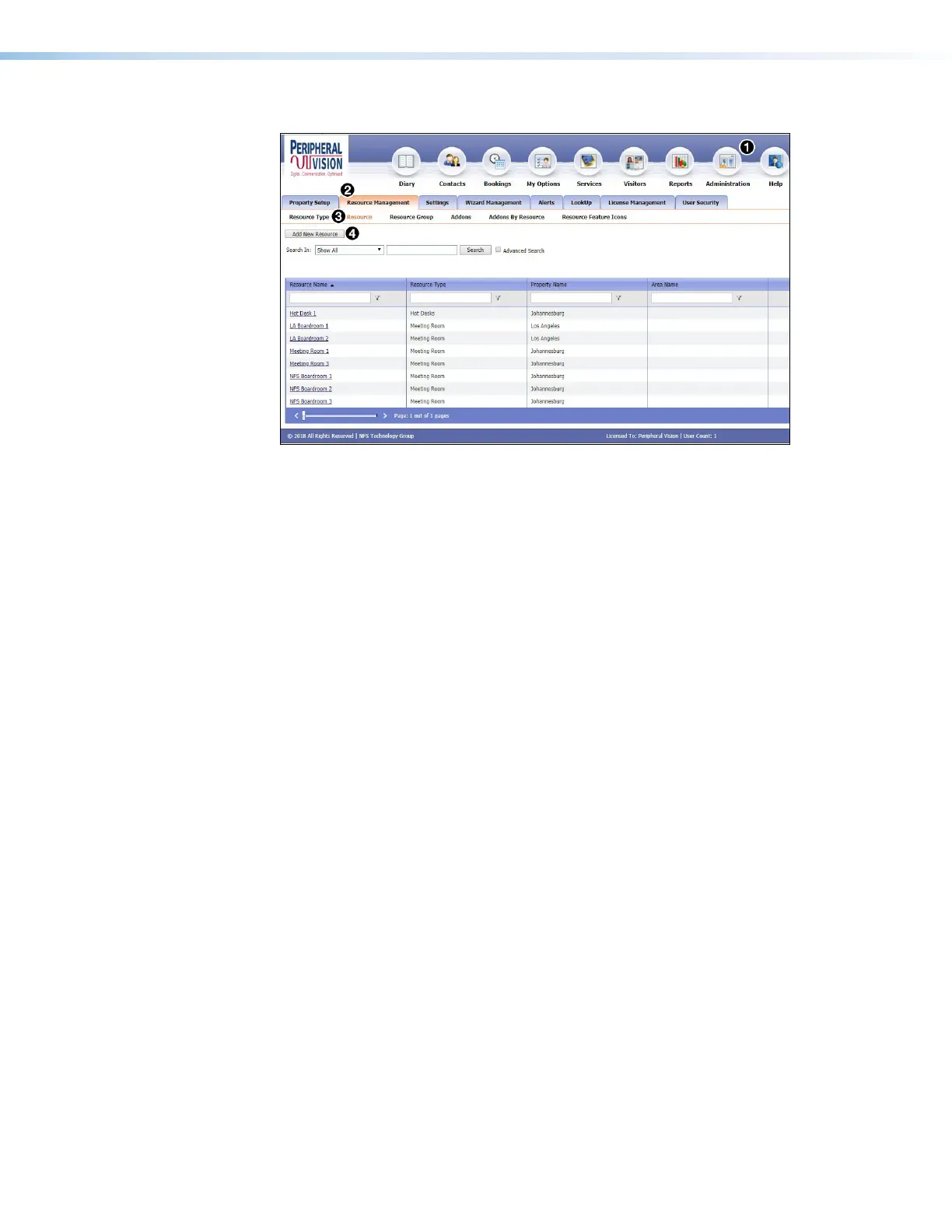
To add a new resource:
1. Log on to the NFS server.
2. Click Administration.
3. Select the Resource Management tab.
4. Select Resource.
5. Click Add New Resource.
6. Provide the required information.
• Language — Select an option from the Language drop-down list (see Supported
Languages
on page 87). By default, the language is English.
• Button Sound — Select an option from the Button Sound drop-down list. The options
are Off and On. Button sound provides audible feedback when buttons are pressed on
the touchpanel. By default, it is on.
• Panel Design— The layout of the panel can be configured using the Panel Design
tab. You can select one of the saved panel design files from this drop-down list.



 To Next Page