MPC-6000 / MPC-7000 / RND-2 PROGRAMMING MANUAL
7
Step Action Description
Note NOTE #1: The backup configuration will now contain a configuration as follows:
all input points in group #241 (General Alarm). The General Alarm System
group is pre-programmed to activate all output zones. Any Remote LCD
displays that were connected at the time of Auto Program will also be activated.
However remote relay (SRUs) and remote Led modules (SLUs) will not be
detected and so will not be in the configuration.
4 At the EDIT BACKUP screen, press “A”
and escape back to TECH LEVEL
screen.
The display will show the starting
technician menu.
5 Use “C” to get to the next set of functions
and select “validate”.
This will cause the data in the
backup configuration to be
checked. Correct any errors found
before continuing.
6 Press the “*” key followed by the "C" key
when prompted. This action will cause the
autoprogrammed configuration to be
swapped into the primary memory and the
panel will be restarted. (You now have as
the primary configuration the result of the
Auto Program. In other words, a General
Alarm system.)
The panel will reset and reinitialize.
Manual programming of a system
Manual programming is a much more involved operation and requires knowledge of the
operation of the system before proceeding. The basic steps to programming a system
configuration are as follows:
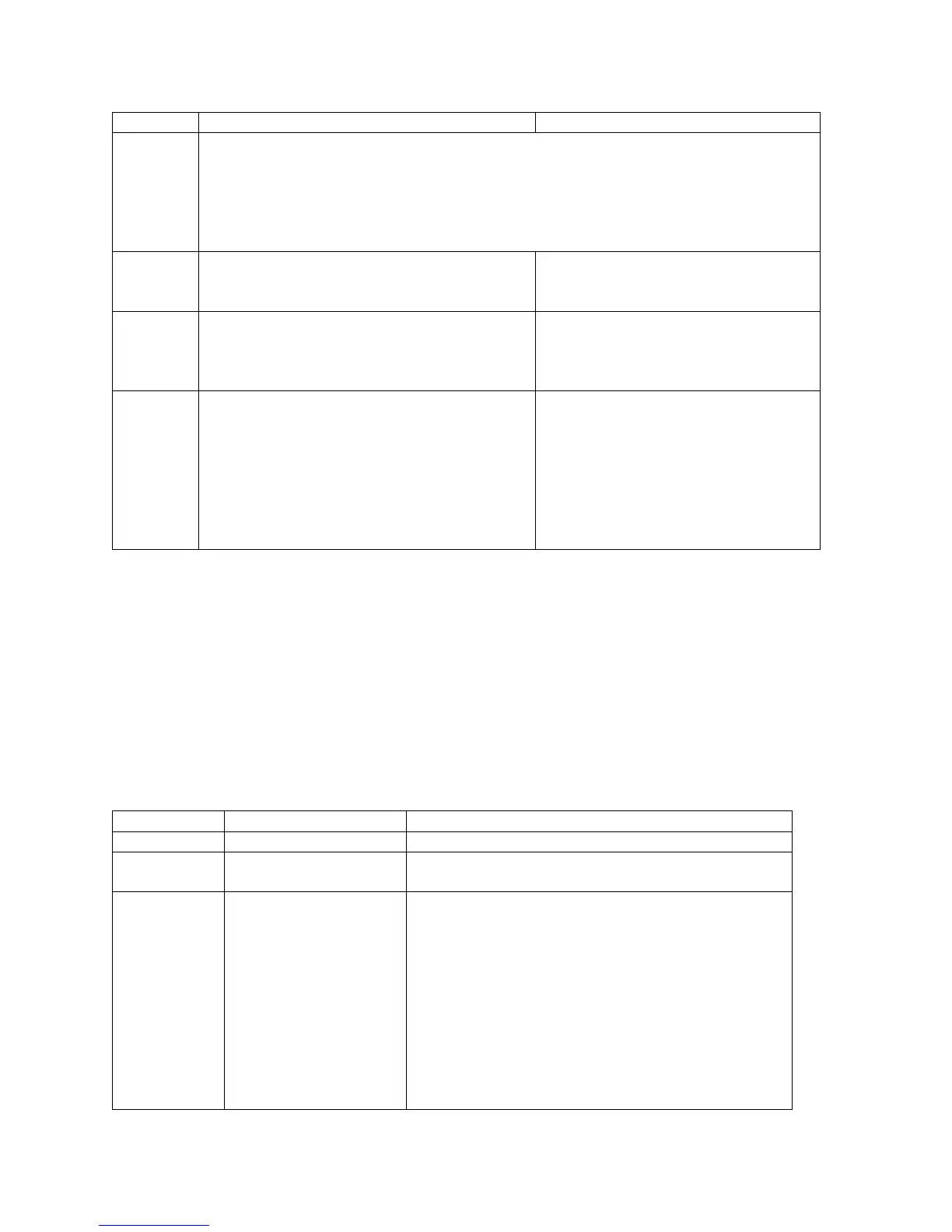
Step Number
Configure Description
1 System configuration Set a number of overall system parameters.
2 Loops Set up each loop, one in the case of the 6000
and (up to) four in the case of the 7000.
3 Input groups/system
groups
Set up the behavior of the input group or system
groups--the bell codes it will activate and the
output zones that will be activated by this input
group. Note that an input group must be
configured to activate an output group to cause
any output activations.
NOTE: If the releasing input group type is
selected and it is using coded signals, all other
input group types must be configured for
Steady-On only code type.



 To Next Page