12
2.1.2.3 Connecting to PLC
Configuring the PLC
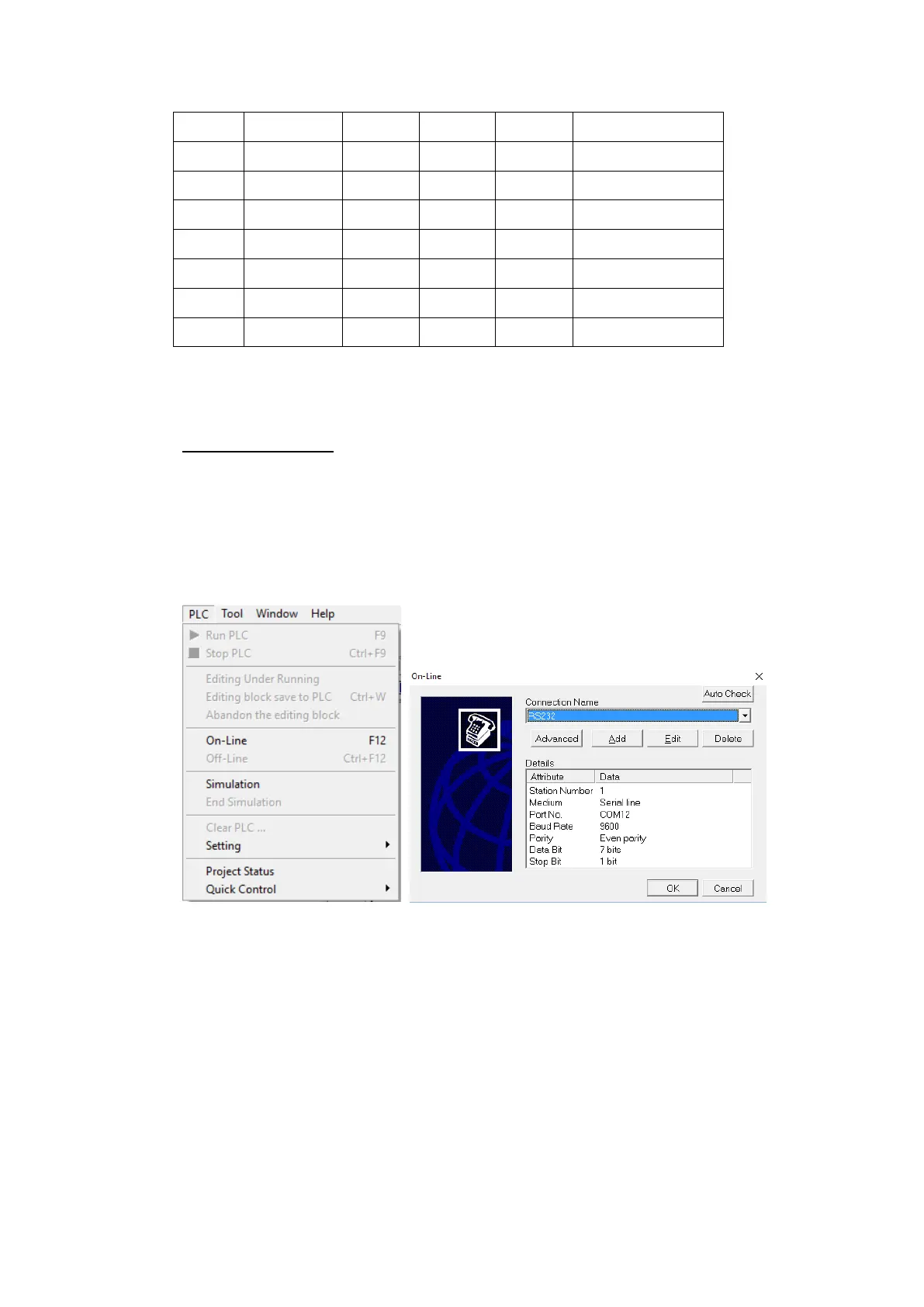
Use the application WinProLadder (ver. 3.25) to configure the serial port of the PLC.
Connect the PLC to a computer. In the application, under the PLC tab, select the
On-Line option. In the dialog, select RS232 for the Connection Name and press ‘Edit’.
Within the edit dialog, select the port number the PLC is connected to. Press OK to
confirm the settings.
Under the PLC tab, select the Setting option and choose Port 0. Here, the Baud rate
and other parameters of the serial port can be configured.



 To Next Page