121
Note: For more detailed information please refer to the PLC manual.
Connecting PLC to HMI
Within the Link configuration window in FvDesigner:
Under Interface Type select Ethernet
Under Manufacturer select Siemens Corporation
Under Product Series select S7-1200
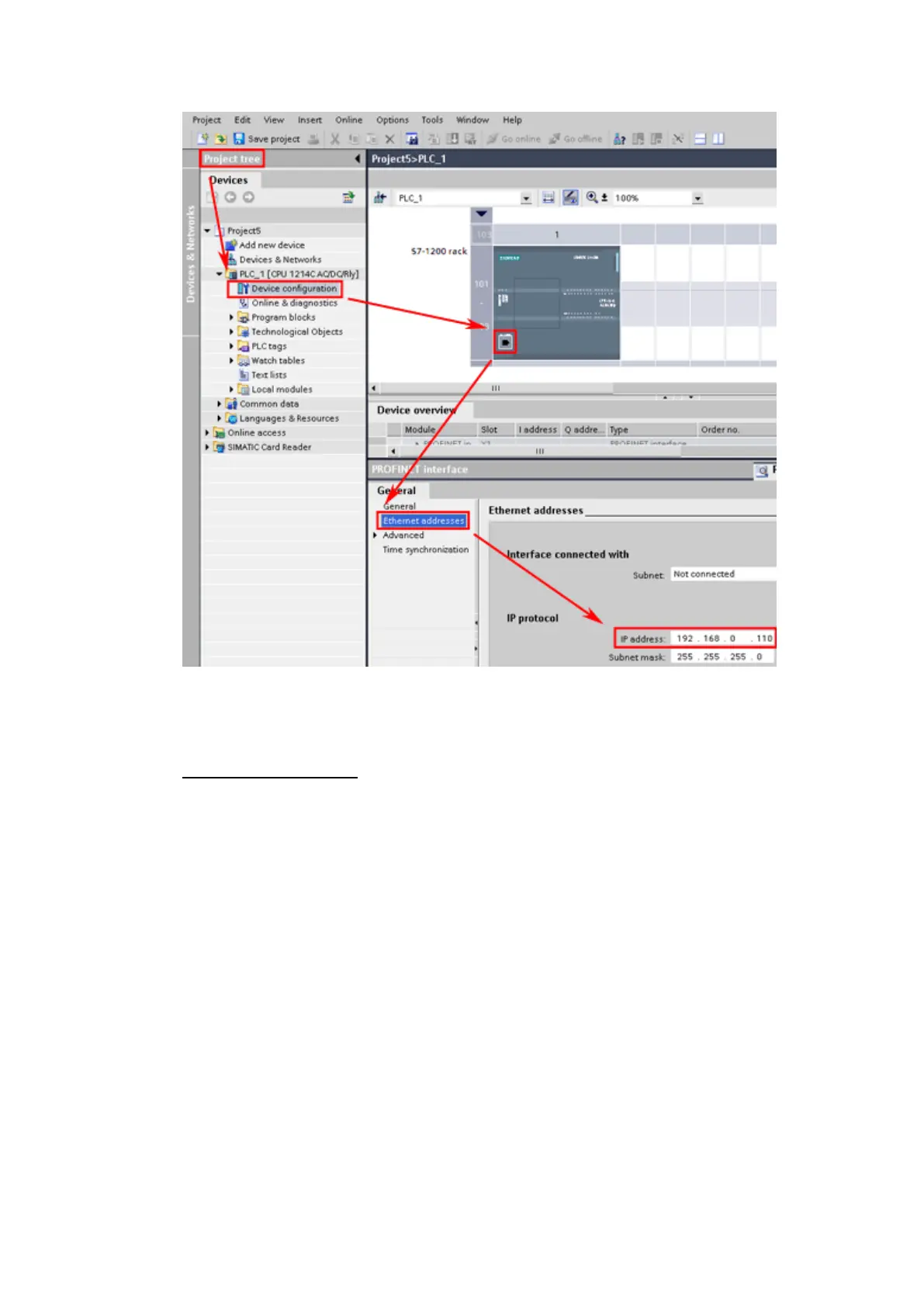
Enter the IP Address that was written into the PLC.
Enter the Port number that was set on the PLC. The default is 102.



 To Next Page