14
Under Interface Type select Serial
Under Manufacturer select FATEK Automation Corp.
Under Product Series select FATEK FBe
Under Port select the port corresponding to the connection to the PLC
Verify the other parameters are consistent with the settings on the PLC
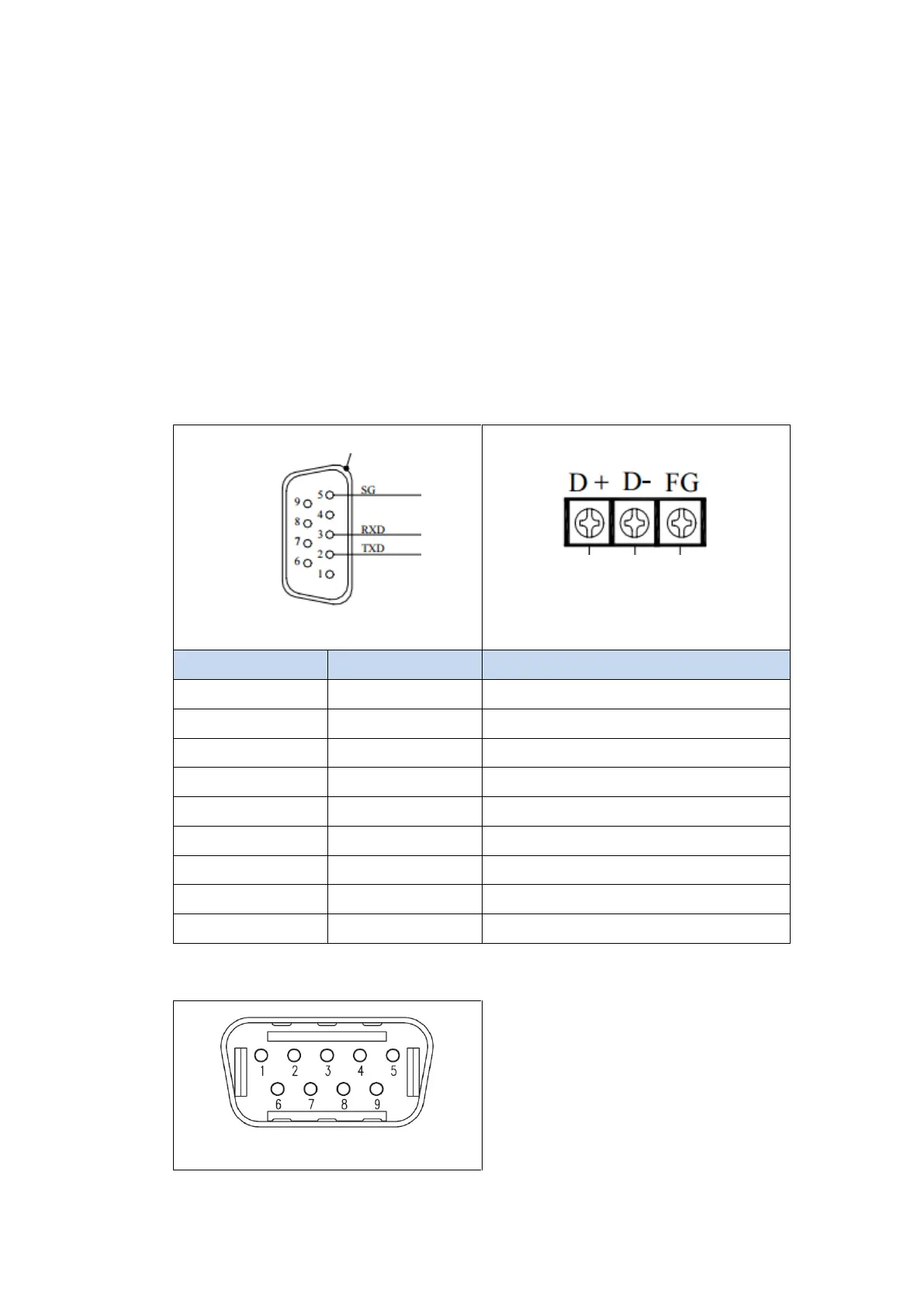
2.1.2.4 Wiring Diagrams
Note: The connections were made between the HMI and the FB-DTBR-E module. The
module provides ports for each connection type.
PLC RS232 Pinout
*Looking into port0
HMI COM1 Pinout



 To Next Page