144
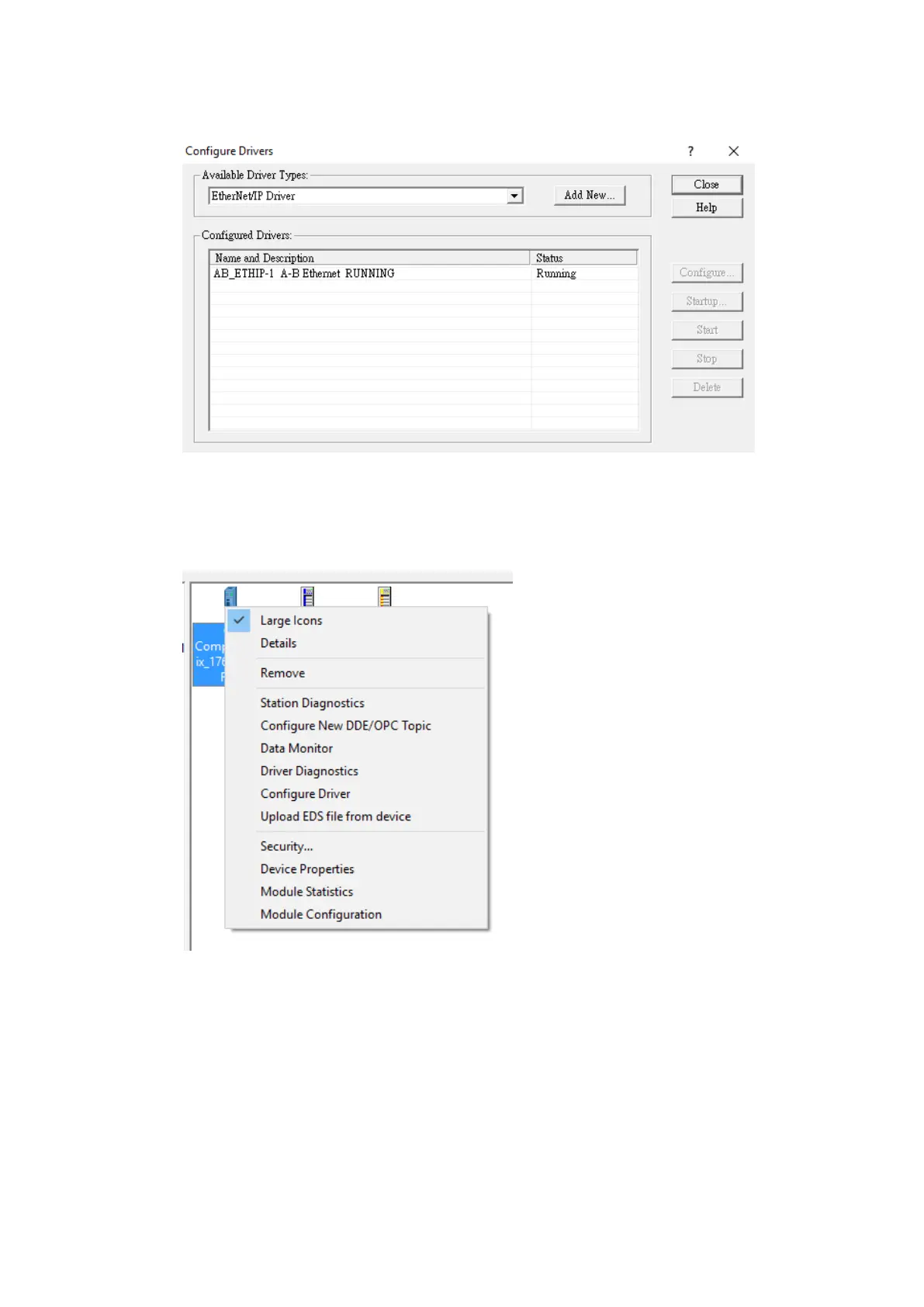
Driver and close out of the dialog window.
Under the new Ethernet driver, the PLC connected to the local network should be
visible.
Right click the main module of the PLC and select Module Configuration.
Navigate to the Port Configuration tab. Here, the IP address and other parameters can
be set. Press OK to confirm the settings.



 To Next Page