148
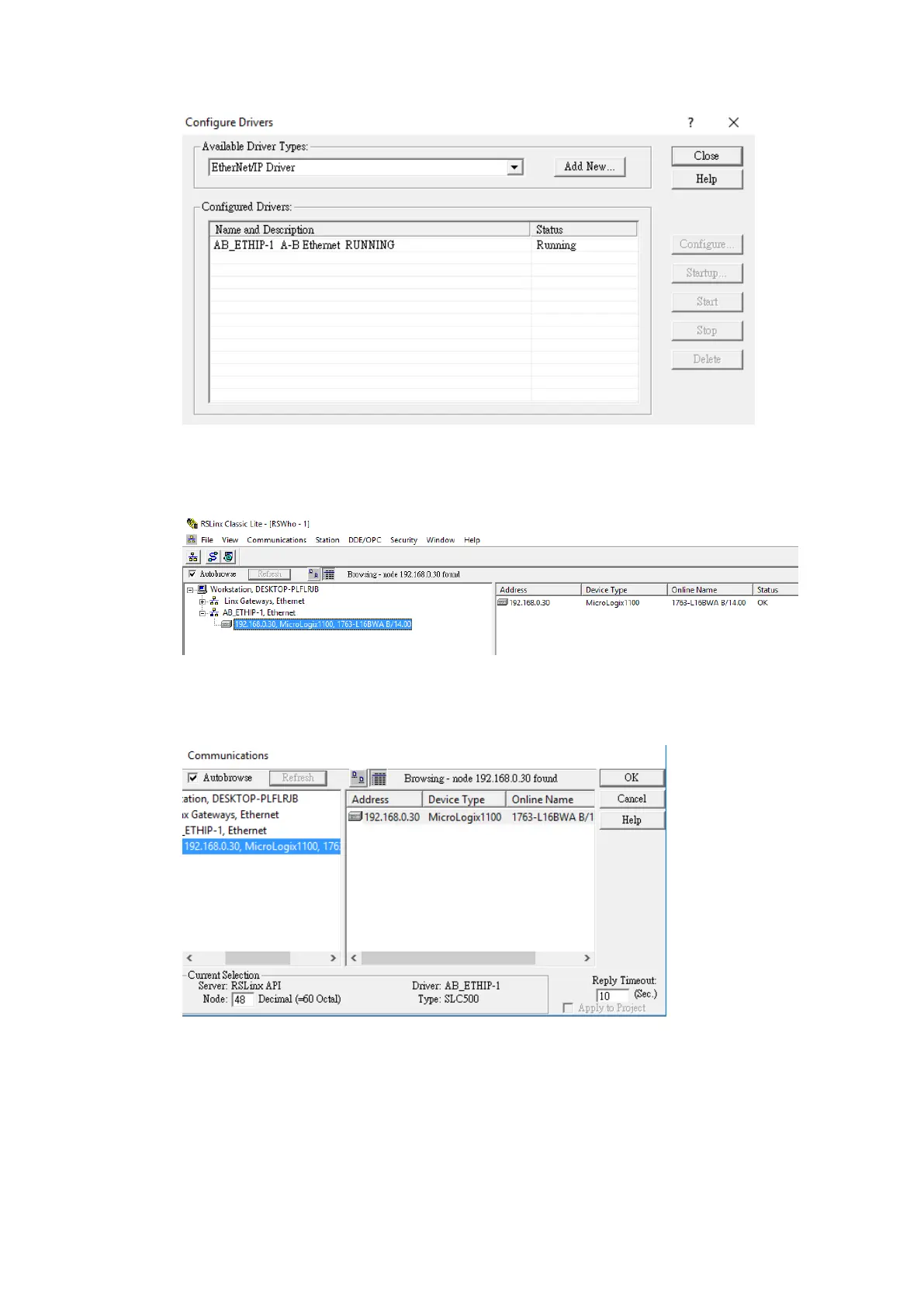
Under the new Ethernet driver, the PLC connected to the local network should be
visible. If the status of the device is OK, open up RSLogix 500.
In RSLogix 500, under the Comms menu option, select Who Active go Online. In the
dialog window that appears, select the PLC device connected through RSLinx.
Press Create New File in the dialog window that appears after pressing OK.
On the left side of the program, double click Channel Configuration to access the PLC’s
Ethernet settings. Under the Channel 1 tab, the IP address can be changed.



 To Next Page