189
Timer/Counter set
value area
Timer/Counter
elapsed value area
2.10.2.3 Connecting to HMI
Configuring IP Address on PLC
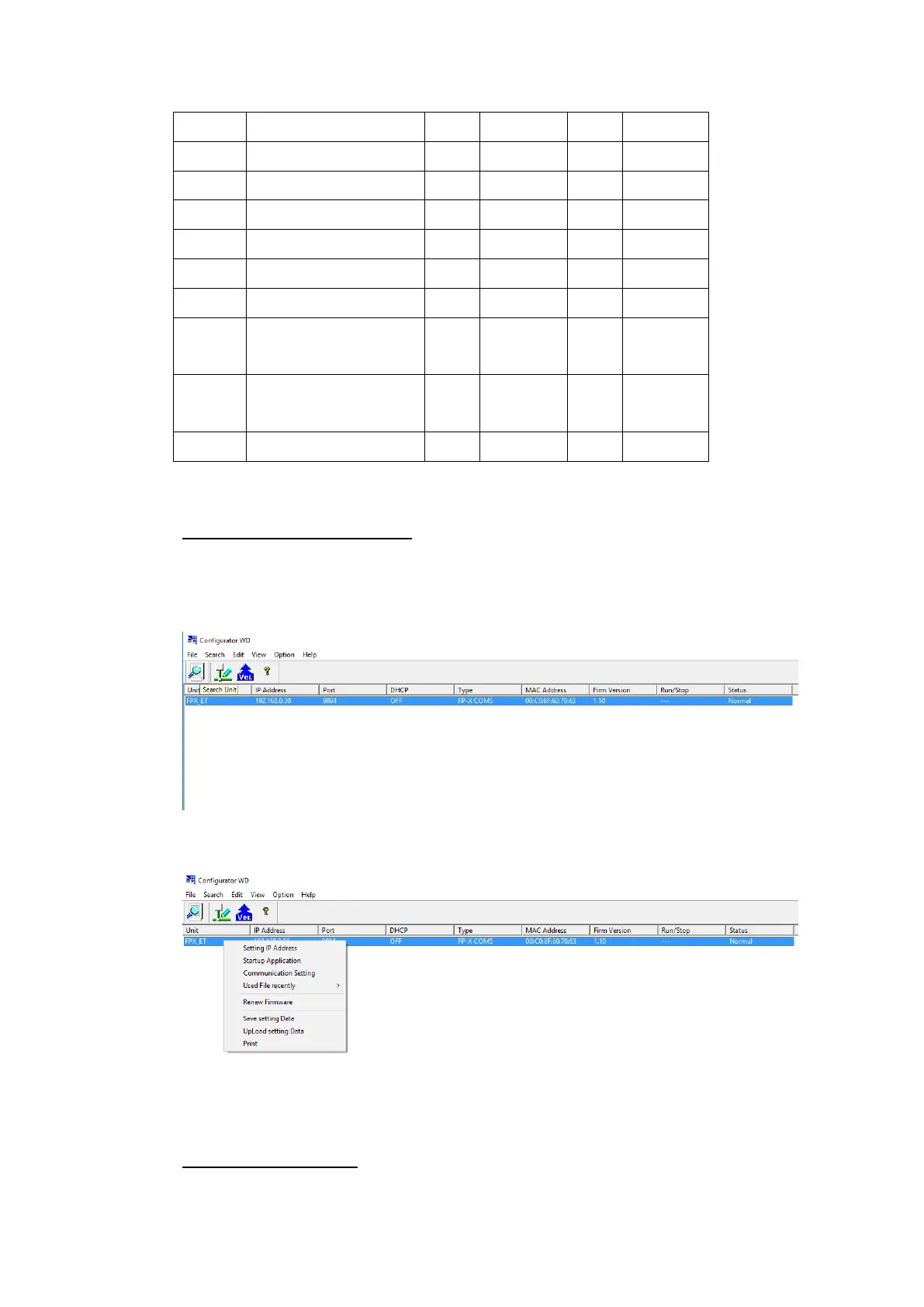
Use the application Configurator WD to view/change the IP address on the PLC.
Press the Search Unit to search for the PLC on the local network. Right click the PLC
and press Setting IP Address to change the IP address if needed.
Right click the PLC and press Communication Setting to change the port if necessary.
Note: For more detailed information please refer to the PLC manual.
Connecting PLC to HMI



 To Next Page