EasyManua.ls Logo

FATEK P5070S - Page 49

FATEK P5070S
224 pages
Print Icon
To Next Page IconTo Next Page
To Previous Page IconTo Previous Page
Loading...
49
Device
Description
Data bit
Min.
Max.
X
Input Discrete
1
0
377
Y
Output Relay
1
0
377
M
Internal Relay
1
0
7679
SM
Special Relay
1
8000
8511
S
Step Relay
1
0
4095
TS
Timer Discrete
1
0
511
CS
Counter Discrete
1
0
199
WX
Input Discrete
16
0
360
WY
Output Relay
16
0
360
WM
Internal Relay
16
0
7664
WS
Step Relay
16
0
4080
TN
Timer Memory
16
0
511
CN
Counter Memory
16
0
199
D
Data Register
16
0
7999
SD
Special Data Register
16
8000
8511
R
Extended Register
16
0
32767
DCN
Counter Memory
32
200
255
2.2.5.3 Connecting to HMI
Configuring IP Address on PLC
Use MELSOFT GX Works2 to configure the IP address of the PLC.
Under the Online menu option, select Read from PLC
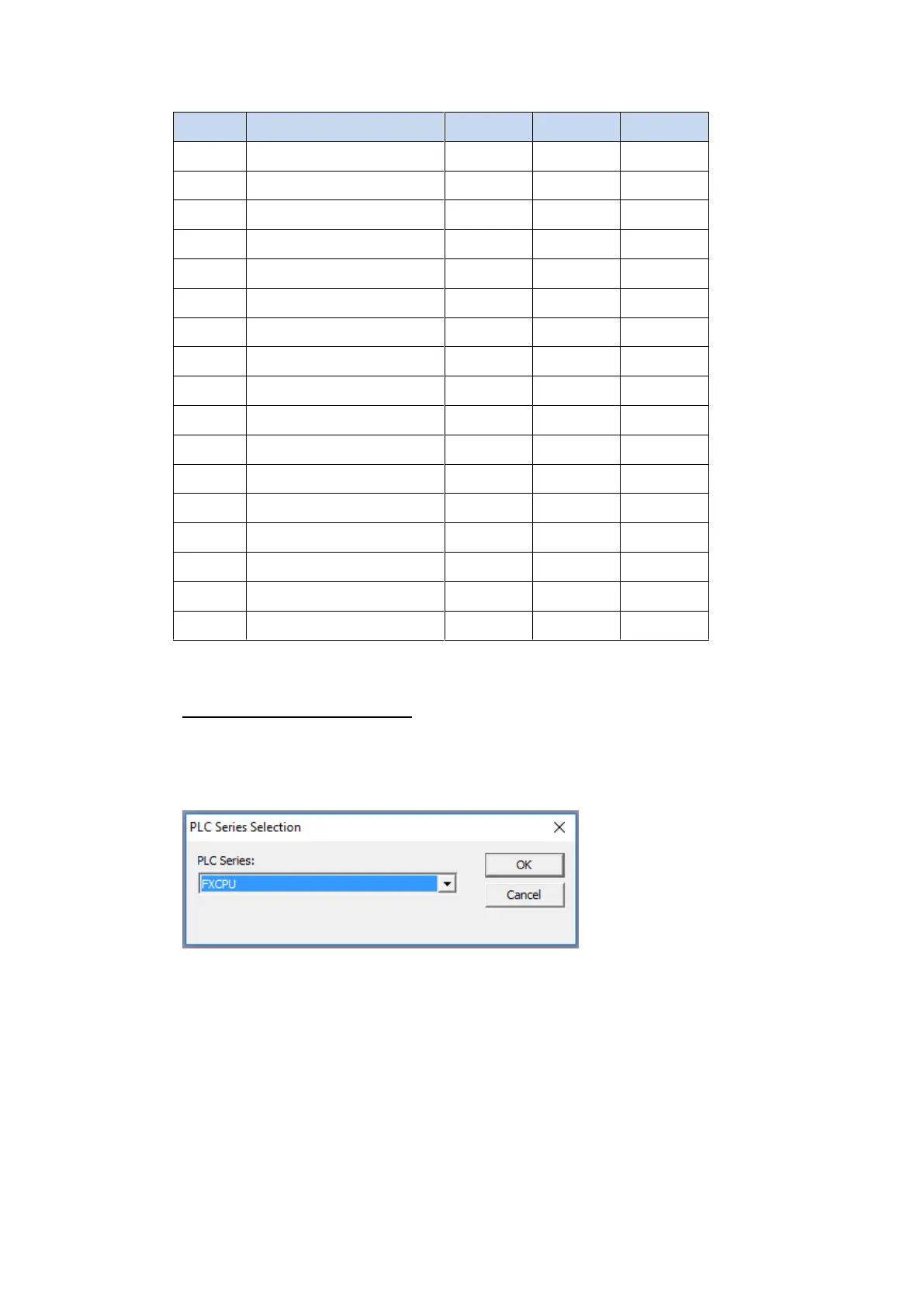
Select the FXCPU PLC series.
Select Serial USB in the Transfer Setup Communication window.


Related product manuals