84
*1
Address increased by 0, 20, 40, 60…
2.2.10.3 Connecting to HMI
Configuring IP Address on PLC
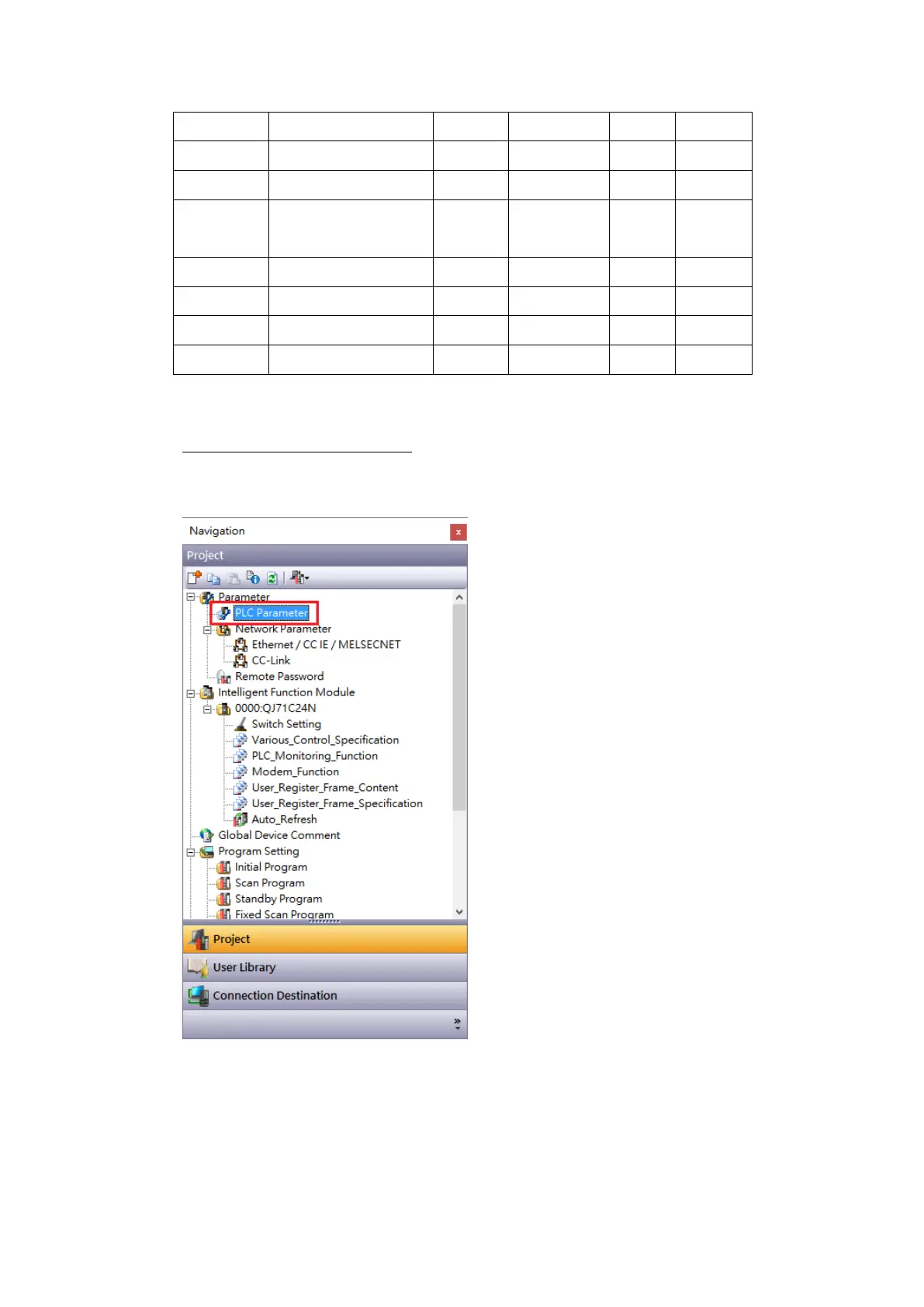
Use MELSOFT GX Works2 to configure the port of the PLC.
In the Project sidebar, expand Parameter and expand PLC Parameter.
Navigate to Built-in Ethernet Port Setting tab, the IP address and other parameters can
be set.



 To Next Page