FM5000C - FM5000PLUS
Maternal/Fetal Monitor
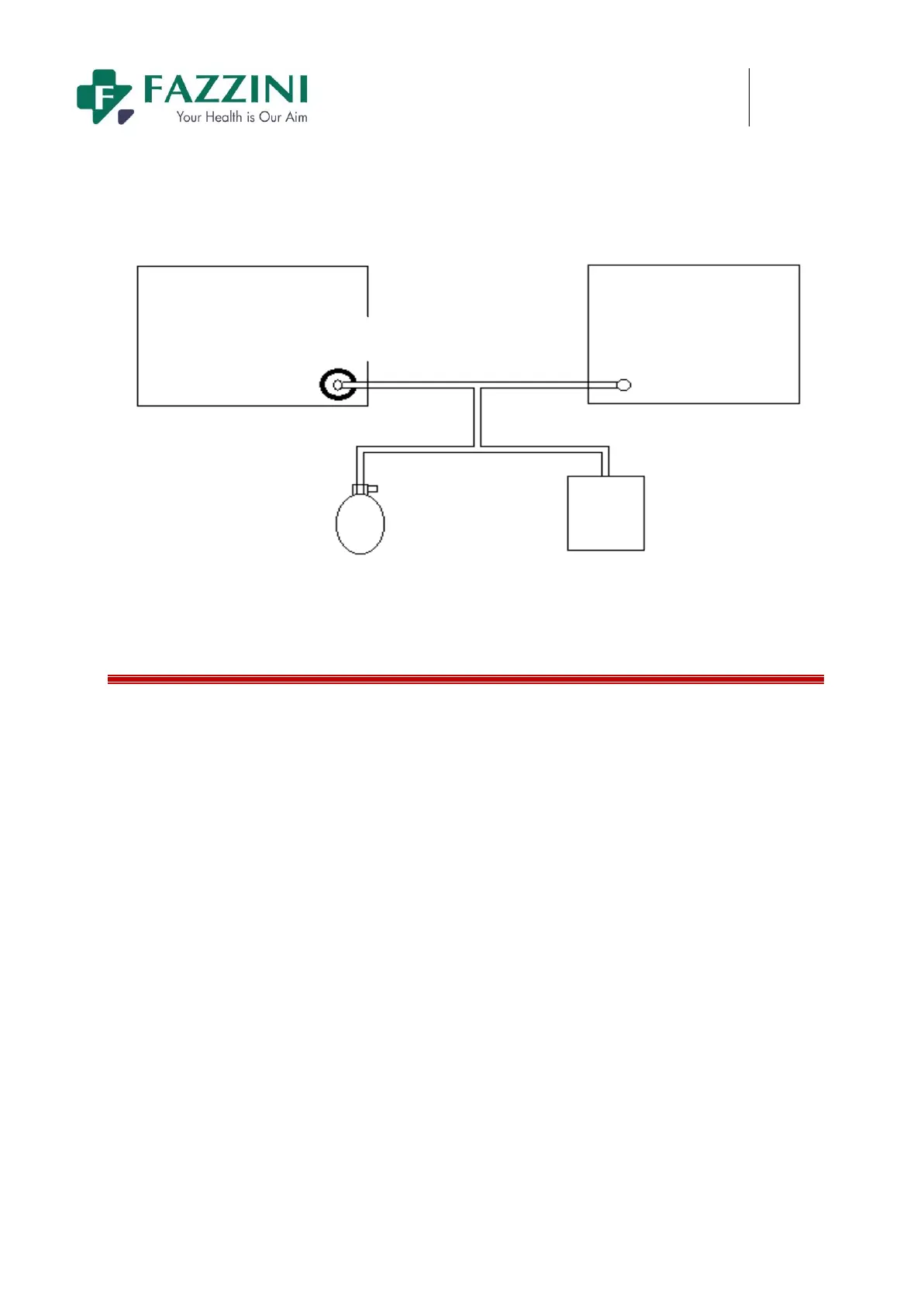
containers with ball type air pump to pressure of 0,50 and 200 mmHg respectively. The difference of
pressure value between standard pressure gauge and monitor should be within the 3mmHg. Otherwise,
please contact the Our company maintenance engineer.
Patient
Monitoring
NIBP
Gas pipe
Standard pressure
meter
Round pump Metal vessel
13.6 Touch Screen Calibration
Touch screen calibration should be conducted at least once a year or when the touch screen is insensitive or
after changing the touch screen. Calibration methods are as follows:
1. Enter [MAIN MENU].
2. Press [MAINTENANCE] and enter the password.
3. Press [SCREEN ADJUST].
4. Press the five symbols one by one following the indication on the screen
5. After calibration, the system will return to main screen automatically.


 To Next Page