FM5000C - FM5000PLUS
Maternal/Fetal Monitor
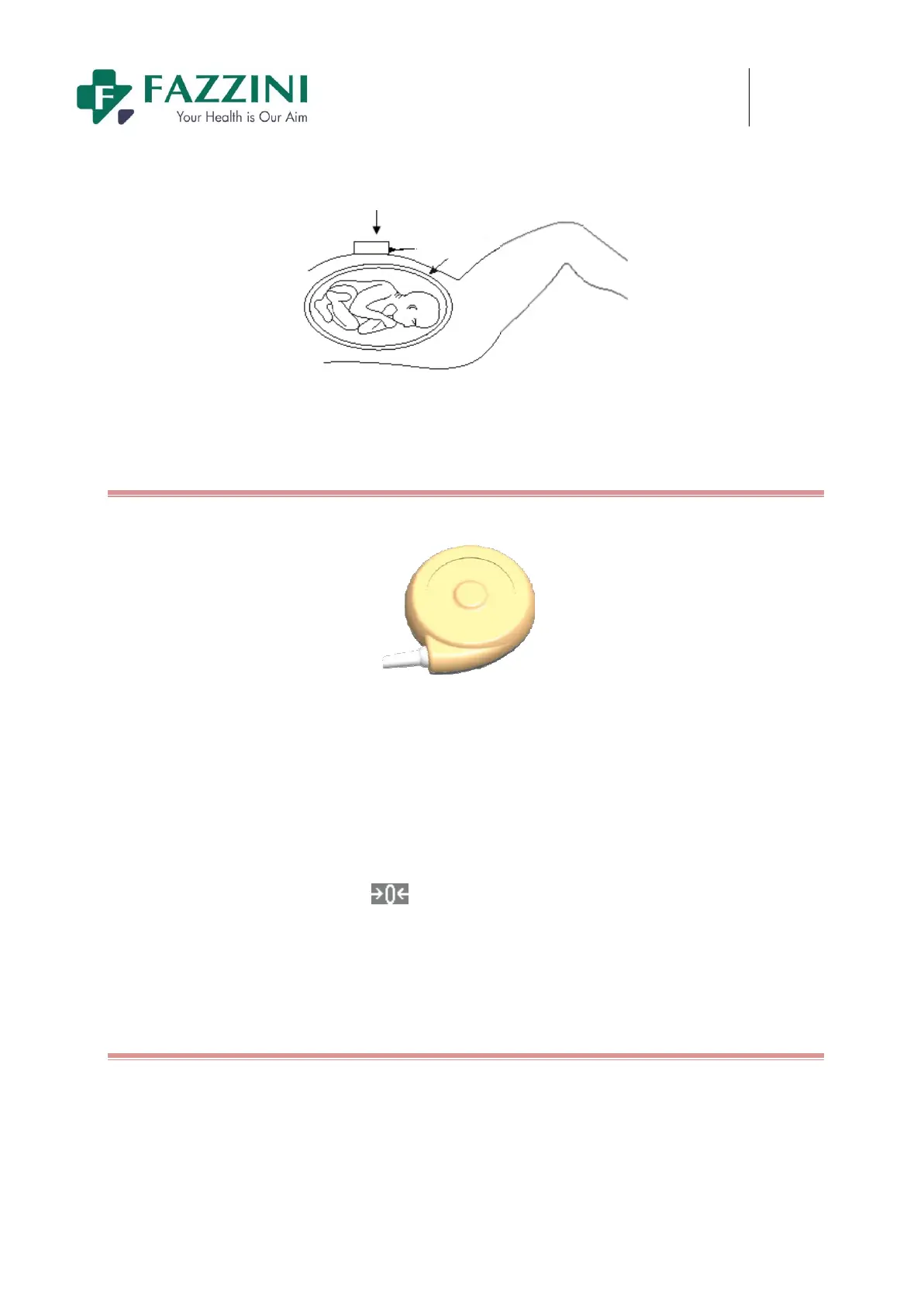
TOCO Transducer
Uterus
Figure14-5 TOCO
Measuring
10.2.1
Connect the TOCO Transducer
Figure14-6 TOCO Transducer
(1) Make the belt pass through the back of the TOCO transducer, place the TOCO transducer at the bottom
of the patient’s uterus, and then tie the belt to the proper position with proper tension.
(2) Perform TOCO zeroing with one of the following three methods:
Enter [TOCO SETUP] menu and select [TOCO BASE];
Or click the [TOCO BASE] on-screen key;
Or press the TOCO zero key
on the front panel.
(3) When the TOCO transducer is placed on the pregnant woman, please observe the TOCO value on the
screen.
14.3.1
Setting the TOCO Zero Value
If you set [TOCO Base] to 0, the minimum TOCO value will be 0 after zeroing. This operation will also zero
the trace on the screen.
1. Select the TOCO waveform area or parameter area and the [TOCO SETUP] menu will be displayed;
2. Select [TOCO Base] and select the TOCO zero value from 0, 5, 10, 15 and 20.


 To Next Page