3. Diagnosis
3−11
Festo P.BE−CPX−FB13−EN en 0811c
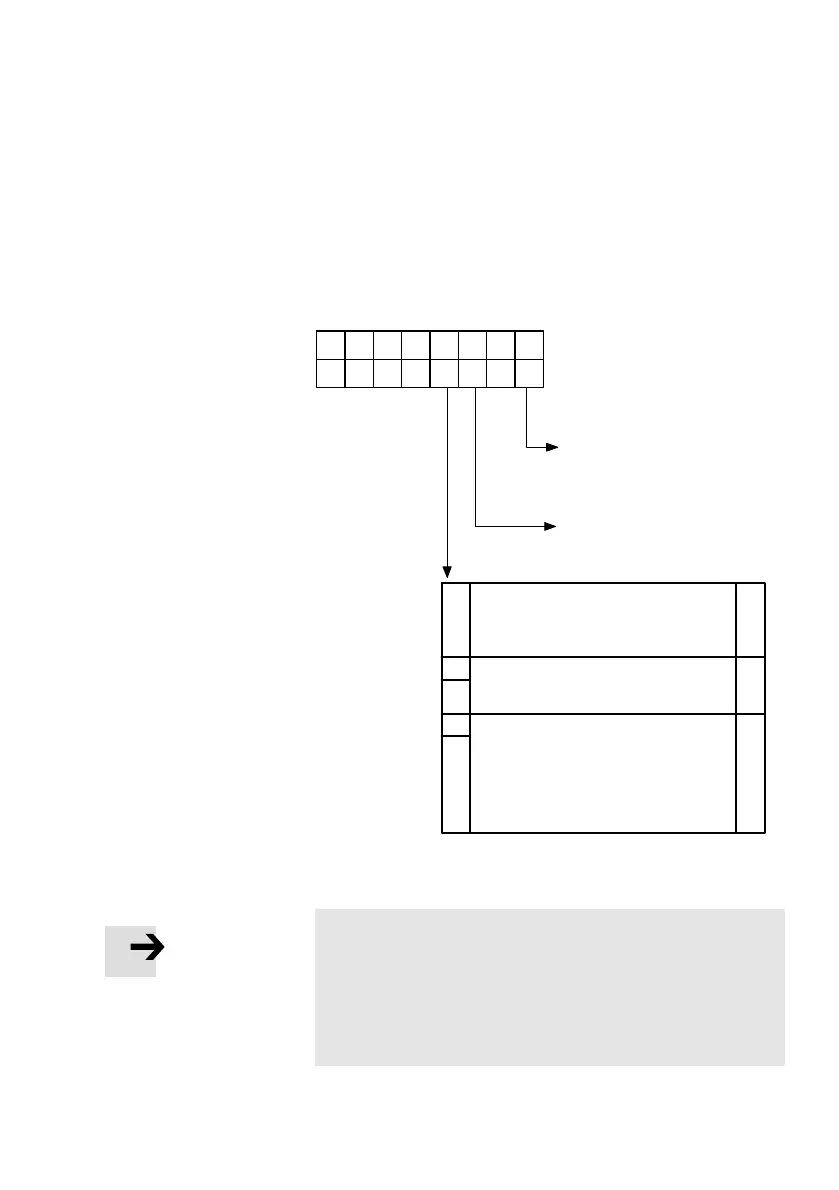
3.5.1 Diagnosis steps
The following diagram shows the necessary steps which are
useful for diagnosing the CPX terminal.
23
12304567
1
Bit
Station status 1
1. Step
(evaluation of bits 0 and 2):
CPX terminal without voltage,
bus plug is not inserted,...
1
Projected configuration of the
CPX terminal is not the same
as the actual configuration.
Step 2:
Evaluation of
the diagnostic
bytes
1
Device−related diagnosis
(see Tab.3/8)
Module−related diagnosis
(see Tab.3/9)
Channel−related diagnosis
(max. 11 messages)
(see Tab.3/10)
7 bytesvariable
16 bytes
7
30
Fig.3/3:Diagnosis steps
Note
The diagnostic information is sent to the master system
only if the device−related diagnosis has been activated with
the DIL switch.
In order to d
o this, set switch element 8 of the 8−element
DIL switch to ON".



 To Next Page