2. Commissioning
2−39
Festo P.BE−CPX−FB13−EN en 0811c
2.1.6 Identification and Maintainance
The I&M function (Identification and Maintenance) serves as
an electronic nameplate of the CPX−FB13 and offers uniform,
manufacturer−independent access to device−specific online
information via the internet.
Note
At least a CPX−FB13 with Rev24" update is necessary to
use the Identification and Maintenance function. If a field
bus node with an earlier version is used, the following fault
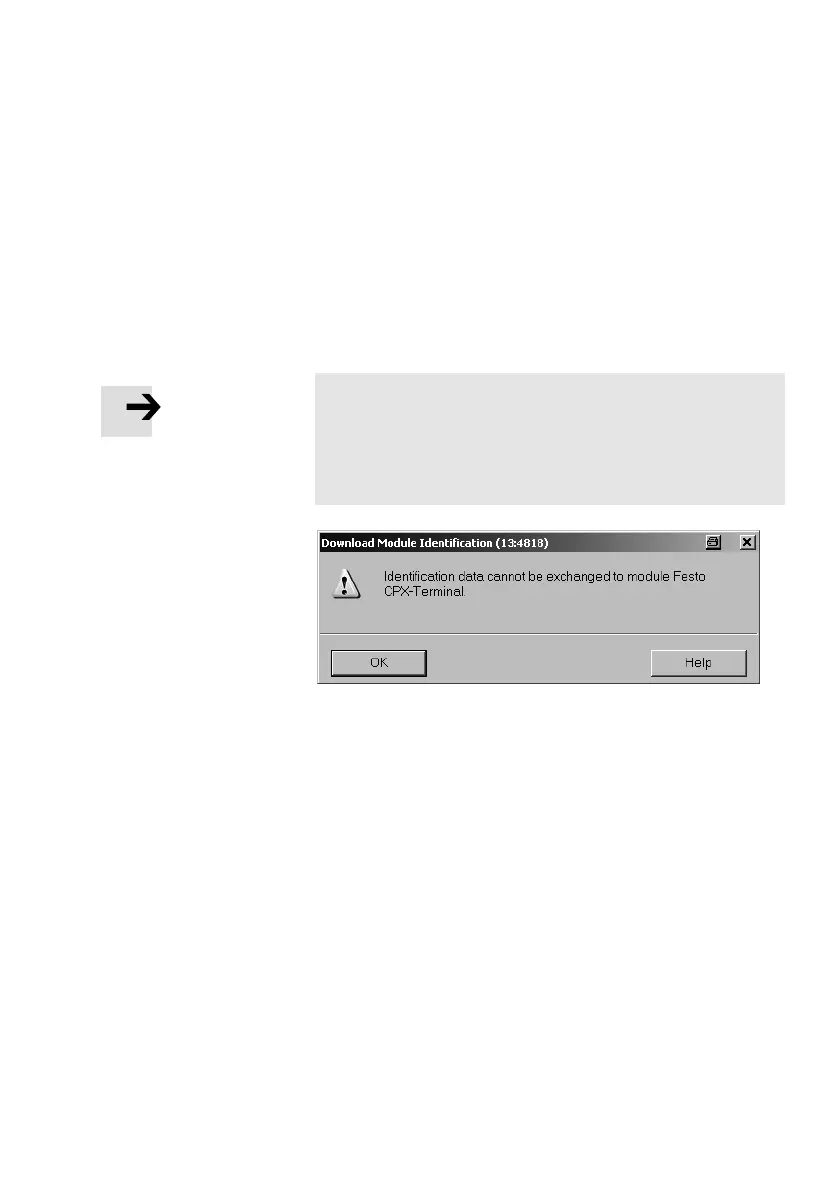
message is displayed.
Fig.2/13: Fault message with field bus nodes with versions
earlier than Rev 24
Load identification properties in the field bus nodes
1. Click on [Download Module Identification...] in the [PLC]
menu (Target system Load module identification)
The window Download Module Identification" is
displayed.
2. Enter your identification properties in the fields under
Offline" (examples, see Fig.2/14).
3. Activate the checks under Include" (Consider) only
where you wish to load data into the field bus node.
Deactivate checks where the ONLINE" filed already con
tains correct data; otherwise, they will be overwritten!
4. Confirm with OK.



 To Next Page