2. Commissioning
2−23
Festo P.BE−CPX−FB13−EN en 0811c
Preparations
Creating automation project
1. Start the Siemens SIMATIC controller: Start > Programs >
SIMATIC > SIMATIC Manager.
(The program path of your SIMATIC controller can be
different from the example shown here).
Note
These instructions refer to the English language version of
the Siemens SIMATIC controller and the STEP7 configur
ation and programming software.
Other language versions usually use other designations for
the program and function calls and menu items mentioned
here.
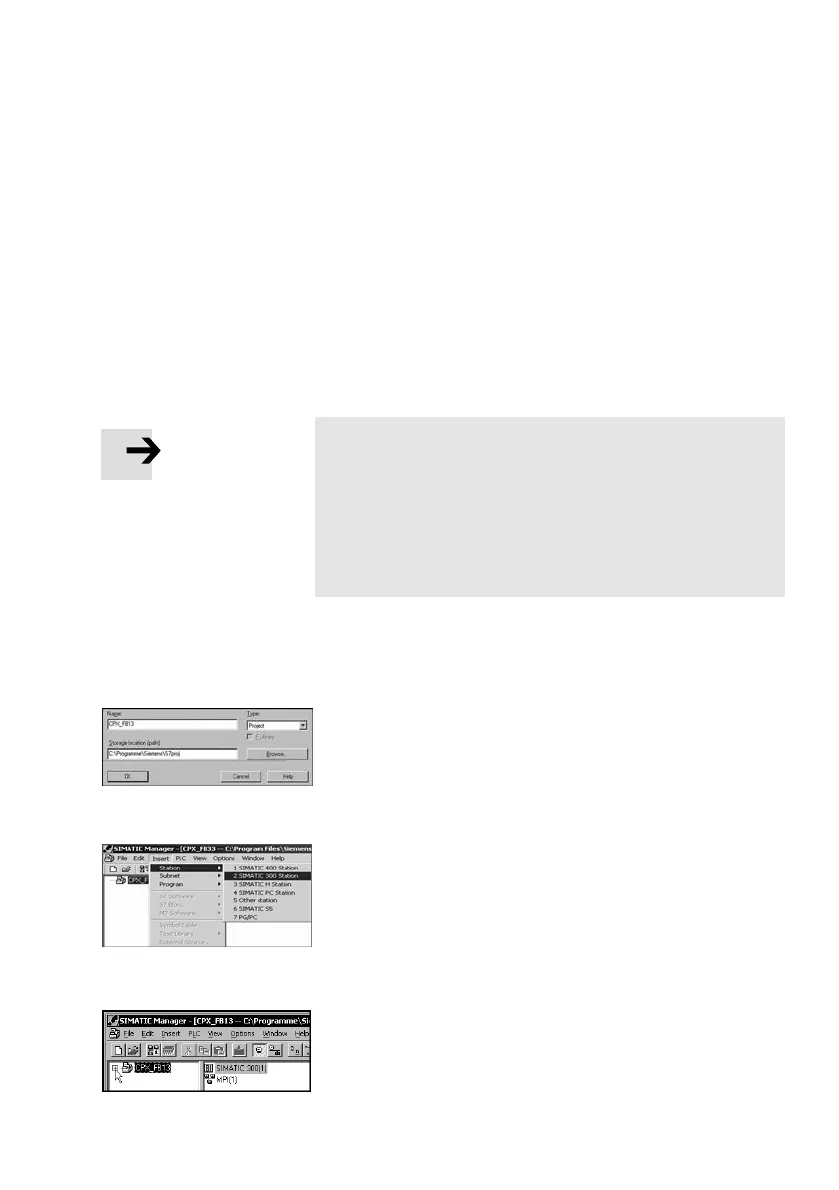
2. Create a new project in the SIMATIC Manager:
[File] [New] [New...]
3. Enter a project name (e.g. CPX_F B13) and confirm the
input with OK.
4. Select the controller used (PLC/Master):
[Insert] [Station] ... (e.g. SIMATIC 300 Station).
5. Open the project by clicking on the plus symbol (on the
left next to the project symbol and the project name).



 To Next Page