A0U571B - KelNet Lock - User Guide 5. SECURE UNIT CONFIGURATION
29
5.4 Schedules configuration
This week definition is used for days not in the extended
period.
• Select a day.
• Select a schedule.
• Set the start time and the running mode.
During an extended period, the extended week schedule is
applied.
• Select one of the five available periods.
• Set the start and the end date.
This week definition is used for days in the extended period.
• Select a day.
• Select a schedule.
• Set the start time and the running mode.
The 8 schedules have the same parameters.
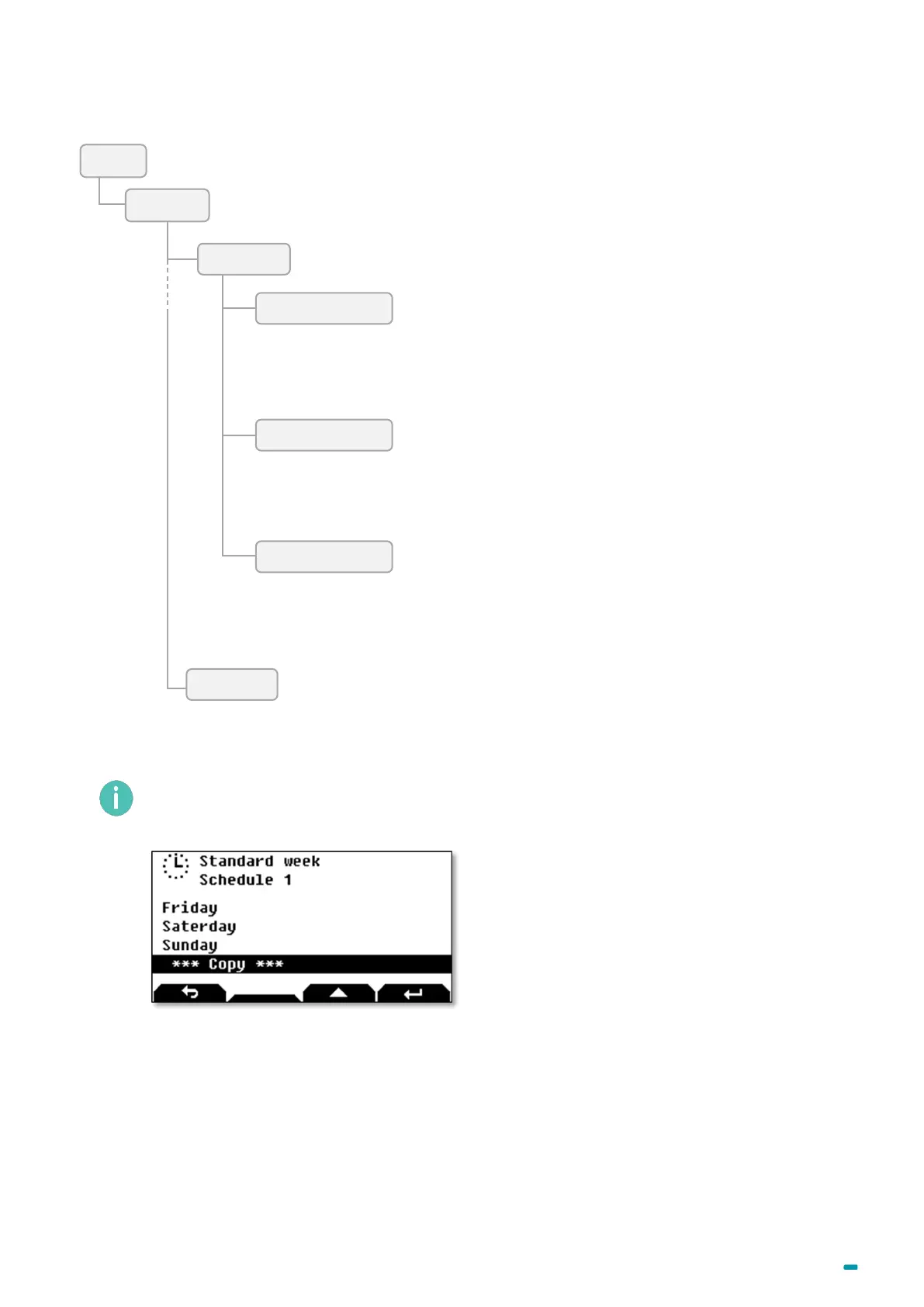
The configuration of a day can be copied to another one with the Copy
function at the bottom of the
day list:



 To Next Page