A0U571B - KelNet Lock - User Guide 5. SECURE UNIT CONFIGURATION
37
5.9 System configuration
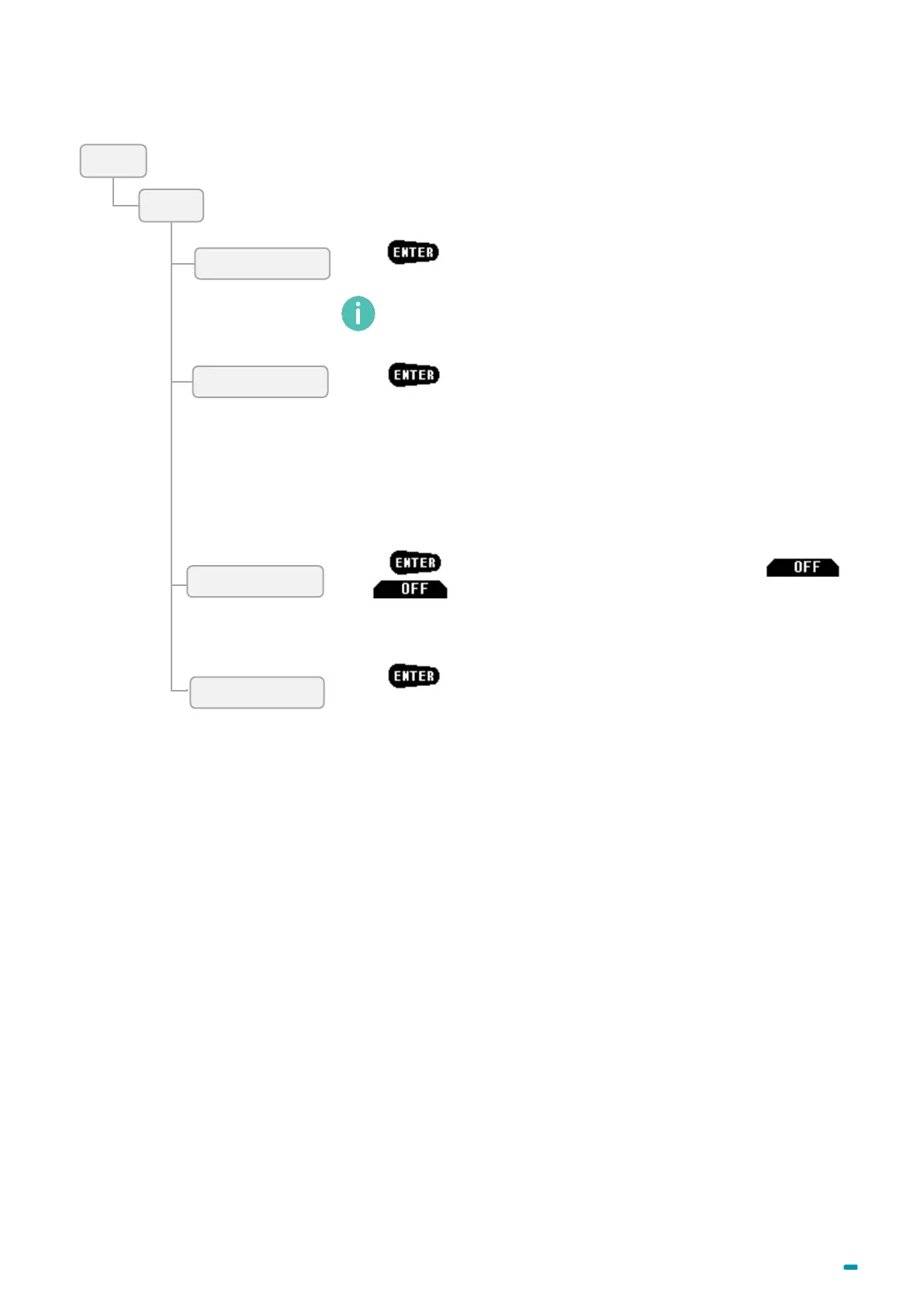
Press
and modify the date and time in a limit of more or less 75
minutes per year.
Press and enable or disable the parallel mode with
and .
One user can only open locks one by one. If two locks are installed on
the same door, 2 different users are necessary.
Press and choose one of below modes:
• None: no interlocking.
• Rule 1: if an opening procedure is in progress, it is not possible to
open another lock or even start another delay.
• Rule 2 = "delay one time":
The first opening is done with the normal delay.
During the delay or the opening, it is not possible to open another
safe.
When the lock is locked, within 2 minutes, it is possible to re-open it
or another SU without delay.
A user with administrator rights does not have this limit.
Press and select the automatic daylight-saving time:
Off: Disable
1: Last Sunday of March and last Sunday of October
2: Second Sunday of March and first Sunday of November
3: Second Sunday of March and last Sunday of October
4: First Sunday of April and first Sunday of October
5: Third Sunday of February and third Sunday of October



 To Next Page