KelNet Lock - User Guide A0U571B
38
5.10 Maintenance
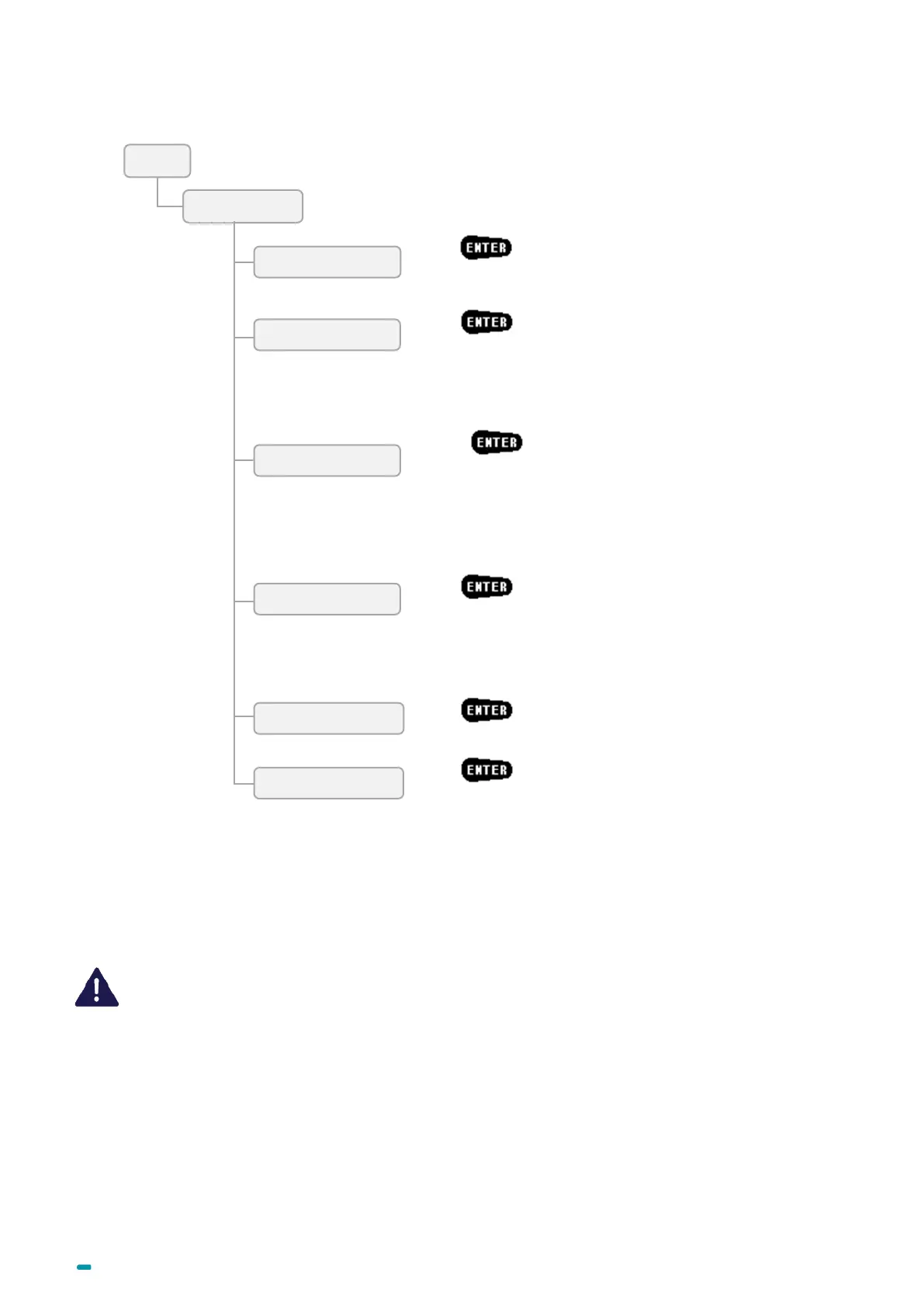
Press to authorize data transfer from PC to SU
or IP) during 1 hour.
Press and choose one of the following modes:
• None
• OTC standard
• OTC via IP
Press
and download or save configuration or
schedules.
Follow the instructions displayed and wait until the transfer is
complete.
See Chapter 6
CHANGING THE CONFIGURATION WITH A
USB KEY
Press , enter and confirm the 20-figure OTC key.
Press and chose one of the following modes:
• 2 eyes
• 4 eyes, lowest right
• 4 eyes, last user right
• OTC only
• USB memory key
Press and choose the link to secure:
• Secure the IU-SU link
• Securing by CT authorization
When using One Time Codes, the application software used for generating one time codes should
be installed in a secure environment.



 To Next Page