A0U571B - KelNet Lock - User Guide 7. FINGERPRINT
51
In “Code + fingerprint” mode, if the
user leaves the enrolling procedure, the procedure is started
automatically the first time the user carries out an opening procedure.
If there are several Input Units at the site, the fingerprint will need to be deleted from each Input Unit.
If the user does not have the right to change his PIN code, the manager (or super-manager) deletes the user
fingerprint:
7.7 Deleting all fingerprints
See section 4.2.
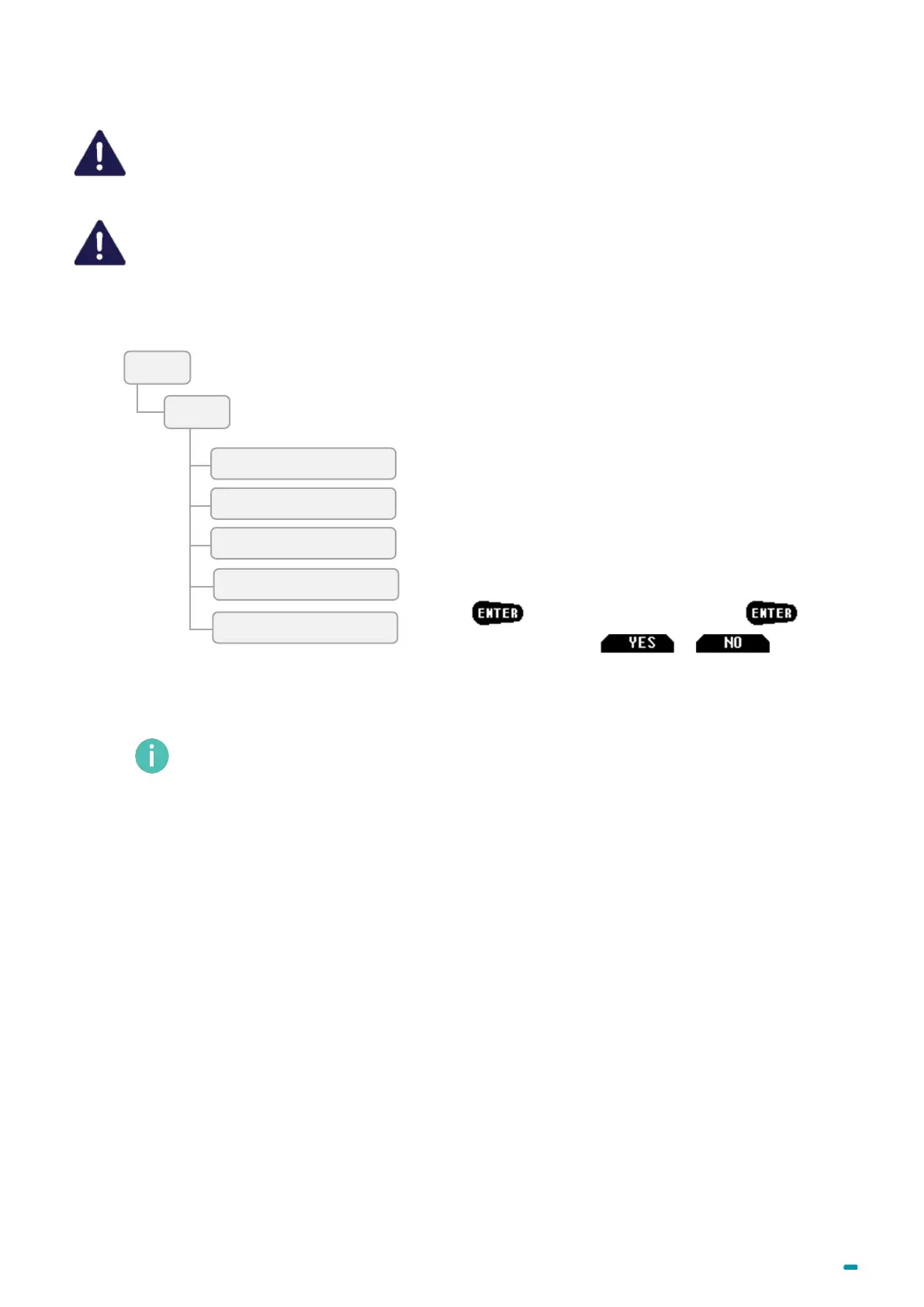
• Press , select Delete fingerprint with .
• Confirm the deletion with or to abort it.
The different parameters are available in accordance with the user's rights.



 To Next Page