KelNet Lock - User Guide A0U571B
22
4 INPUT UNIT CONFIGURATION
4.1 Basic Input Unit configuration
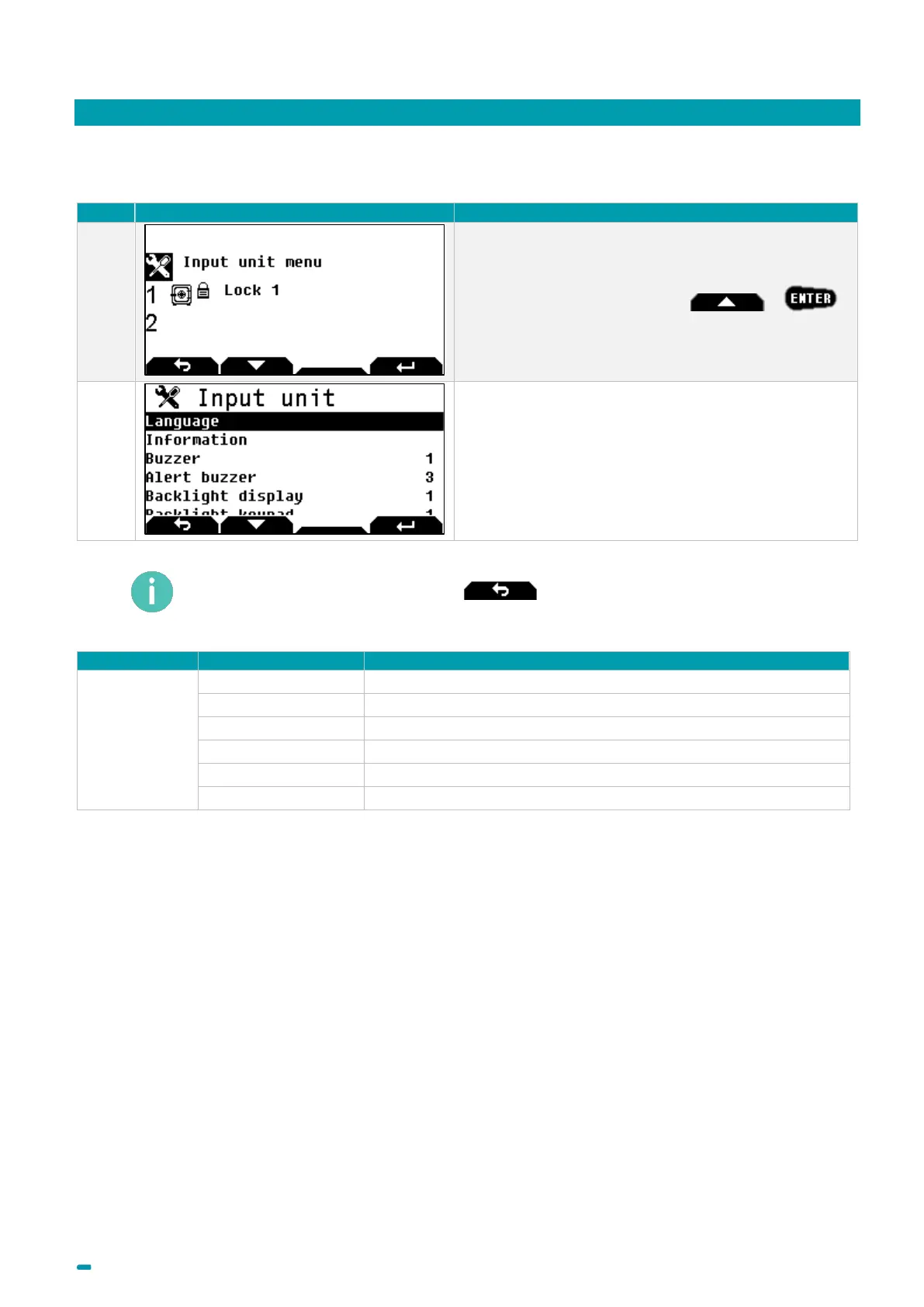
Select the Input Unit menu with +
Available configuration in the Input Unit menu.
To return to the previous screen, press .
Input Unit
To change the display language
To display input unit information
To manage the level of the buzzer when a key is hit.
To manage the level of the buzzer during an alert.
To select the backlight level for the screen.
To select the backlight level for the keyboard.



 To Next Page