A0U571B - KelNet Lock - User Guide 7. FINGERPRINT
45
7.3 Enrolling procedure
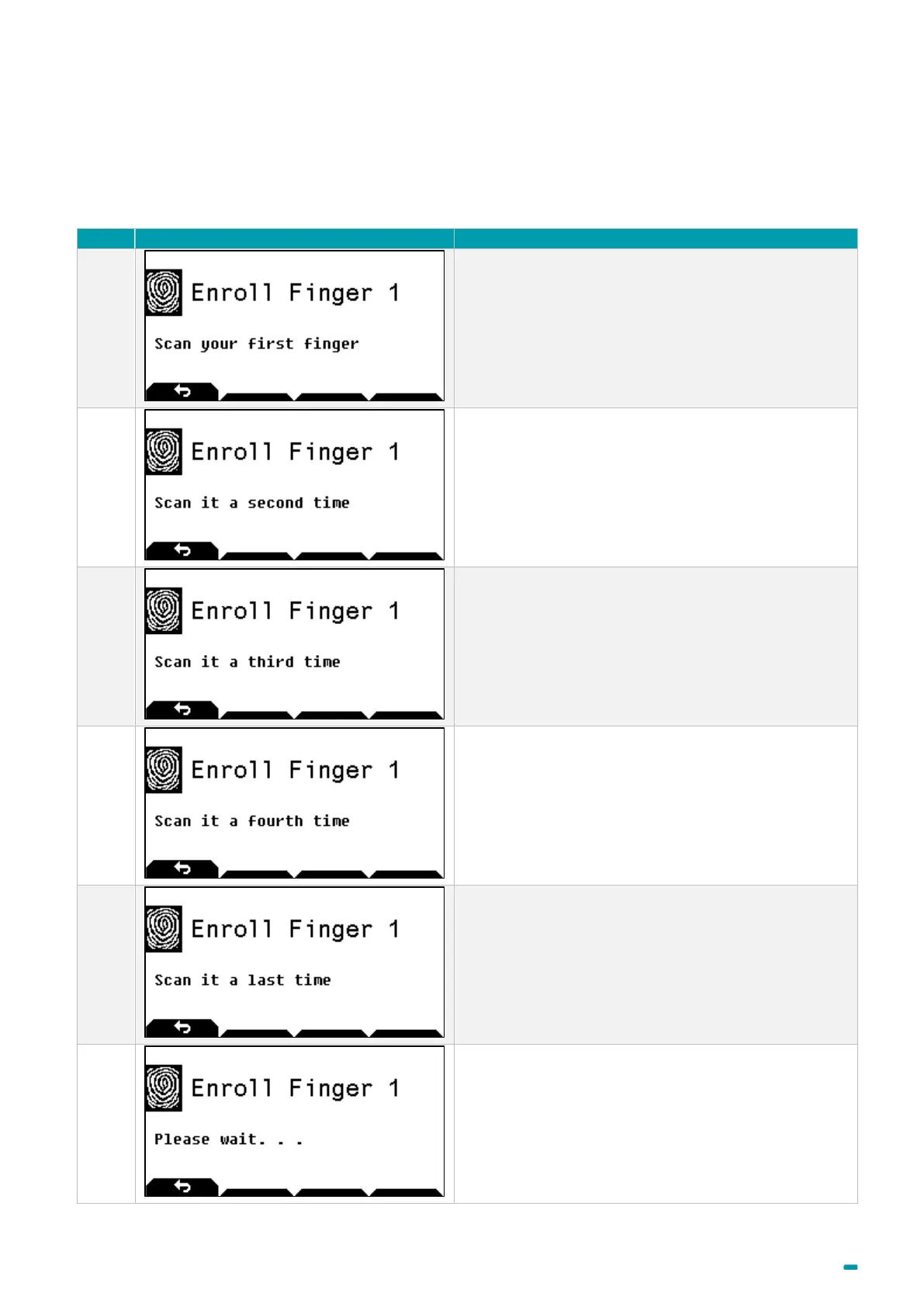
The fingerprint enrolling is done in two steps:
1. 5 successive readings of the same fingerprint to create an image.
2. Check the image created with a fingerprint check.
Scan your first finger for the first time
Scan your first finger for the second time
Scan your first finger for the third time
Scan your first finger for the fourth time
Scan your first finger for the last time
Wait while the fingerprint is created and saved.



 To Next Page