KelNet Lock - User Guide A0U571B
46
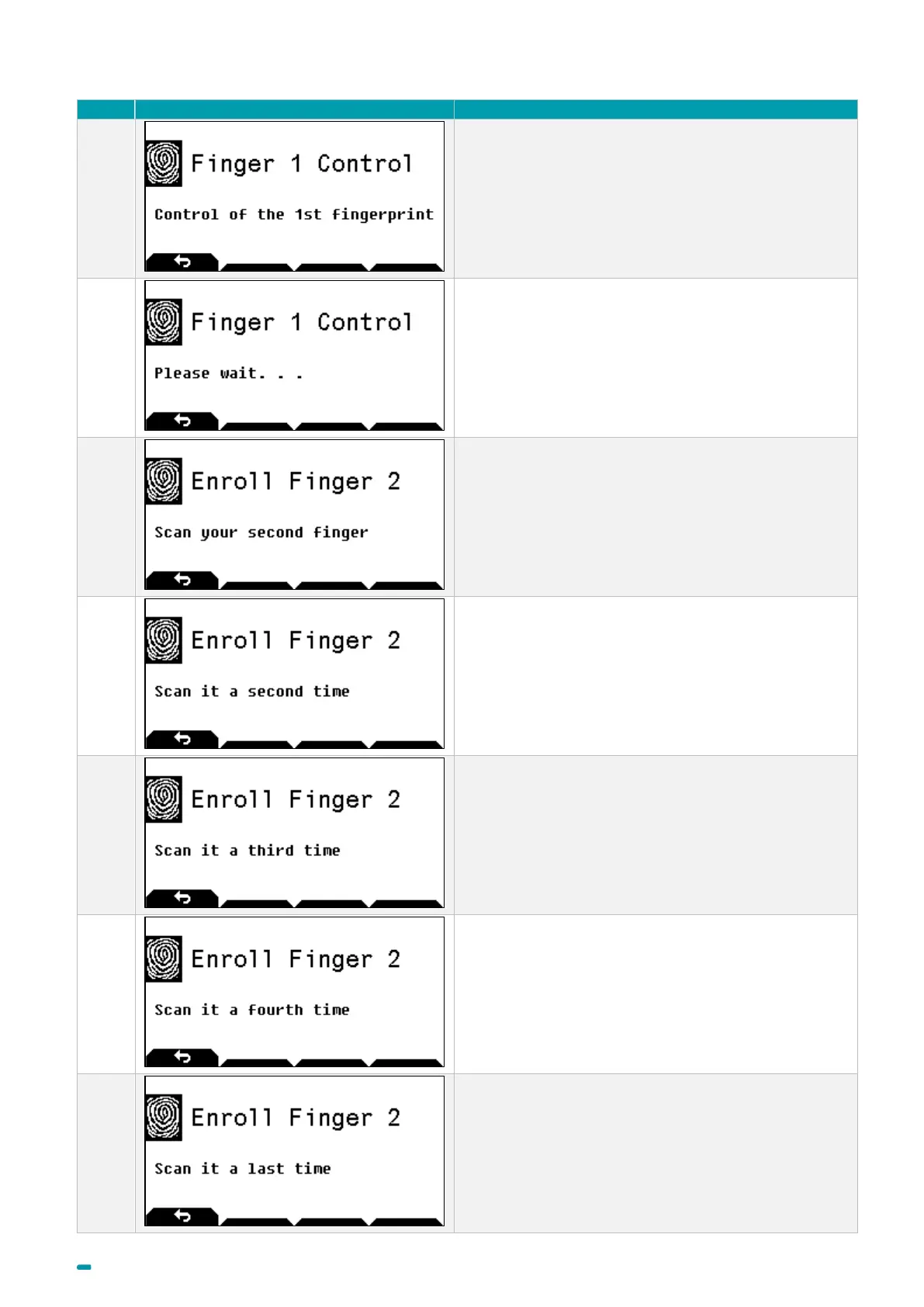
Scan your first finger to control the fingerprint creation.
Wait during verification.
Scan your second finger for the first time
Scan your second finger for the second time
Scan your second finger for the third time
Scan your second finger for the fourth time
Scan your second finger for the last time



 To Next Page