KelNet Lock - User Guide A0U571B
28
5.3 User's parameters configuration
User parameters are changed only for the Secure Unit selected before entering the menu.
Repeat the same operations to change the user parameters on the other Secure Units.
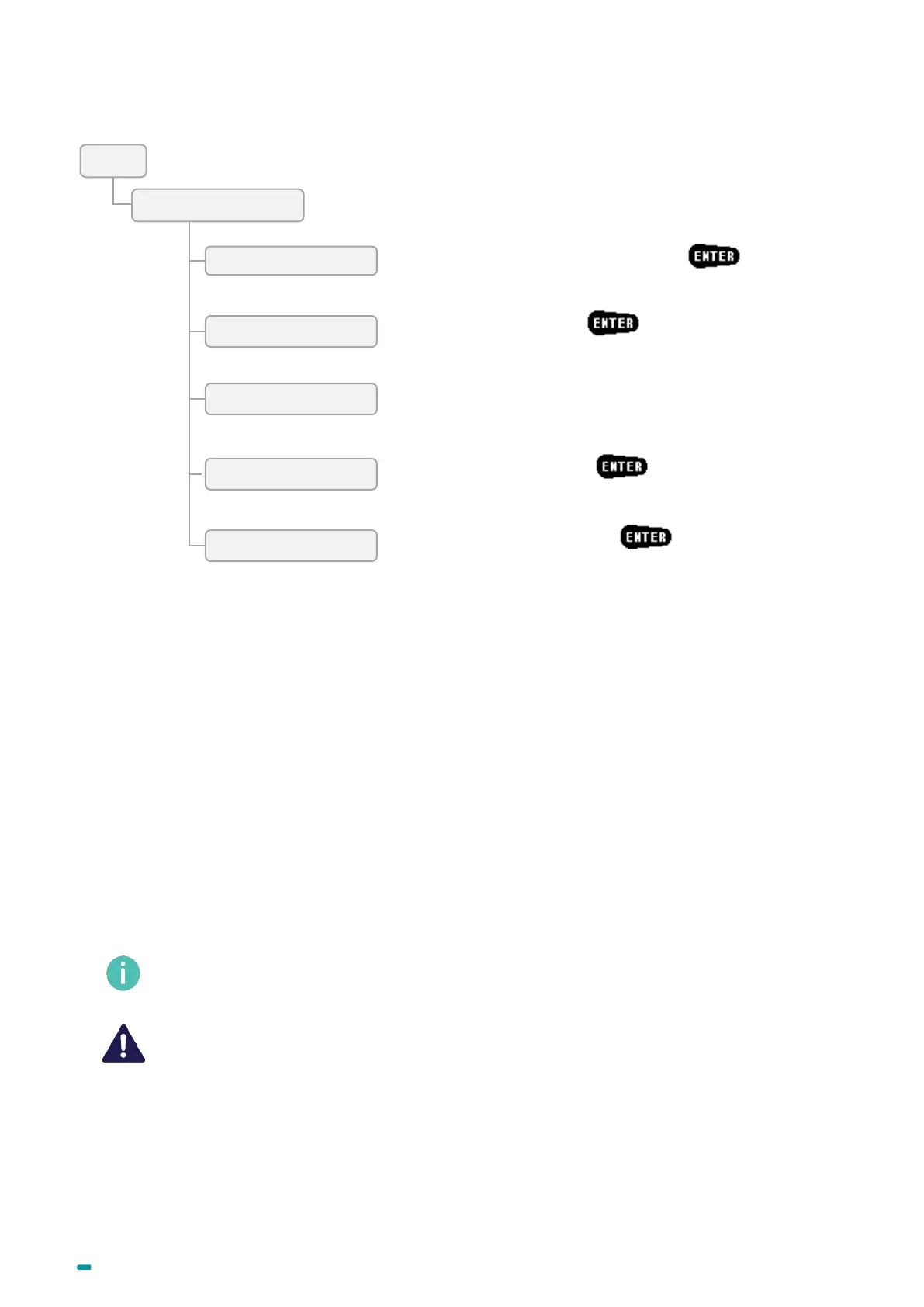
Enter the user's name with the keyboard + .
Parameters are available in accordance with the user's rights.
Enter the user's PIN code + .
To modify the user's fingerprint.
The fingerprint is deleted at the beginning of the procedure.
If the procedure is aborted, you will do it again.
Delete the user's fingerprint + .
Sub-user's parameters access + :
The screen displays the list of users on which you have rights.
Aviaible functions (depending on rights):
• User name: To change the user’s name
• Validation state (On/Off): To manually activate or deactivate
the right for the user to open the lock
• Anti-passback blocking (On/Off): To activate or deactivate
the anti-passback blocking
• Activation period: To activate or deactivate the right for the
user to open the lock
o Start
o End
• Change code: To change the user’s opening code
* Only for users with identification mode “PIN Code + Fingerprint”



 To Next Page