A0U571B - KelNet Lock - User Guide 2. PRODUCT DESCRIPTION
7
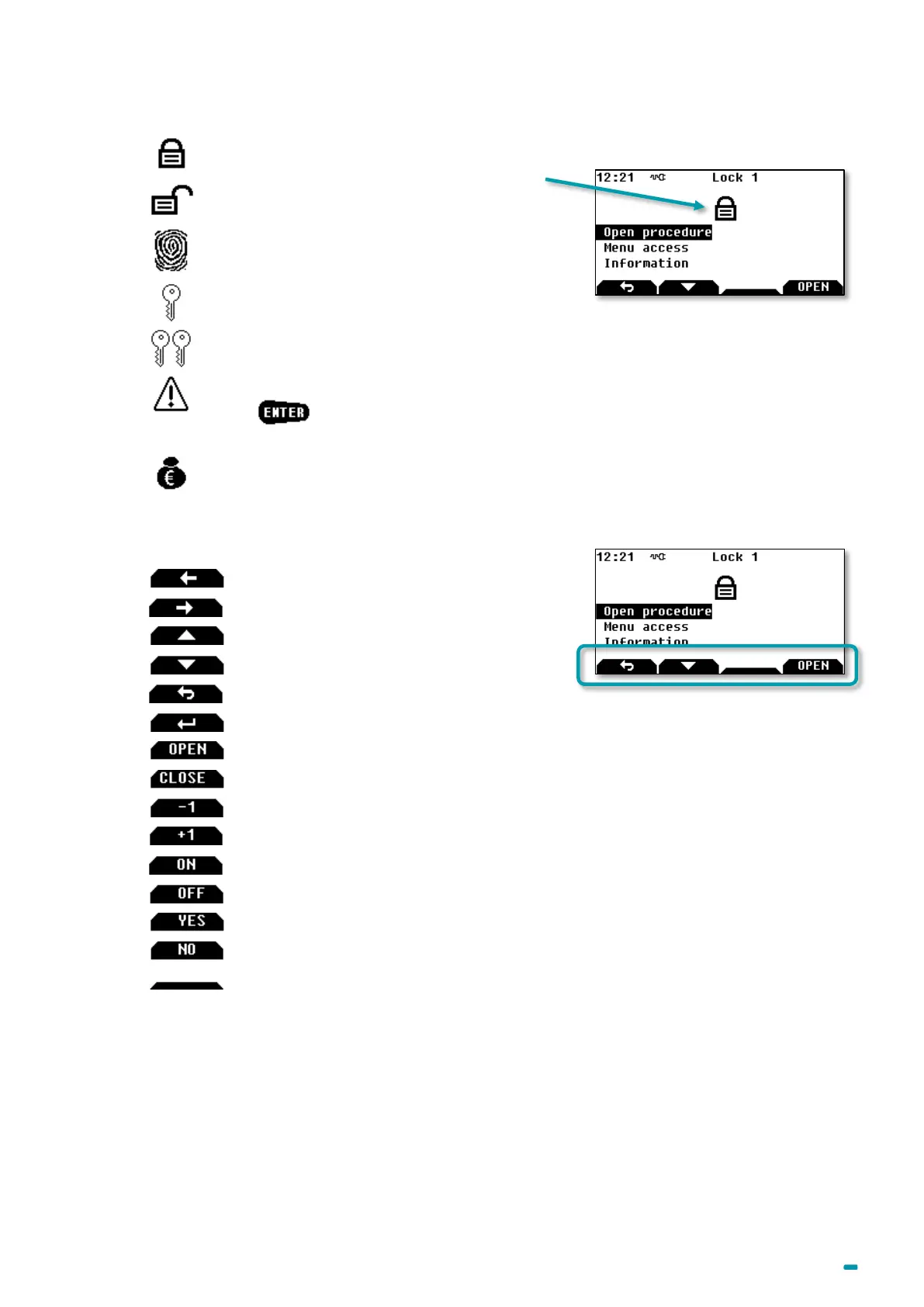
2.2.3 Menu icons
Locking Device closed
Fingerprint
Single access
4 eyes access
Caution – This icon is used to display system messages.
Press to continue the procedure in progress.
Indicates that the conveyors (or any user with CIT anti-passback procedure) have passed. The
icon is displayed until another code is used.
2.2.4 Contextual keys
Return to previous screen
Select or validate a modification
Launch the opening procedure (available in all languages)
Launch the closing procedure (available in all languages)
To validate an action (available in all languages)
To discard an action (available in all languages)
2.3 Sound
The lock is equipped with a buzzer:
• with adjustable intensity,
• and with a time and a frequency that can be set in the list of messages.



 To Next Page