A0U571B - KelNet Lock - User Guide 5. SECURE UNIT CONFIGURATION
31
5.6 Calendar configuration
•
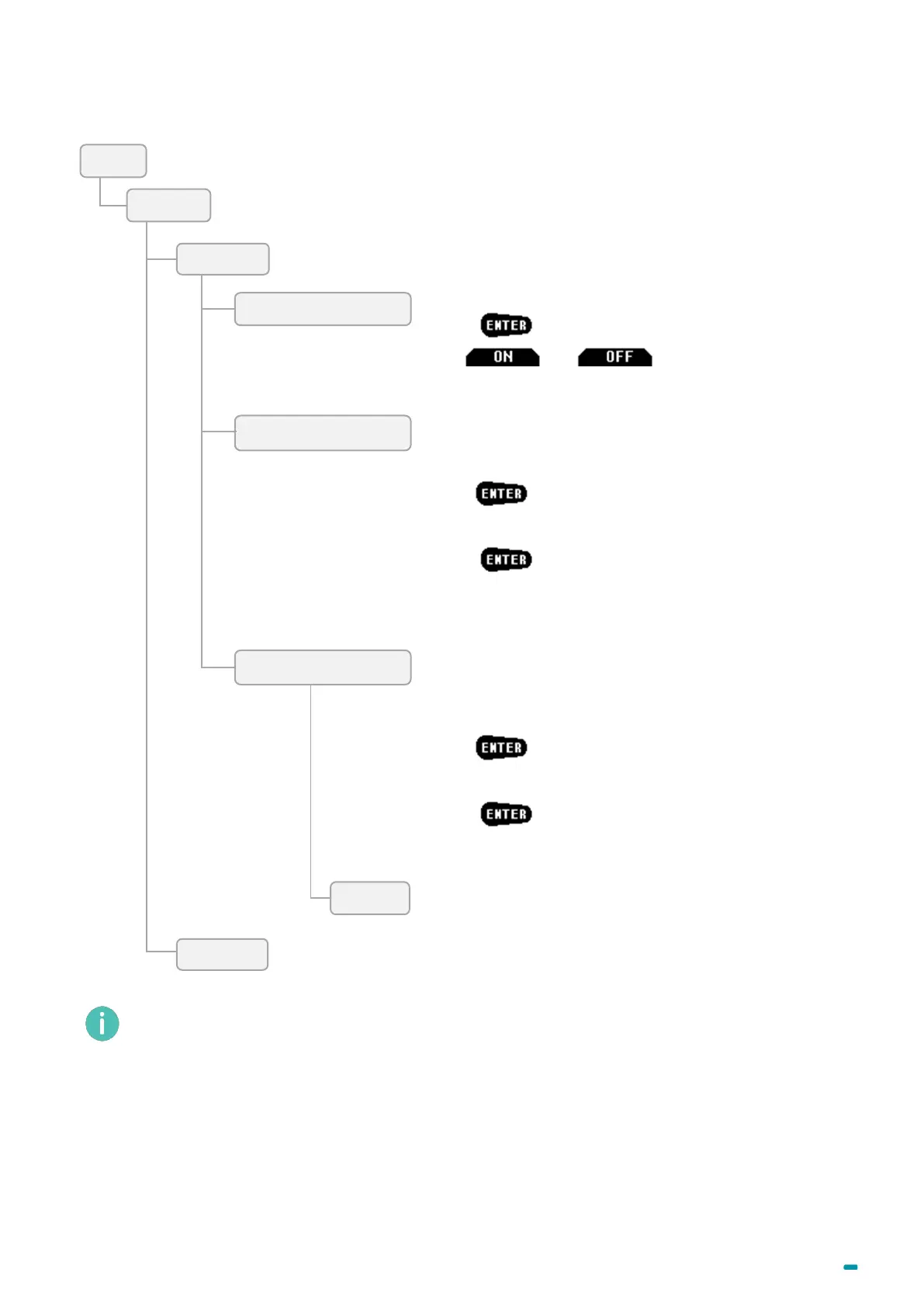
Select a public holiday in the list.
• Press .
• Use and to enable or to
disable the public holiday.
The exceptional closing allows defining a period of
time during which any identification will be refused.
• Choose any of the periods to be defined.
• Press .
• Set the beginning and the end of the period.
• Press to confirm the period.
The exceptional opening allows defining a period of
time during which an identification cannot be refused for
a schedule reason.
• Choose any of the periods to be defined.
• Press .
• Set the beginning and the end of the period.
• Press to confirm the period.
Used for defining access hours (start time) and access
modes (Closed, Delay 1 to 4, 4-eye delay).
The 8 schedules have the same parameters.



 To Next Page