KelNet Lock - User Guide A0U571B
26
5.2 Menus list
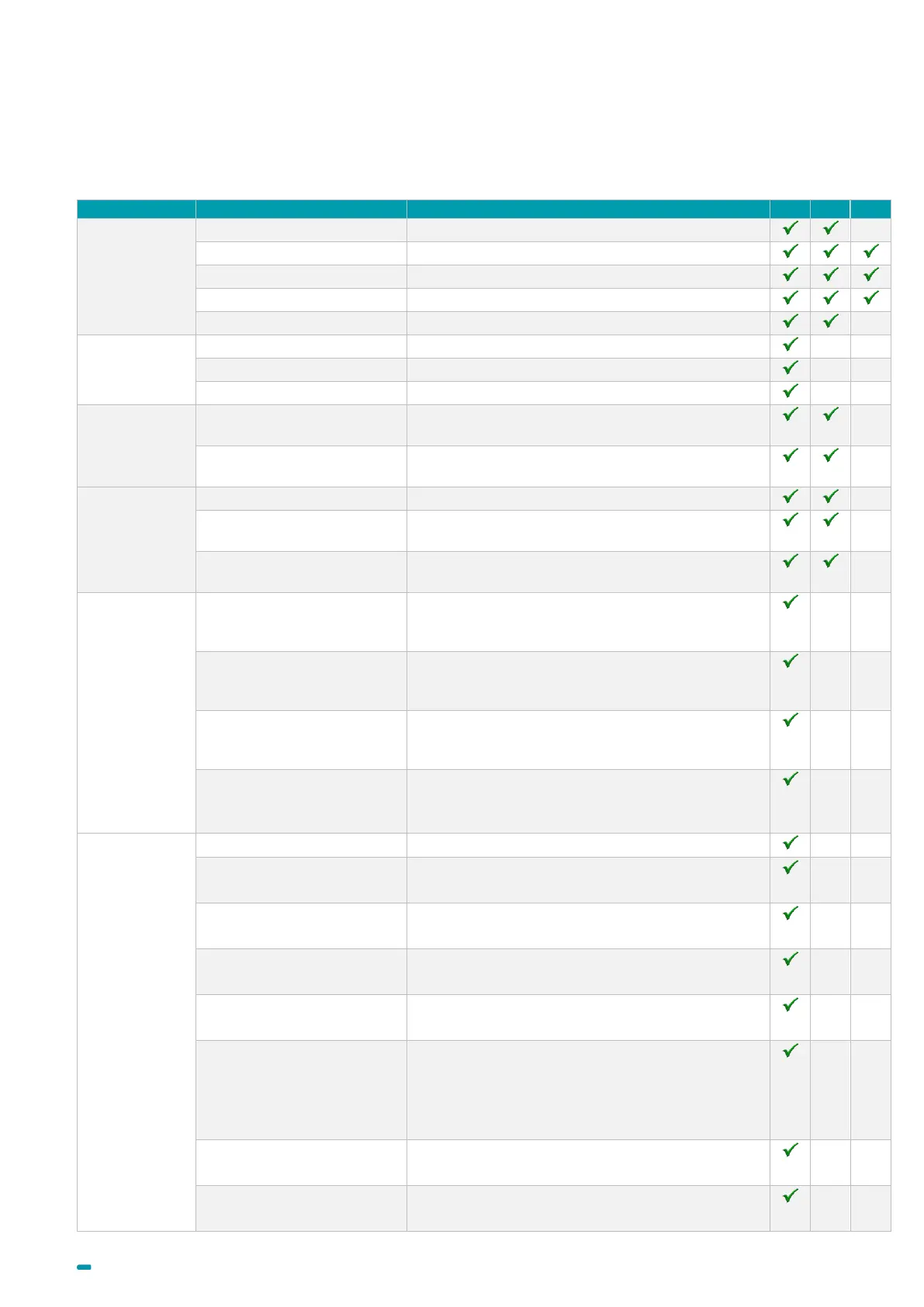
The main menu list, depending on the user’s profile, contains part or the totality of the following functions: (SM:
Super Manager; M: Manager; U: User):
To delete my fingerprint.
To modify parameters of my sub-users.
To modify the standard week schedule.
To modify the extended week schedule.
To modify the extended period schedule.
After a schedule selection, enables defining the
opening delay in normal mode.
After a schedule selection, enables defining the
opening delay in 4 eyes mode.
To enable or to disable a public holiday
To define dates and hours of an exceptional
closing.
To define dates and hours of an exceptional
opening.
After the rights group selection, enables modifying
the days' number after which the user's PIN code
becomes inactive.
After the rights group selection, enables modifying
the days' number after which the user's PIN code
must be changed.
After the rights group selection, enables changing
the identification method of a user for a second
identification.
After the rights group selection, enables fixing the
opening delays' value in minutes.
Value = 255 if delay is defined in schedules.
• Displays the Module Identification number.
Id after delay
Enables defining or disabling the second
identification after opening delay.
Closing with ID
Enables defining or disabling the closing by ID.
Bolt inside timeout
Enables defining the delay after which the lock
locks itself.
Delay after closing
Enables defining the delay between a closing and
a new opening.
Access autho. time (G1)
Enables defining the delay for an access
authorization (G1 procedure), value = 15 to 180
seconds.
If value = 0: the “Access autho. Time (G1) »
function is inactive.
Alarm digit
Enables defining a value added to the code to
launch a duress alarm.
Motor speed
Enables defining the motor speed.



 To Next Page