MS-9050 Series Manual — P/N 52413:F 10/22/2010 125
Master Programming Level Programming
Test Time Interval
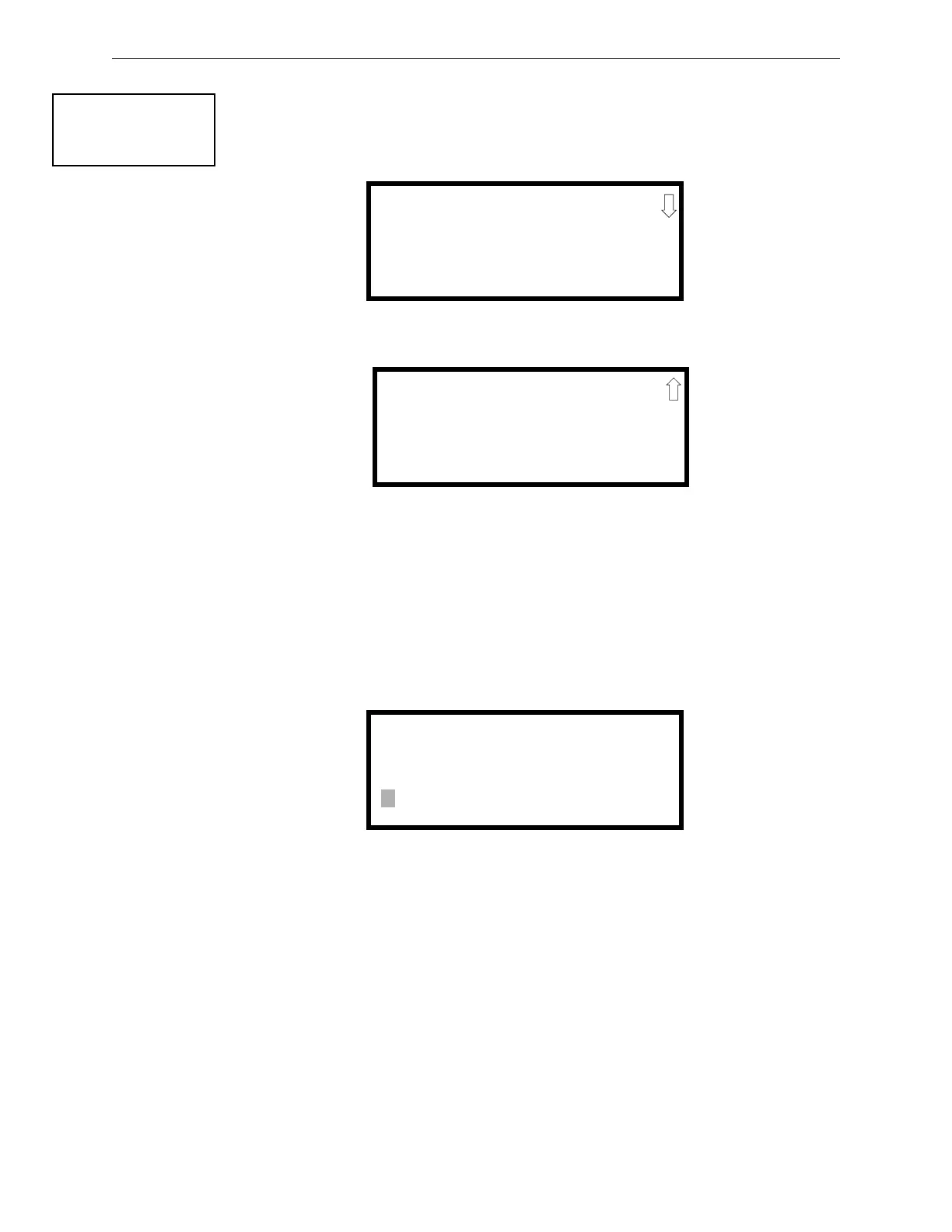
Pressing 1 while viewing Primary/Secondary Screen #1 will cause the following screens to be dis-
played:
The test report sent to the Central Station phone number may be sent once every 6, 8, 12, or 24
hours. Select the desired Test Time Interval by pressing the corresponding digit in the screens
shown above.
Account Code
Pressing 2 while viewing Primary/Secondary Screen #1 will cause the following screen to be dis-
played:
The Account Code, which is assigned by a Central Station, depends on the communication format
being used. The Account Code screen will have a flashing cursor in the lower left corner. Enter the
supplied account code using 0 - 9 and A- F keys. Enter the first digit, then press the right arrow key
to move the cursor one position to the right. Repeat the process until all digits are entered. Press
the right arrow key to store the Account Code in memory.
CENTRAL STATION
1=TEST TIME INT
2=ACCOUNT CODE
3=24HR TST TIME
Primary/Secondary Screen #1
TEST TIME INTERVAL
1=24 HOURS
2=12 HOURS
3=8 HOURS
Test Time Interval Screen #1
TEST TIME INTERVAL
1=6 HOURS
Test Time Interval Screen #2
ACCOUNT CODE
4 CHAR RANGE 0-F
Account Codes Screen














 To Next Page