MS-9050 Series Manual — P/N 52413:F 10/22/2010 61
Master Programming Level Programming
The following examples show the editing of a photoelectric smoke detector with address 017,
located on the SLC loop:
Enable/Disable Detector
To Enable or Disable the detector, press the 1 key while viewing the Edit Detector Screen #2. Each
press of the key will toggle the screen between Enabled Yes and Enabled No. If Enabled No is
selected, the detector will not be polled by the control panel, preventing the detector from reporting
alarms and troubles to the panel. The control panel will display the device type and address which
has been disabled and will turn on the Trouble LED.
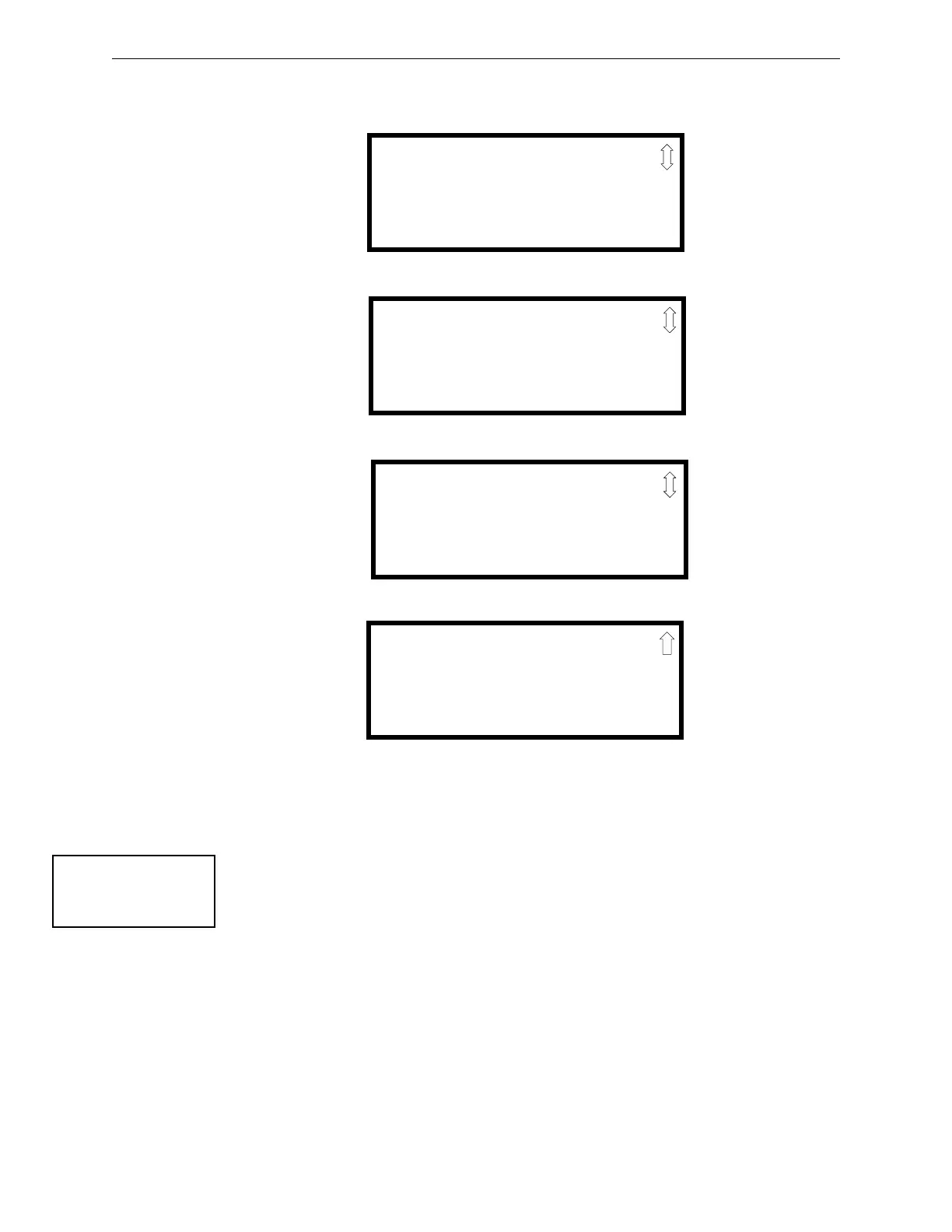
EDIT DETECTOR 1D017
1=ENABLED YES
2=TYPE SMOKE(PHOTO)
3=VERIFICATION OFF
Edit Detector Screen #2
EDIT DETECTOR 1D017
1=WALKTEST NO
2=PAS NO
3=PRE-SIGNAL NO
Edit Detector Screen #3
EDIT DETECTOR 1D017
1=ZONE ASSIGNMENT
00 ** ** ** **
Edit Detector Screen #4
Edit Detector Screen #5
EDIT DETECTOR 1D017
1=ADJECTIVE/NOUN
2=DESCRIPTION
********************
EDIT DETECTOR
1=ENABLED
2=TYPE
3=VERIFICATION
Edit Detector Screen #2














 To Next Page