MS-9200UDLS/E/C Manual — P/N 52750:F 7/26/2010 121
Master Programming Level Programming
Pressing the down arrow key will allow the programmer to view additional screens displaying
Addresses 1-8. To select one or more addresses for the installed module(s), press the number key
corresponding to the module address in each screen. The following screen will be displayed for
each address:
Pressing 1 for Type will display the following screens:
Press the number corresponding to the module/device type that is installed with the selected
address.
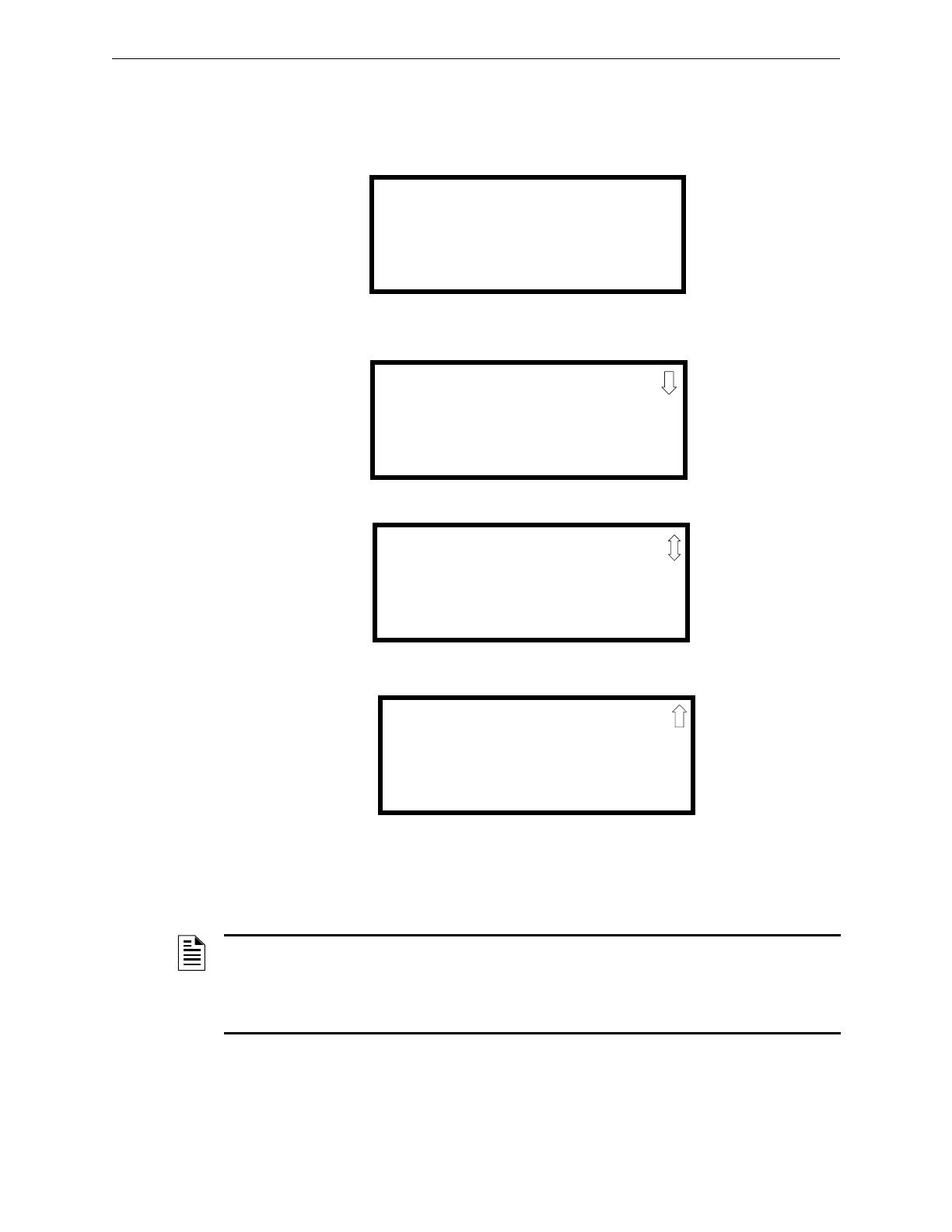
ANN-BUS MODULE X-1
ANN-BUS ADDRESS
1=TYPE NONE
ANN-BUS Address Screen
ANN-BUS MODULE TYPE
1=NOT INSTALLED
2=ANN-80 MODULE
3=ANN-I/O MODULE
Module Type Screen #1
ANN-BUS MODULE TYPE
1=ANN-S/PG MODULE
2=ANN-LED MODULE
3=ANN-RLY MODULE
Module Type Screen #2
ANN-BUS MODULE TYPE
1=ANN-AUDIO
Module Type Screen #3
NOTE: If the module type selected is the ANN-80, ANN-S/PG, or ANN-AUDIO or if Not Installed
is selected, the ANN-BUS Address Screen shown on the previous page will be displayed following
the module selection. The options selected for each of these modules will be the same for all
modules of the same type (refer to “ANN-S/PG (Print) Options” on page 131 and “ANN-80
Options” on page 132).














 To Next Page