FT-107 Weighing Terminal, Technical Manual, Rev. 1.0.0, August 2019 Page 30 of 46
Counting without container
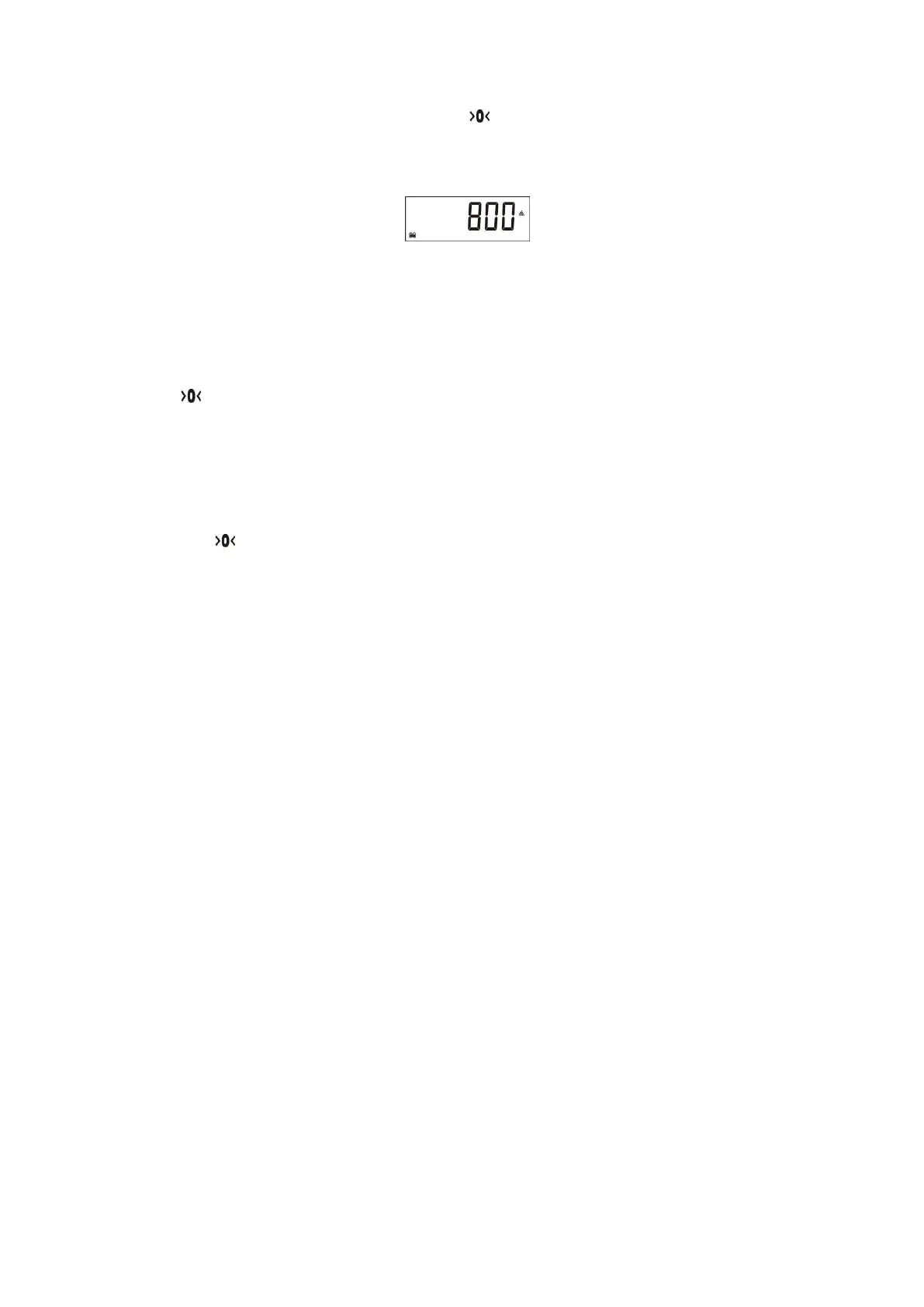
1. After sampling press the Zero key, the sign appears.
Or call the APW of the item from CLU memory (Page 19).
2. Place the pieces you want to count on the weighing pan,
3. The total quantity of pieces will be displayed.
If you want to accumulate the sequential counting, press M+ key (Page 30).
To return to the weighing mode, press * key. The last used APW can be used at the following piece counting
at the following piece counting.
Counting pieces into a container
1. For counting into a container, place an empty container on the scale and tare with the Tare key (the
sign appears on the display).
2. If needed, perform sampling into the container after taring.
3. Add parts into the container to count them.
Note: If the automatic taring function is active, you do not need to press the Tare key, because the
scale will be tarred automatically as soon as the container was placed on the weighing pan.
Counting pieces out of a container
1. Place the full container on the weighing pan and then press the Tare key to tare the scale
(the sign appears).
2. Press the * key to enter to the piece counting mode.
3. If needed, perform sampling as
a. Press the * key longer than one second until sampling quantity appears.
b. Change the sampling quantity by pressing ▲ or ▼ keys.
c. Remove the sampling quantity of pieces from the weighing container and then press the
Enter key for sampling.
d. The scale starts to count by displaying the number of pieces after sampling by a minus sign.
Or select the item APW from CLU memory (Page 19).
4. Take some pieces out of the container.
5. The scale displays the number of removed pieces showing the minus sign.
6. Press Tare key for next counting.
Press * key to return to basic weighing operation.
APW optimization
Sampling in high quantity gives higher accuracy result although the high quantity is more difficult to count by
hand.
You may follow the procedure below for APW optimization:
1. First count low quantity, for example 10 pcs and do sampling with 10 pcs.
2. Then count on the scale 2 times of the sampled quantity. In our example count 20 pcs on the scale
and apply sampling for 20 pcs.
3. Then count 50 pcs on the scale and perform sampling with 50 pcs.
4. Then you may count 100 pcs on the scale and may perform sampling with 100 pcs.
After each APW optimization, piece counting accuracy will increase.
Total memory at counting
The quantities of the sequential counting can be accumulated in as total value in the piece counting
accumulator (CAD).
1. For counting accumulation, press M+ key during the quantity is displayed and the scale stable. The
accumulation number appears on the display as [ Cad001 ].
2. Place another batch on the scale and press M+ key again to add the second counting number to
total [ Cad002 ].
3. Continue adding further pieces to the memory by pressing M+ key.



 To Next Page