INSTALLATION ST51A/ST75A/ST75AV Mass Flow Meters
26 Fluid Components International LLC
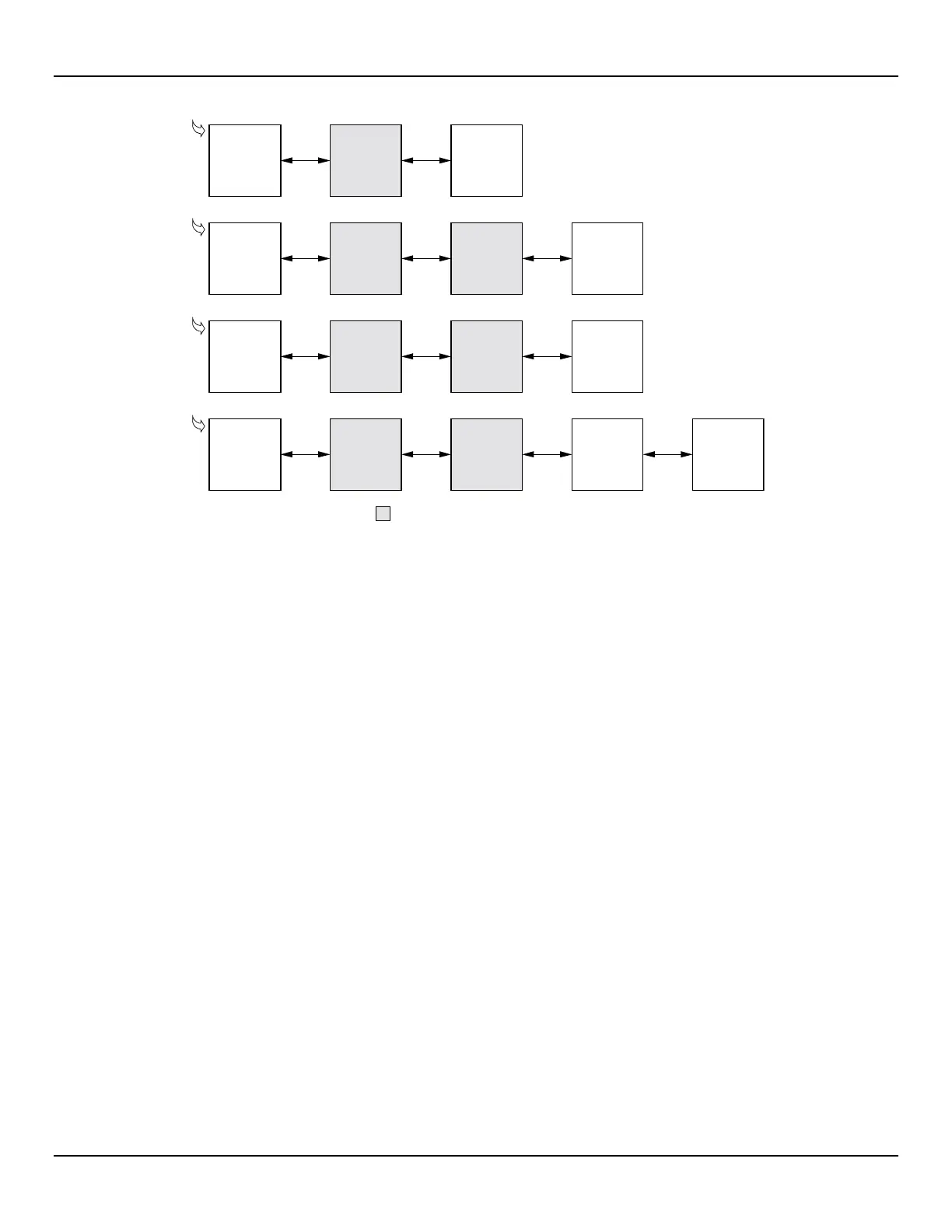
Figure 24 – Block Diagram: Flow Meter Serial Port Connections, FC88 and Computer
To avoid spurious reset remove power to the flow meter first before attaching the FC88. Reapply power to the flow
meter after the FC88 is connected.
= Supplied in Optional PC Communications Kit
C01168-1-2
Flow Meter
Serial Port
(J9)
RJ12
Cable
Adapter
(025859-01)
FC88
Calibrator
Flow Meter
Serial Port
(J9)
RJ12 to
DB-25 (F)
Adapter
(013831-01)
PC DB-25
Serial Port
Flow Meter
Serial Port
(J9)
RJ12 to
DB-9 (F)
Adapter
(013830-01)
PC DB-9
Serial Port
Flow Meter
Serial Port
(J9)
RJ12 to
DB-9 (F)
Adapter
(013830-01)
PC USB
Port
USB to
RS-232 DB-9
Serial Adapter
Cable
(User-Supplied)
Flow Meter to FC88 Connection
Flow Meter to PC DB-25 Serial Port Connection
Flow Meter to PC DB-9 Serial Port Connection
Flow Meter to PC USB Port Connection
RJ12
Cable
Adapter
(025859-01)
RJ12
Cable
Adapter
(025859-01)
RJ12
Cable
Adapter
(025859-01)



 To Next Page