TROUBLESHOOTING ST51A/ST75A/ST75AV Mass Flow Meters
68 Fluid Components International LLC
Verifying Calibration Parameters (Diagnostics)
The instrument uses a set of predetermined calibration parameters to process flow signals. Most of these parameters typically do not
change. A Delta R Data Sheet, provided with the instrument, contains the factory-set parameters. To verify that these parameters have not
changed, complete the following:
1. Identify the instrument’s Delta R Data Sheet via its serial number.
2. To examine the stored parameters use the serial interface “D” menu. FC88: After entering the “D” menu press the [ENTER] key
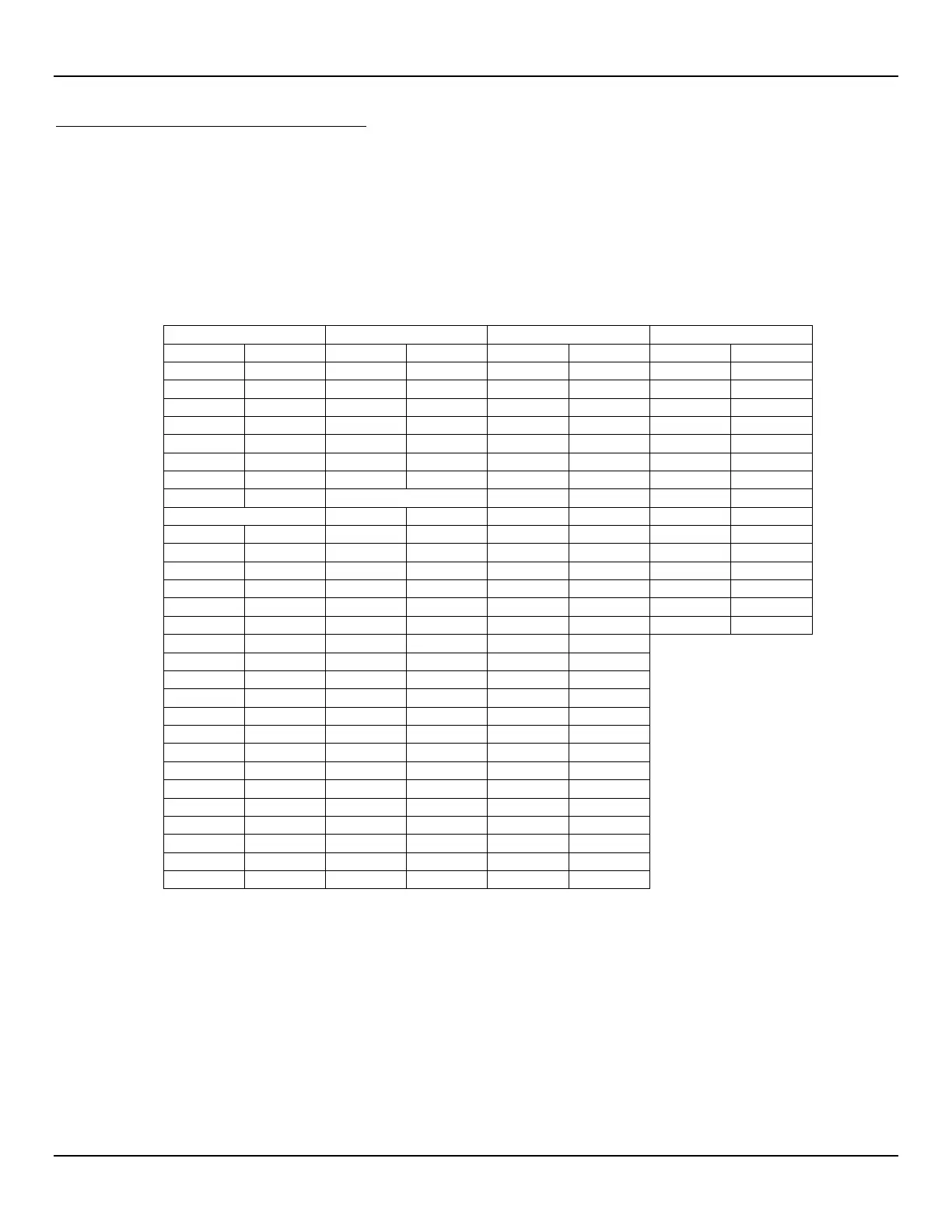
repeatedly as required to step through each parameter one line at a time. Table 24 below lists the parameters with space to record
the instrument’s actual values (print this page). Verify the instrument’s parameters with the Delta R Data Sheet.
Table 24 – Diagnostic Test Sequence
An issue may exist if change is noted for any coefficient set parameter marked with an asterisk (*). Contact Customer Service if this is the
case. If the parameters have not changed, continue with the next section.



 To Next Page