OPERATION ST51A/ST75A/ST75AV Mass Flow Meters
60 Fluid Components International LLC
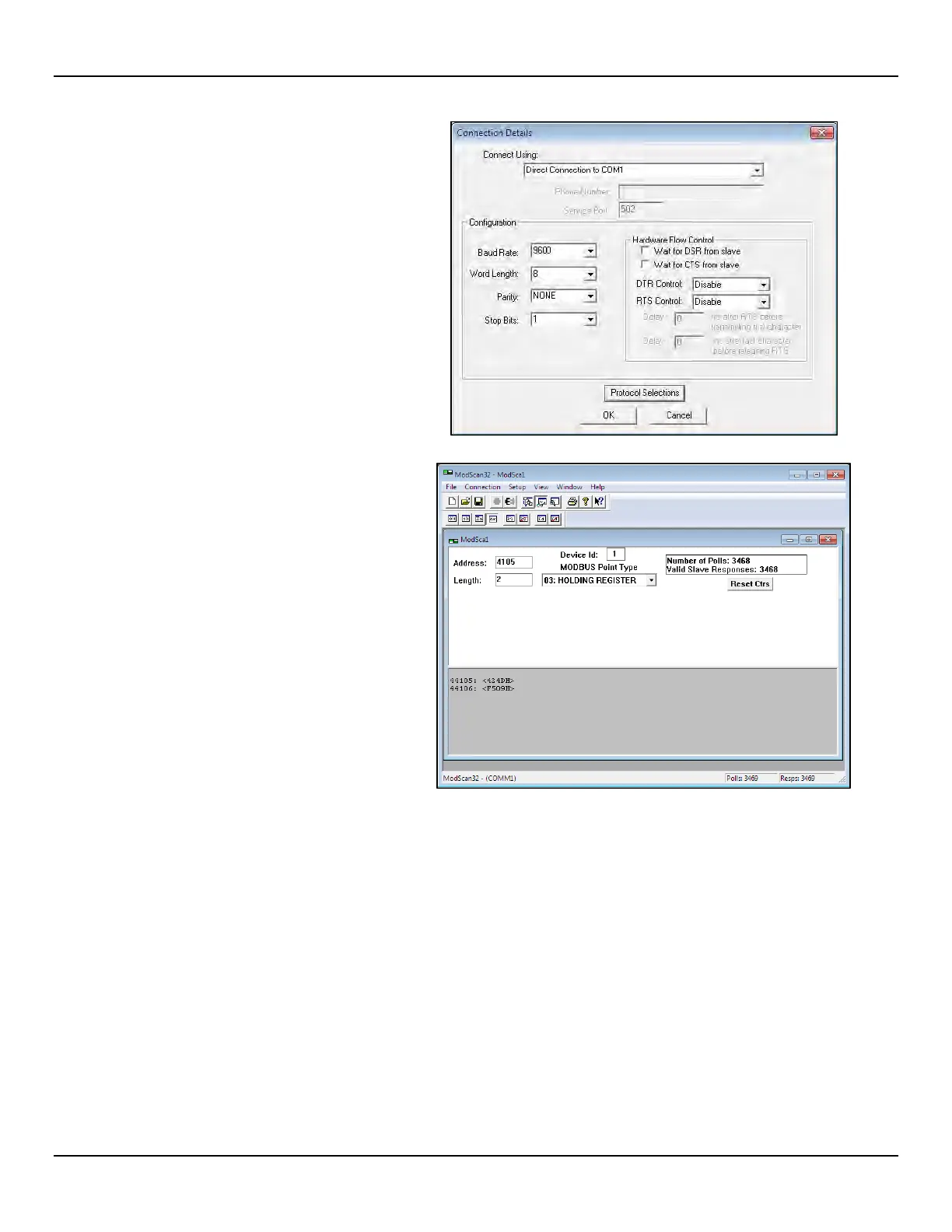
2. Once data is defined, select Connect from
the Connection pull-down menu, which
displays the Connection Details dialog at
right. Set the serial parameters and
protocol (click Protocol Selections) as
required for your application.
3. After entering the appropriate connection
details the ModScan32 master then
attaches itself to the Modbus device
(ST51A/ST75A/ST75AV) as shown in
at right. The register values display in the
bottom, gray part of the program’s child
window.



 To Next Page