4.4-4 Section 4: Using the Model 9100: AC Voltage Function
Final Width = 215mm
4.4.3 Screen Keys (Contd.)
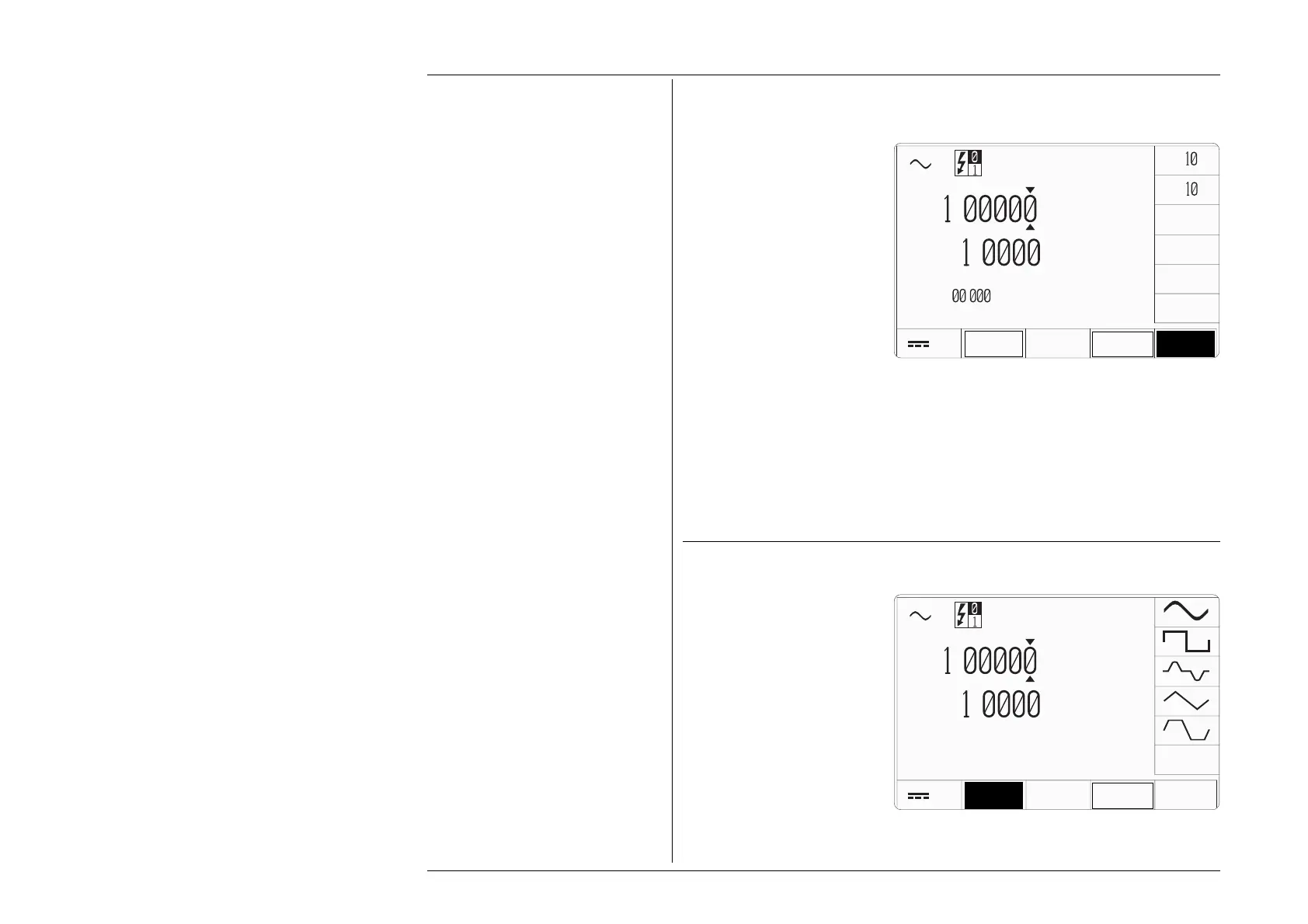
4.4.3.3 Introducing Deviation Values
Pressing the '∆%' screen key adds
the 'Percentage Deviation' value
to the lower left of the display
presentation. The Deviation value
is limited to ±10% of the Output
value.
Note that as the '∆%' key is pressed
to show its value on the screen,
the cursors will move to the added
value.
The AC Voltage display is shown
here with the ∆% addition in place,
but with the cursors transferred to
the main output value for digit
editing as described in Section 3.
Otherwise, the operation of the
editing keys is unchanged (paras
4.4.3.2), and direct editing can
also be used.
4.4.3.4 Selecting Other Waveshapes
Pressing the 'WAVE FORM' key
(bottom row) presents a screen
with five waveshapes shown
against the right screen keys:
Pressing the appropriate
'waveshape' screen key (e.g.
'square') sets the internal
parameters to create the selected
waveform.
x
÷
V
V
∆
Φ
∆
%
WAVE
FORM
.
V
.
kHz
Peak 1.41421 V
Mean 0.90032 V
∆% =
.
±
ZERO
V
V
∆
Φ
∆
%
WAVE
FORM
.
V
.
kHz
Peak 1.41421 V
Mean 0.90032 V



 To Next Page