4.14-4 Section 4: Using the Model 9100: Thermocouple Function
Final Width = 215mm
4.14.3 Screen Keys (Contd.)
4.14.3.3 Selecting Other Thermocouple Types
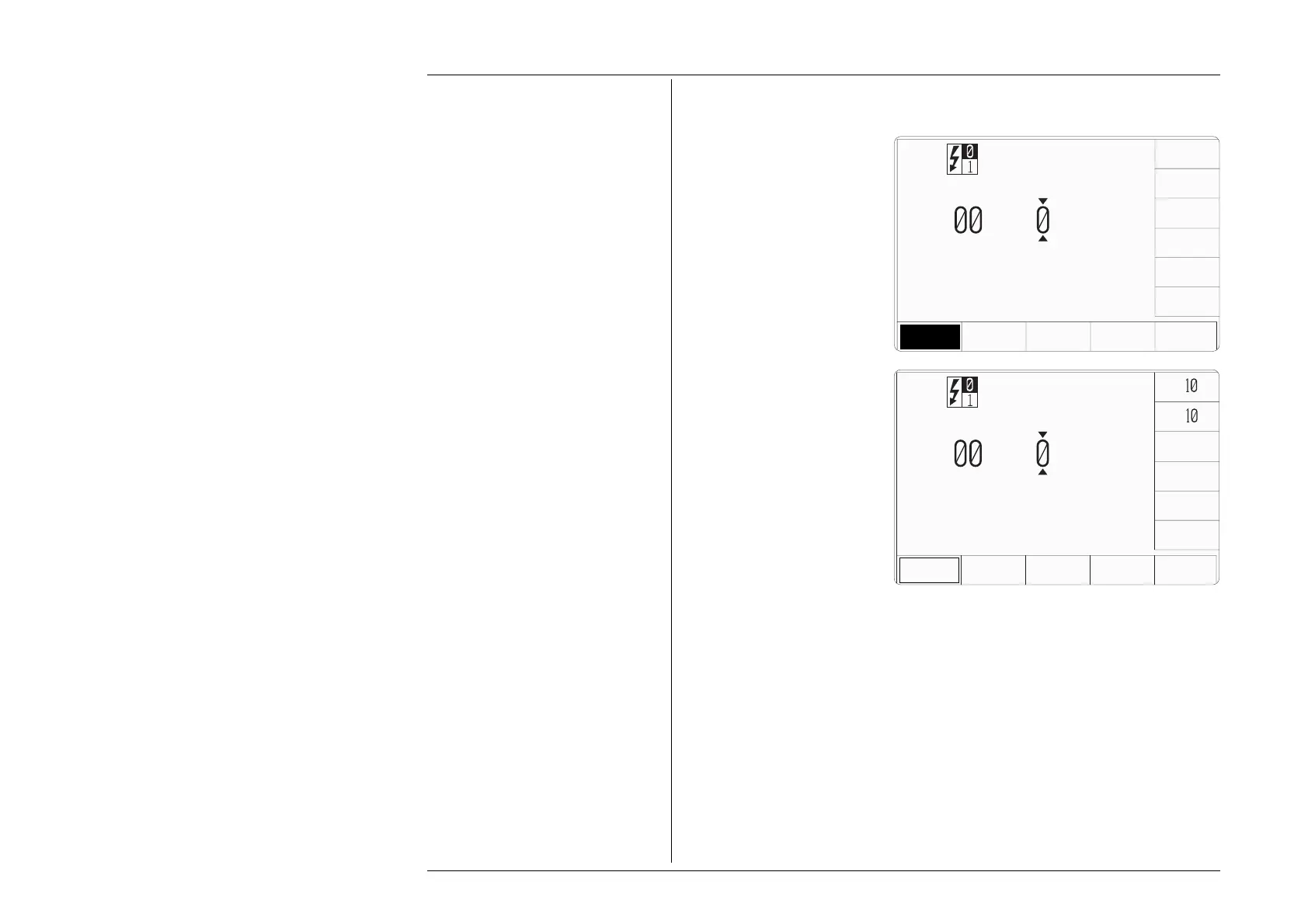
Pressing the 'THERMO
COUPLE TYPE' key (bottom
row) presents a screen with five
types of thermocouple listed
against the right screen keys:
Pressing the 'MORE' key presents
a second screen with four further
types of thermocouple:
R, E, B, C, L.
Continued operation of the
MORE key will toggle between
the two type-selection screens.
Pressing the appropriate 'type'
screen key (e.g. 'J' type) sets the
internal parameters to simulate
the selected thermocouple type.
The screen reverts to the main
thermocouple display, but with
the selected type identifier
transferred to the top left corner:
The operation of the editing keys
is unchanged (paras 4.14.3.2).
4.14.3.4 Temperature Scales
The 9100 supports two types of temperature scale: IPTS-68 (default) and ITS-90. The
'
TEMP SCALE' key toggles between the two scales, and the active selection appears on
the bottom right of the screen as shown.
x
÷
+
25.
°C
RTD
THERMO
COUPLE
TYPE
TEMP
SCALE
±
°F
K
J
TYPE
+
25.
°C
RTD
THERMO
COUPLE
TYPE
TEMP
SCALE
K
TYPE
K
J
N
S
T
MORE
I P T S - 6 8
I P T S - 6 8



 To Next Page