4.17-2 Section 4: Using the Model 9100: Logic-Levels Function
Final Width = 215mm
4.17.2 Selection of Logic-Levels Function
(Manual Mode selected)
4.17.2.1 'Aux' Key
'Logic-Levels' is an 'Auxiliary' function. The Auxiliary menu screen is selected by
pressing the
'Aux' key at the right of the 'CALIBRATION SYSTEM' panel.
'Logic-Pulses' is selected by pressing the
LOGIC screen key on the bottom row of the 'Aux'
menu screen.
'Logic-Levels' is selected by pressing the 1/Ø screen key on the bottom row of the 'Logic-
Pulses' menu screen.
4.17.2.2 Default Settings
At power-on the system defaults into DC Voltage function. Each time the 'Aux' key is
pressed, the system defaults into Auxiliary function.
Whenever the
LOGIC screen key is pressed on the Auxiliary menu screen, it will default
to the Logic-Pulses menu screen, with ' ' selected.
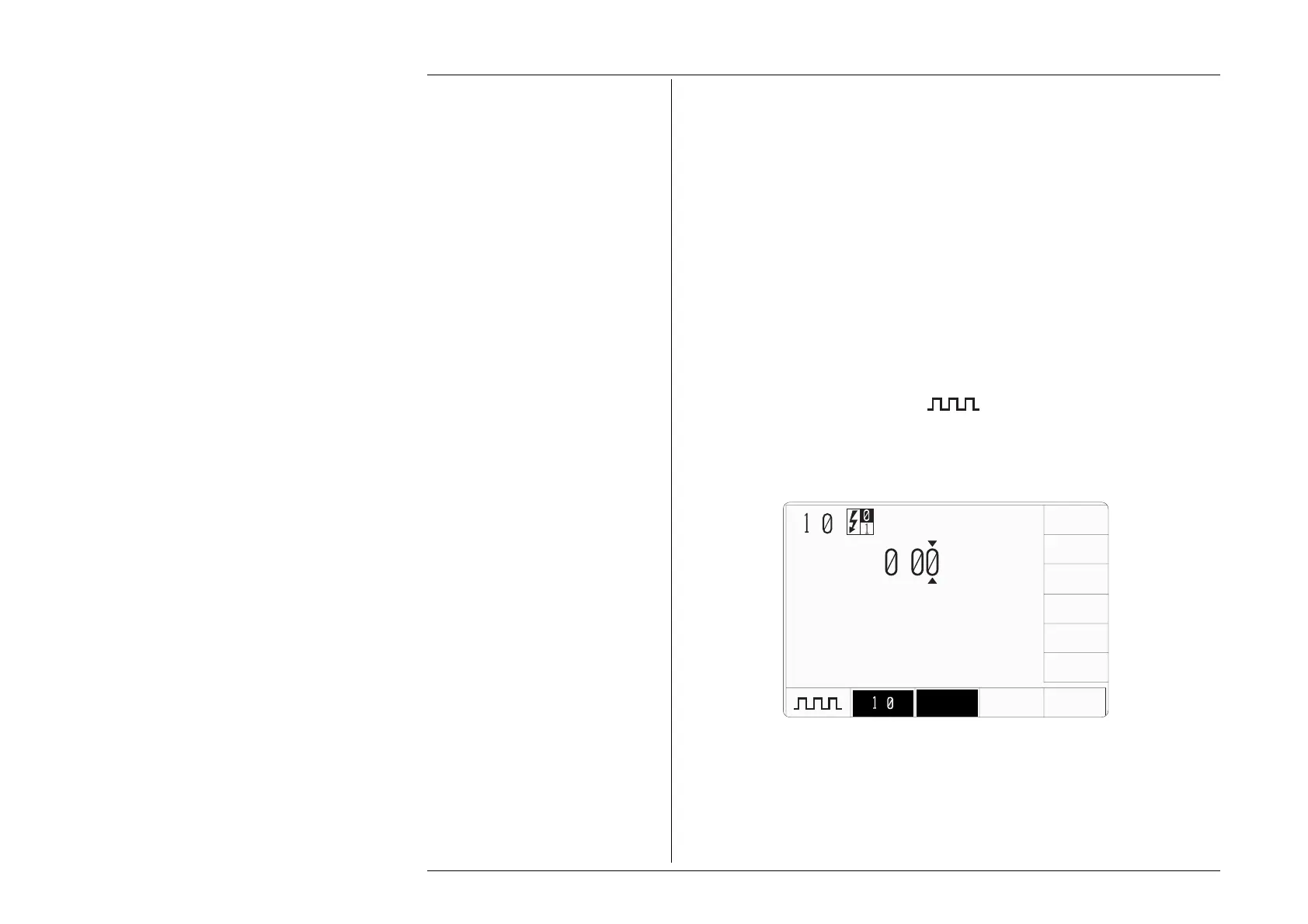
Whenever the Logic-Levels menu screen is opened by pressing the '1/Ø' screen key on
the Logic-Pulses menu screen, except on recovery from a standby period, it will appear
with the following default settings, and with '1/Ø' selected:
.
V
CMOS ECL
LOW LVL
H
L
/
TTL
/



 To Next Page