Section 4: Using the Model 9100: Logic-Levels Function 4.17-3
Final Width = 215mm
4.17.3 Screen Keys
4.17.3.1 Bottom Screen Keys
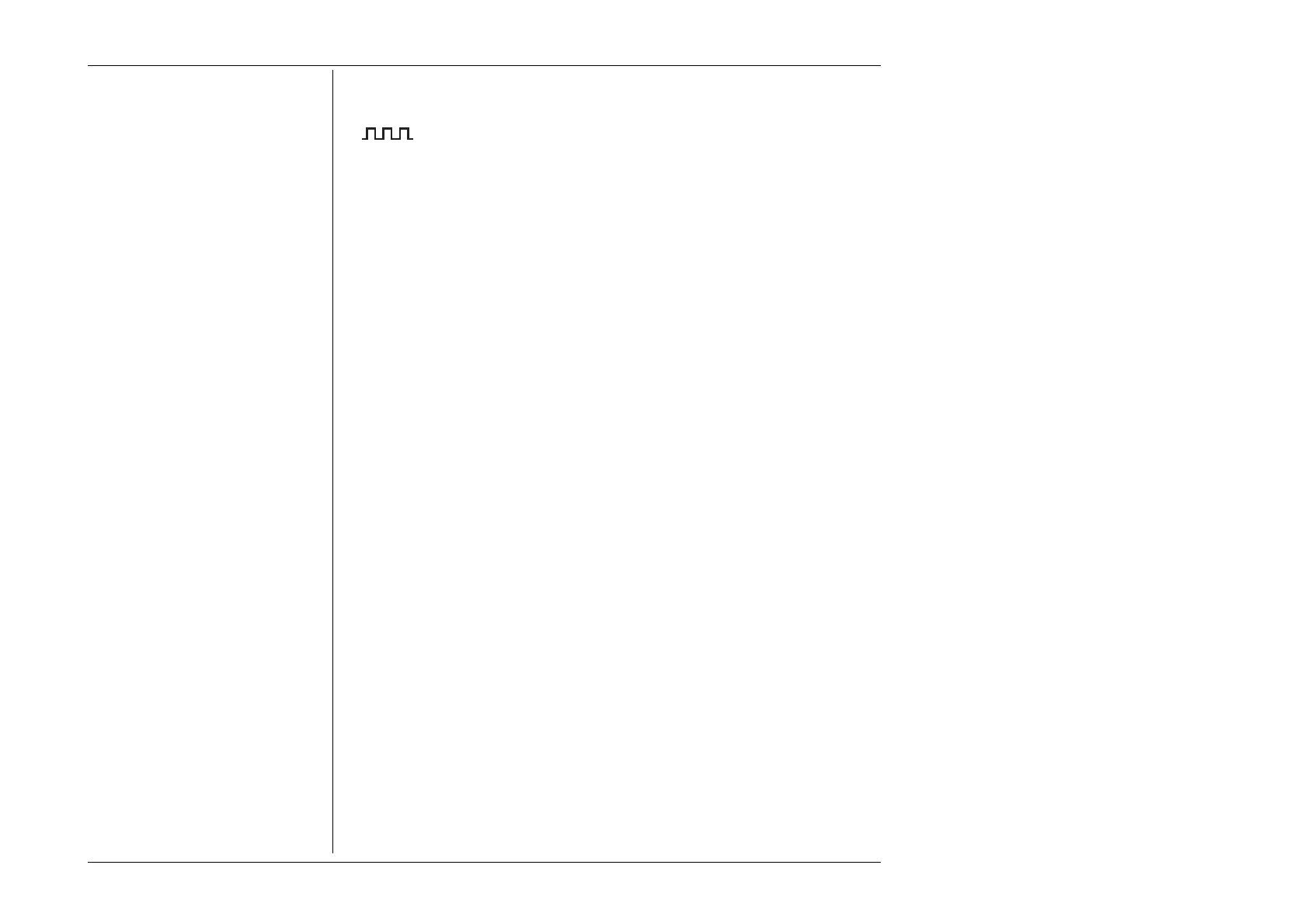
Selects Logic-Pulse when Logic-Level is active.
1/Ø Selects
Logic-Level when Logic-Pulse is active.
When 1/Ø is selected and active:
TTL Selects
TTL DC Voltage level when CMOS or ECL is active.
TTL default level: Low = 0V; (default High = +5V).
CMOS Selects
CMOS DC Voltage levels when TTL or ECL is active.
CMOS default level: Low = 0V; (default High = +5V).
ECL Selects
ECL DC Voltage levels when TTL or CMOS is active.
ECL default level: High = -0.9V (default Low = -1.75V).
4.17.3.2 Right Side Screen Keys
A. Digit Edit Facility Keys operate on the DC Voltage value only.
H Resets the DC Voltage to default High for the selected logic.
L Resets the DC Voltage to default Low for the selected logic.
B. Direct Edit Facility Right side keys operate on the value in the edit box, and
acting in place of the ↵ key, exit from Direct Edit back to
Digit Edit; then set the value as evaluated in the box.
i. DC Voltage Level
V Evaluates the number in the box in Volts.
The DC Voltage Level value is set into a resolution of three significant digits with
two decimal places.



 To Next Page