Section 5: Using the Model 9100: Procedure Mode 5.3-7
Final Width = 215mm
5.3.3.6 Select the Subject UUT Model
By the time the 'Select MODEL' screen has been successfully opened, the 9100 will have
extracted a list of the models whose procedure is contained in the Procedure card memory.
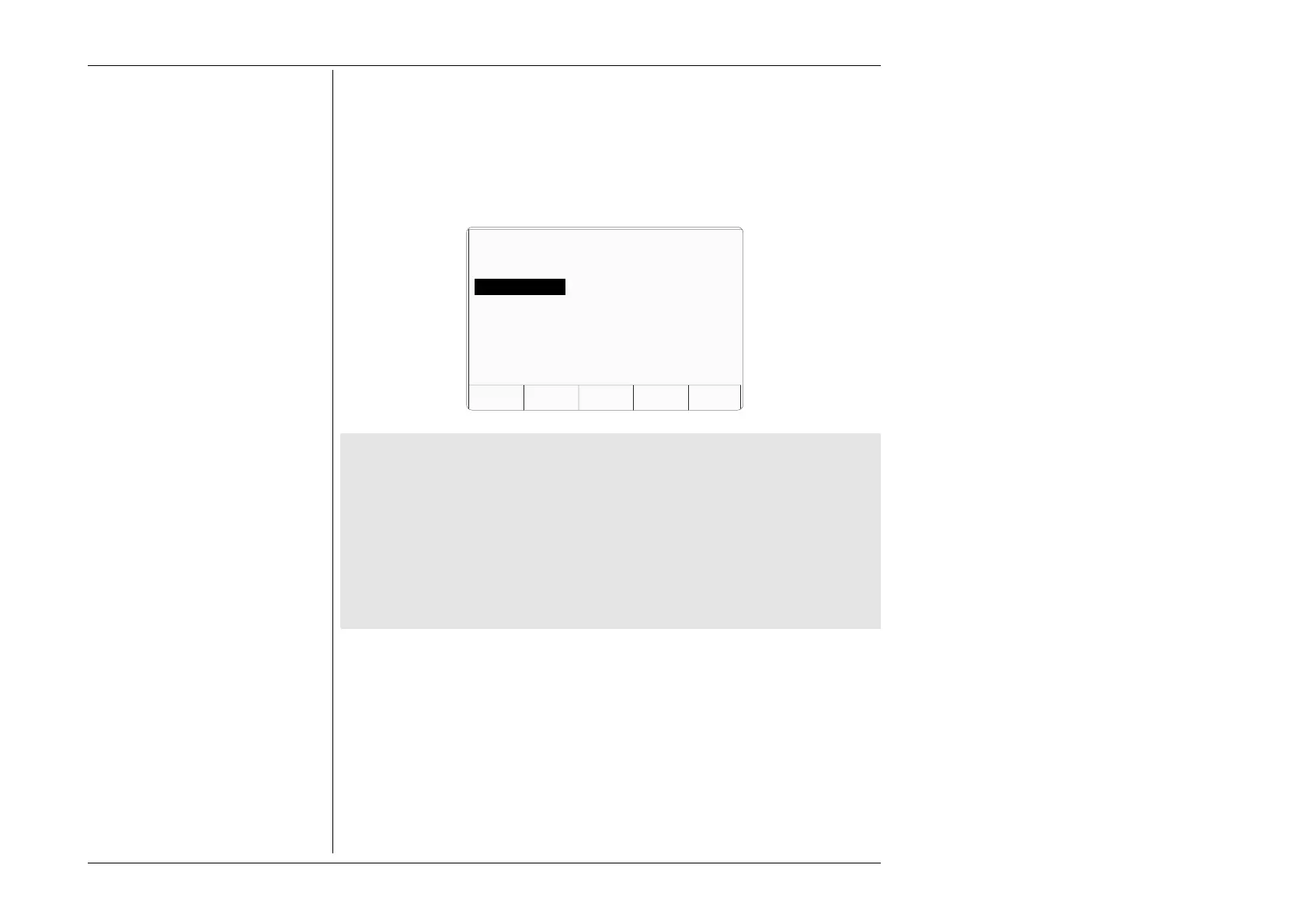
These it displays on the screen for the user to choose. For example:
If the wrong card has been inserted:
Remove that card, insert another, then press the NEW CARD screen key to tell the 9100
that a different card has been inserted.
TODAYS DATE TIME
NEW
CARD
ABORTOK
Select MODEL using cursor keys.
Press NEW CARD to read another card.
DM23XT
DM25XT
DM27XT
More than one manufacturer listed in the new card:
The 9100 lists the manufacturers whose models' procedures are resident in the new
card. After selecting the required manufacturer using the cursor keys, pressing the
OK screen key will cause the 9100 to transfer to the 'Select MODEL' menu screen.
Only one manufacturer listed in the new card:
The 9100 transfers to the 'Select MODEL' screen if only one manufacturer is listed.
Correct Model selected:
After selecting the required model, pressing the OK screen key will cause the 9100 to
download all the procedures for that model into internal RAM. The card can then be
removed and used to load another instrument.
After choosing the model, the next stage is to enter the UUT serial number. Pressing the
'OK' screen key will cause the 9100 to transfer to the 'Serial Number' screen.
ABORT returns to the 'Select USER NAME ...' screen.
Refer to paras 5.3.3 13, Fig 5.3.1.



 To Next Page