Section 5: Using the Model 9100: Procedure Mode 5.3-11
Final Width = 215mm
5.3.3.10 'ABORT'
Up to this point of choosing a procedure, when an 'ABORT' screen key is pressed, the
system will revert to the first Procedure-mode screen 'Select USER NAME'.
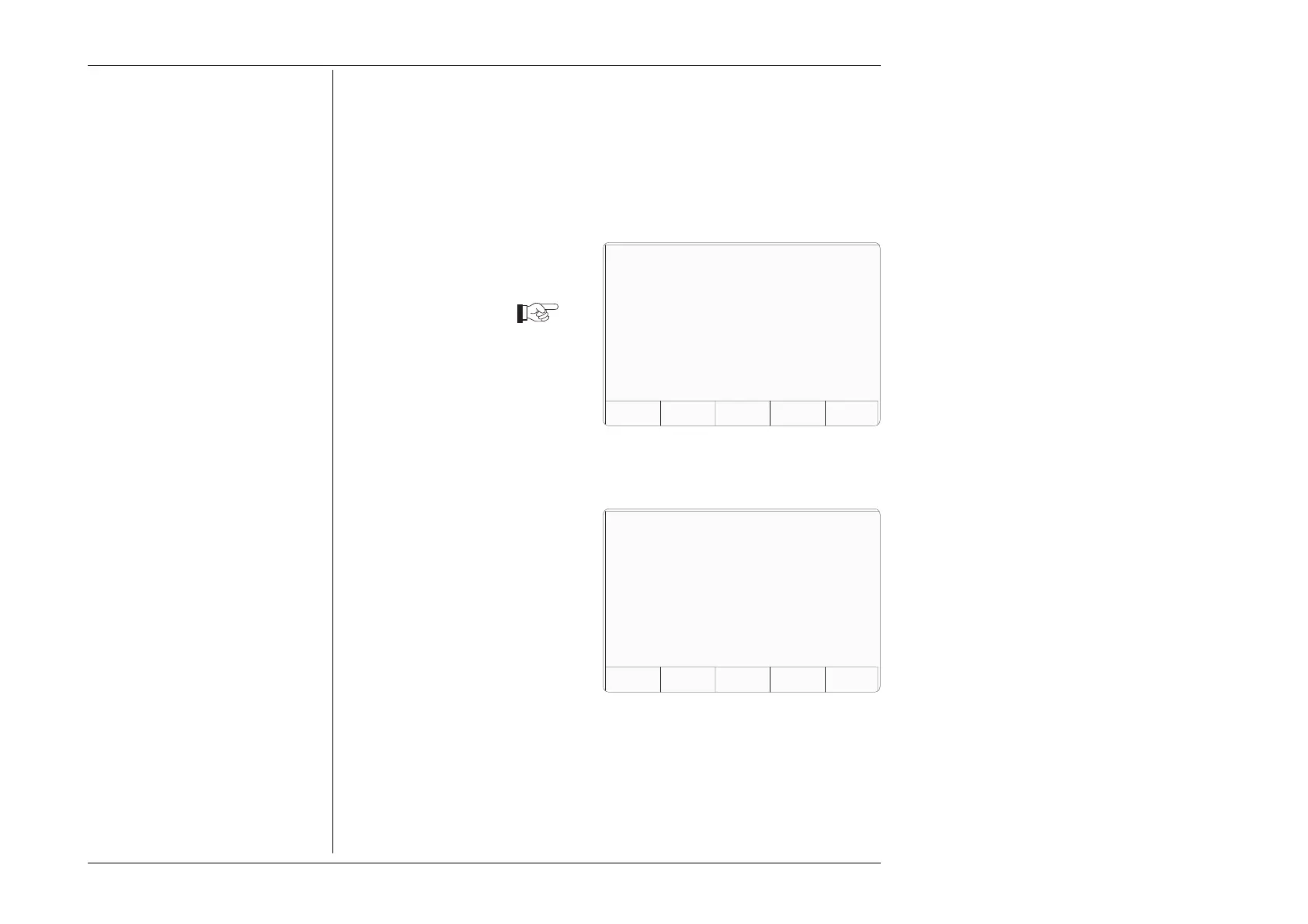
After the choice of procedure has been
confirmed by 'OK', the procedure itself
is controlled from the card sequence,
and when an 'ABORT' screen key is
pressed, the system will generate a
special 'ABORT' message which also
ends the procedure, overwriting the
currently-displayed screen:
The procedure can be aborted by the
9100 itself for other reasons. This will
also invoke the 'ABORT' screen.
For the choices obtained from the five
screen keys, refer to paras 5.3.3.12.
TODAYS DATE TIME
RETRYUSER SERIALPROCMODEL
This procedure has been ABORTED . . .
The procedure has ended.
Please select one of the softkeys
below.
5.3.3.11 'END'
When all stages of the procedure have
been completed, the system will end the
procedure, also generating a special
'END' message which overwrites the
currently- displayed screen:
For the choices obtained from the five
screen keys, refer to paras 5.3.3.12.
TODAYS DATE TIME
RETRYUSER SERIALPROCMODEL
The procedure has ended.
Please select one of the softkeys
below.



 To Next Page