Section 3: Model 9100 Controls: Modes of Operation 3-9
Final Width = 215mm
TODAYS DATE TIME
TODAYS DATE TIME
Mode Selection at Power-on
1. Users can determine which mode
will be selected automatically at
power-on, choosing between
Procedure mode and Manual mode.
The 9100 cannot be made to power-
up in any other mode.
2. To set the power-up default mode
use the procedure in the column on
the right.
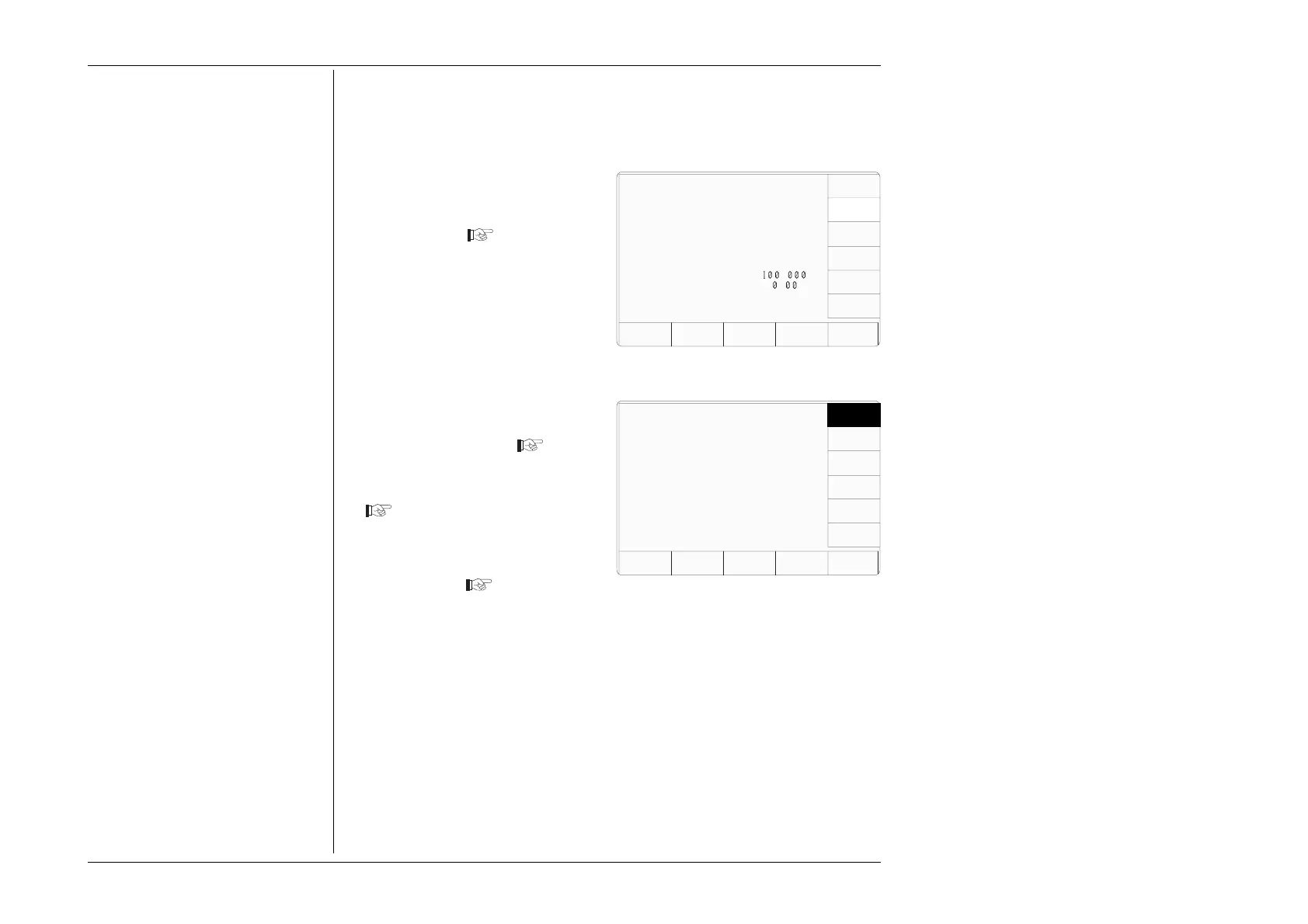
3.3.2.4 'POWER UP MODE'
This facility allows users to alter the mode to be entered at Power On (see the notes in the
column on the left).
1. For access to change the default
mode, press the POWER UP
MODE screen key on the 'Present
Settings' screen
Configuration
The default power-on mode is
indicated by the highlight.
Use the softkeys to select
another.
MANUAL
2. This transfers to a 'Configuration'
screen designed for changing 'The
default power-on mode'
3. To change the default, press the
required screen key on the right
4. Press EXIT to return to the 'Present
Settings' screen
The new default will be incorporated
into the list. Next time the line power
is turned from Off to ON, the 9100
will power-up in the selected mode.
Configuration
Present Settings:
Language English
Power-up mode Manual
Bus Address 1
Printer NONE
Results Card Disabled
Safety Voltage
.
V
Border Line
7
.
%
Scope option Option 600
Crystal option High acc
Ser. No. XXXXXX Rev. XXX
SELECT
LANG
POWER
UP MODE
BUS
ADDRESS
RESULTS
CARD
CLEAR
USER
LIST
PRINTER
VOLTAGE
LIMIT
DATE
TIME
BORDER
LINE
MORE
PROC
EXIT



 To Next Page