3-12 Section 3: Model 9100 Controls: Modes of Operation
Final Width = 215mm
TODAYS DATE TIME
TODAYS DATE TIME
3.3.2.7 'RESULTS CARD'
1. For access to enable Procedure
mode results to be downloaded to
a SRAM memory card in the front
panel 'RESULTS' slot, press the
RESULTS CARD screen key on
the 'Present Settings' screen
Formatting Results Memory
Cards (Procedure Mode only)
1. Using Procedure mode to calibrate
or verify a UUT, the 9100 can
deliver the results of the procedure
to a memory card inserted into the
'RESULTS' slot in the front panel
(refer to Section 5 of this
Handbook).
2. Note that only SRAM cards can be
used in the RESULTS drive.
3. Before a new SRAM card can be
used to store results, it must first be
formatted for the purpose.
Formatting can be carried out in
Test mode, as part of the 'Card Slot
Test' procedure (refer to Section 8
in Volume 2 of this Handbook; paras
8.3.4.5), or within the Model 9010
software.
Caution!
During the formatting process, the
Card Slot Test will overwrite all
data stored on the card in the slot,
and set up a new 'Results card
header'.
Note:
It is not necessary to re-format a
used card, with results already
stored, for it to accept new data.
New results data from Procedure
mode runs will be concatenated with
existing data until the card memory
is full. Erasure of card contents
should be done using the Model
9010.
Configuration
The rslt card requirement is
indicated by the highlight.
Use the softkeys to select
another.
EXIT
DISABLE
ENABLE
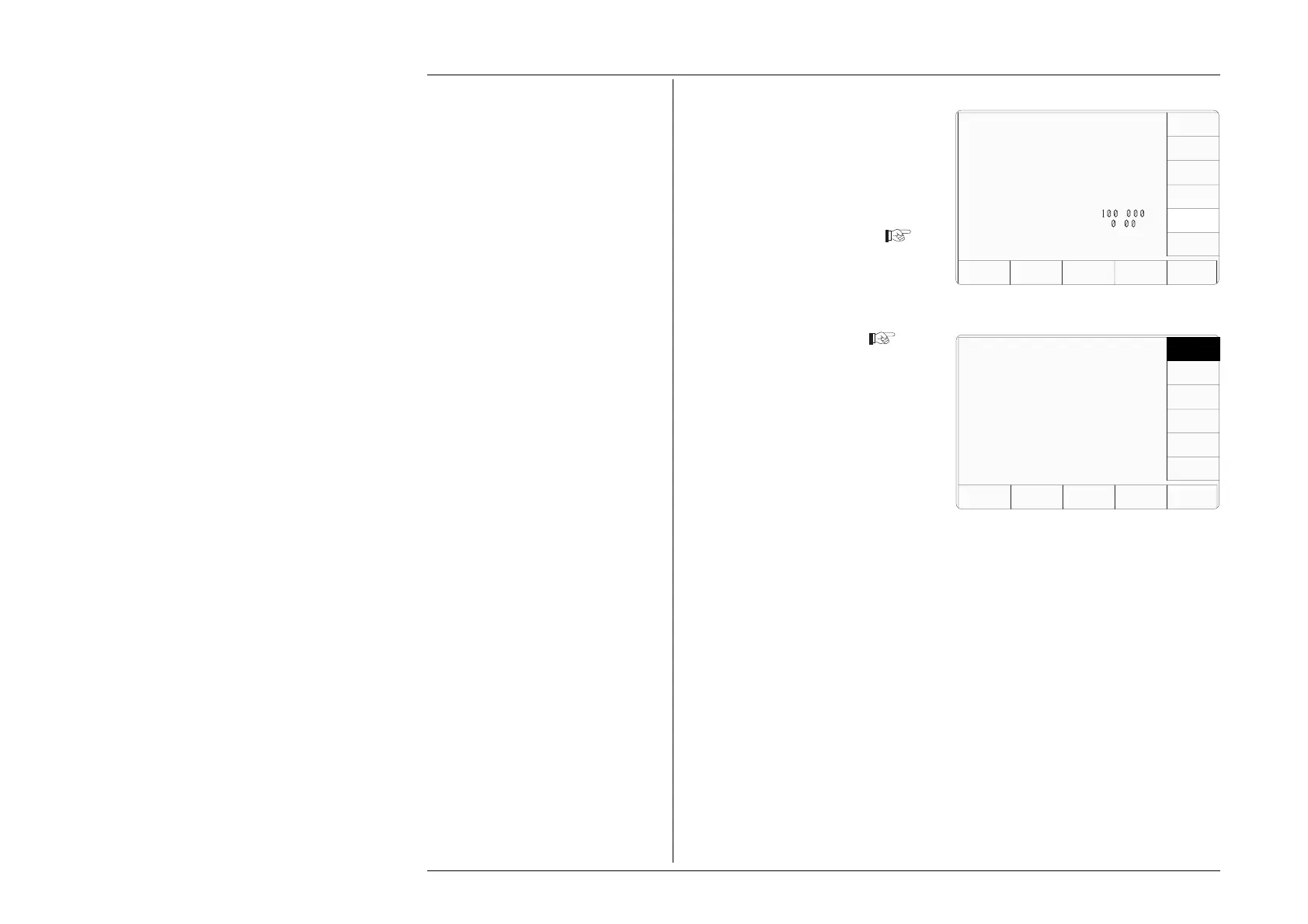
2. The 'RESULTS CARD' screen key
transfers to 'The rslt card
requirement' menu screen
The power-on default is
DISABLE.
3. To enable or disable the facility,
press the required screen key on
the right of the screen. If enabled
without a results card inserted in
the 'RESULTS' slot, the selected
procedure will not run.
4. EXIT returns to the 'Present
Settings menu screen.
Configuration
Present Settings:
Language English
Power-up mode Manual
Bus Address 1
Printer NONE
Results Card Disabled
Safety Voltage
.
V
Border Line
7
.
%
Scope option Option 600
Crystal option High acc
Ser. No. XXXXXX Rev. XXX
VOLTAGE
LIMIT
DATE
TIME
BORDER
LINE
SELECT
LANG
MORE
POWER
UP MODE
BUS
ADDRESS
RESULTS
CARD
PRINTER
CLEAR
USER
LIST



 To Next Page