Section 3: Model 9100 Controls: Modes of Operation 3-17
Final Width = 215mm
TODAYS DATE TIME
TODAYS DATE TIME
Notes about Results
Certificates and Data Cards:
Printed Certificates:
Three styles of certificate can be
printed. Certificate style, format and
some details are user-configurable in
Config mode (details appear on the
following pages). Other details are
obtained automatically from data held
in the 9010 software, or from the
Procedure memory card inserted in the
PROCEDURE slot.
Results Memory Cards
Simultaneously, results data can be
written to a SRAM memory card,
inserted in the RESULTS slot. The
style and format for results cards are
not user-configurable in Config mode.
Some details stored in the card (such as
temperature, humidity, borderline
threshold and UUT serial number) are
derived automatically from data held
in the 9100 software or from the
Procedure memory card inserted in the
PROCEDURE slot.
3.3.2.12 'MORE' Parameters
On the main 'Present Settings' menu screen, one of the screen keys is labelled 'MORE'.
Pressing this key will access some more configurable parameters.
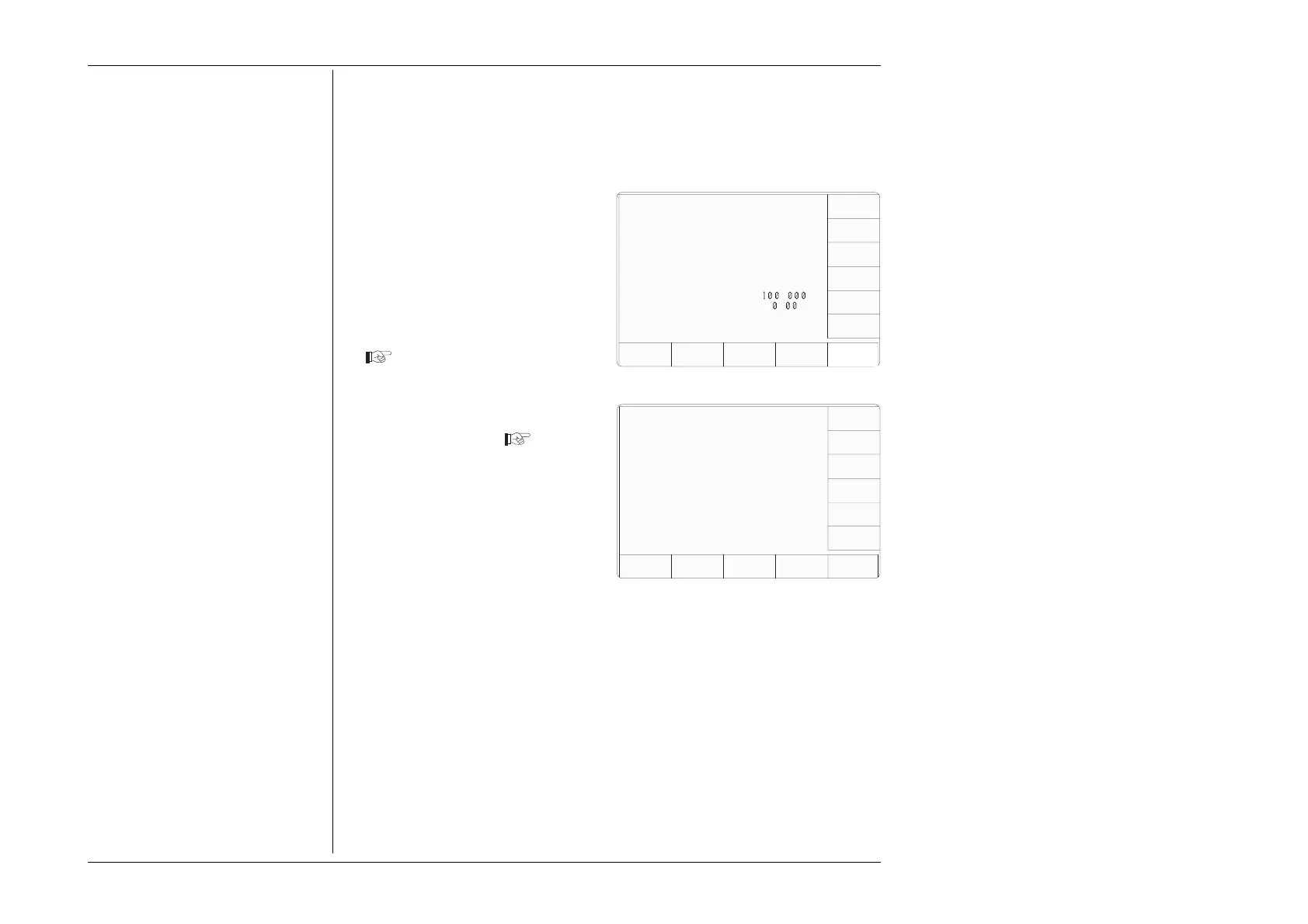
1. On the main 'Present Settings'
menu screen, press the More
screen key on the bottom row
This transfers to a second 'Present
Settings' screen, which indicates
the settings in use for the
remaining parameters
The Serial and Software Revision
numbers are given for information
only. They are derived directly
from the installed software, and
cannot be changed.
The parameters available for
change are selectable using the
screen keys on the right.
2. The EXIT screen key reverts to
the first 'Present Settings' screen.
Configuration
Ser. No. XXXXXX Rev. XXX
Present Settings:
Certificate Style Style 1
Engineers Notes Disabled
Fluke Lead Cap 28.50 pF
User Lead Cap 0.00 pF
EXIT
NEW
PASSWRD
Configuration
Present Settings:
Language English
Power-up mode Manual
Bus Address 1
Printer NONE
Results Card Disabled
Safety Voltage
.
V
Border Line
7
.
%
Scope option Option 600
Crystal option High acc
Ser. No. XXXXXX Rev. XXX
VOLTAGE
LIMIT
DATE
TIME
BORDER
LINE
SELECT
LANG
MORE
POWER
UP MODE
BUS
ADDRESS
RESULTS
CARD
PRINTER
CLEAR
USER
LIST
CERT
DETAILS
ENG
NOTES
WFLUKE
LEAD
CAP
USER
LEAD
CAP



 To Next Page