3-22 Section 3: Model 9100 Controls: Modes of Operation
Final Width = 215mm
TODAYS DATE TIME
TODAYS DATE TIME
3.3.2.20 'LAB NAME'
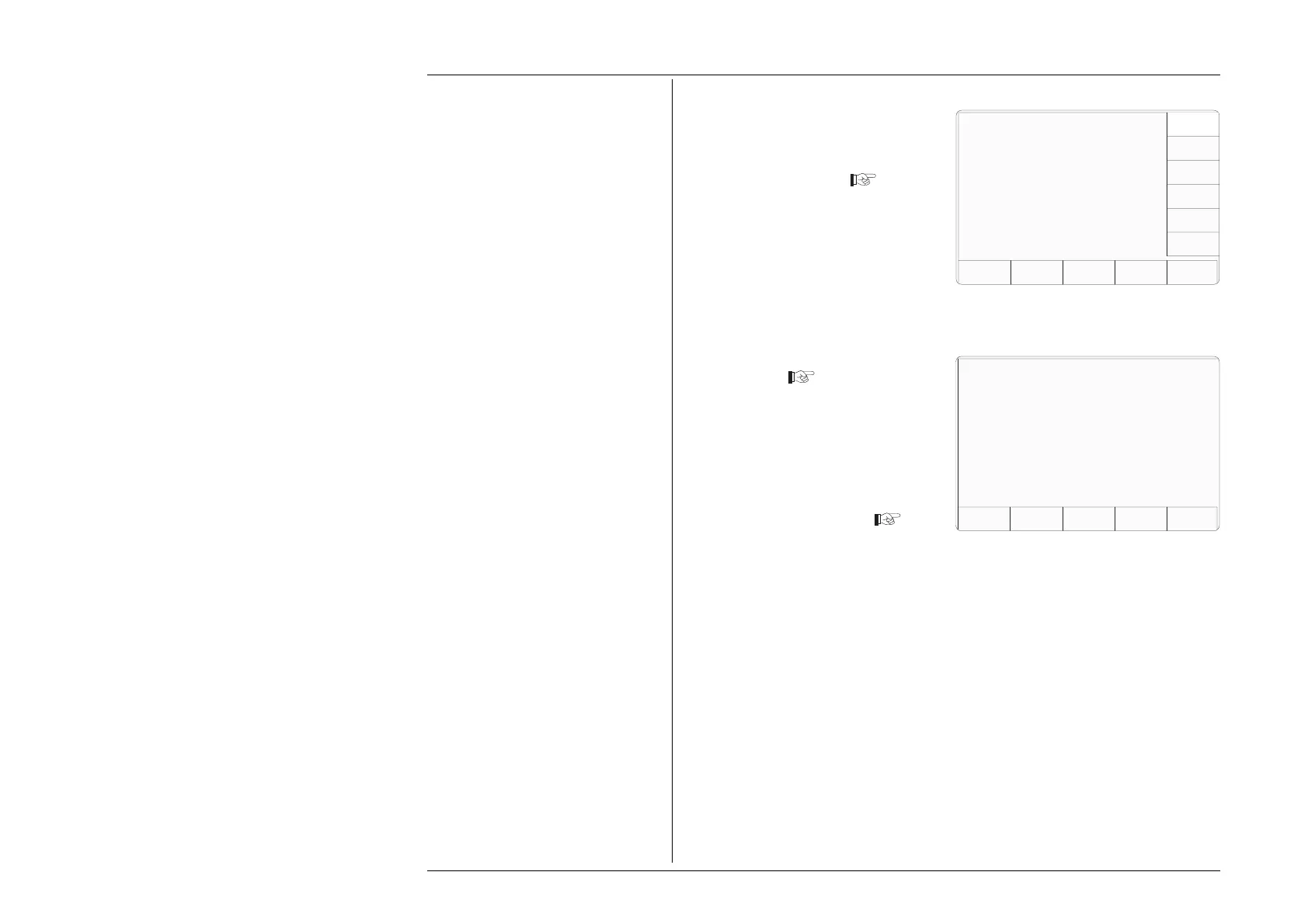
1. On the LAB DETAILS menu
screen, press the LAB NAME
screen key on the right
Laboratory Name
Users should enter the name of their
laboratory for the printed certificates.
EXIT
The current lab name is:
Enter a new name:
This transfers to 'The current lab
name' screen
2. Use the alpha-numeric keypad to
enter a new laboratory name.
3. Press the EXIT key to revert to
the LAB DETAILS screen
Configuration
EXIT
Present settings
Lab name Fluke L . . .
Lab temp. 21°C ±10°C
Lab humid. 30% ±10%
LAB
NAME
LAB
TEMP
LAB
HUMID.
Configuration



 To Next Page