Section 3: Model 9100 Controls: Working with Front Panel Controls — Tutorials 3-37
Final Width = 215mm
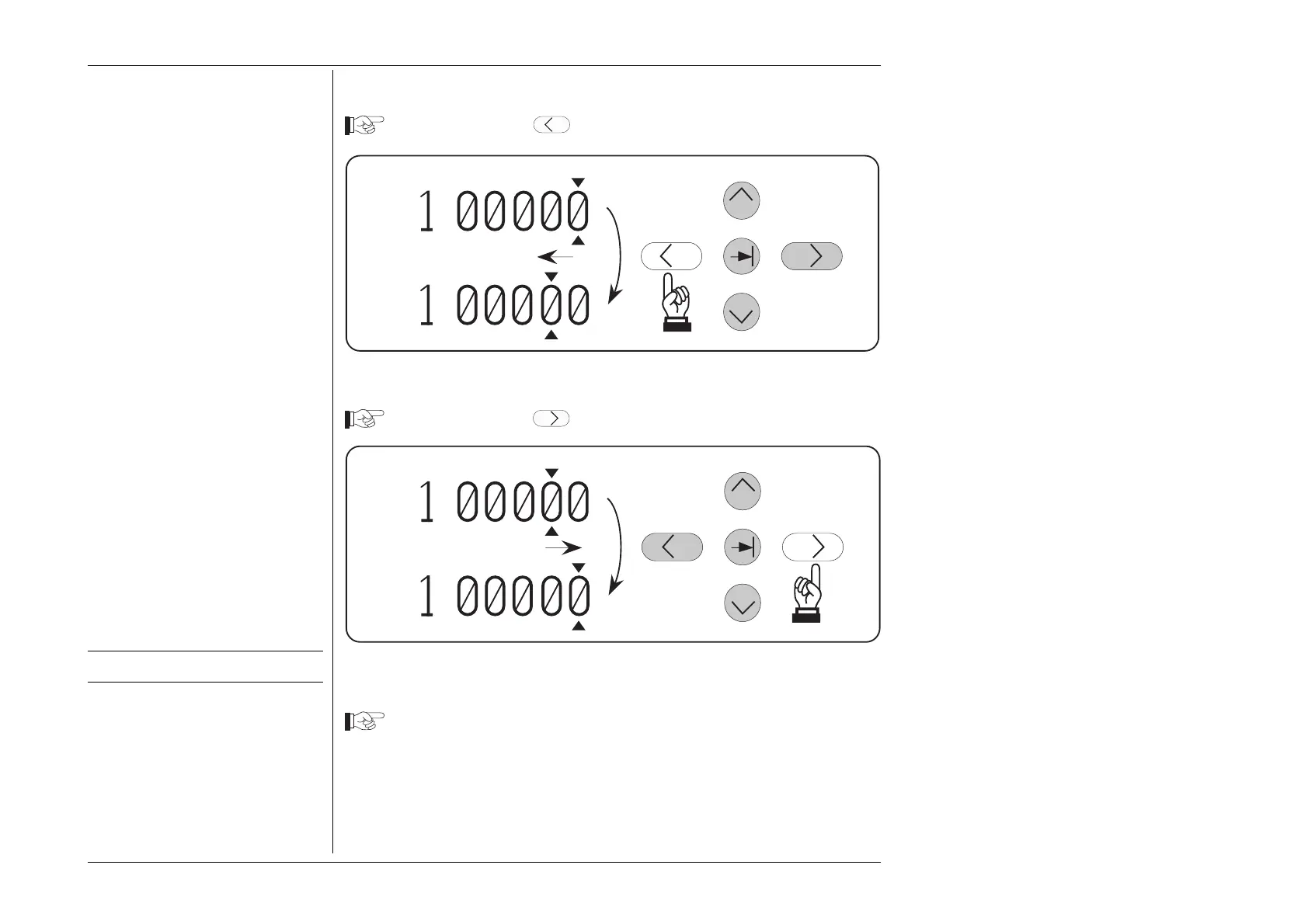
3.4.4.9 Moving the Cursor Left
Press and release the
Key. The cursor steps left to the next digit.
.
.
+
+
3.4.4.10 Moving the Cursor Right
Press and release the
Key. The cursor steps right to the next digit.
.
.
+
+
3.4.4.11 Increment/Decrement at the new digit
Once the new digit is accessed, it can be incremented and decremented as before.
Increment the value to 1.ØØØØ5 V
3.4.4.12 Repeat Stepping
There is no auto-repeat built into the digit stepping keys. Stepping is repeated by
successive key presses.
Note that there are limits to the above stepping. See overleaf.
Setup for next tutorial stage.



 To Next Page