3-38 Section 3: Model 9100 Controls: Working with Front Panel Controls — Tutorials
Final Width = 215mm
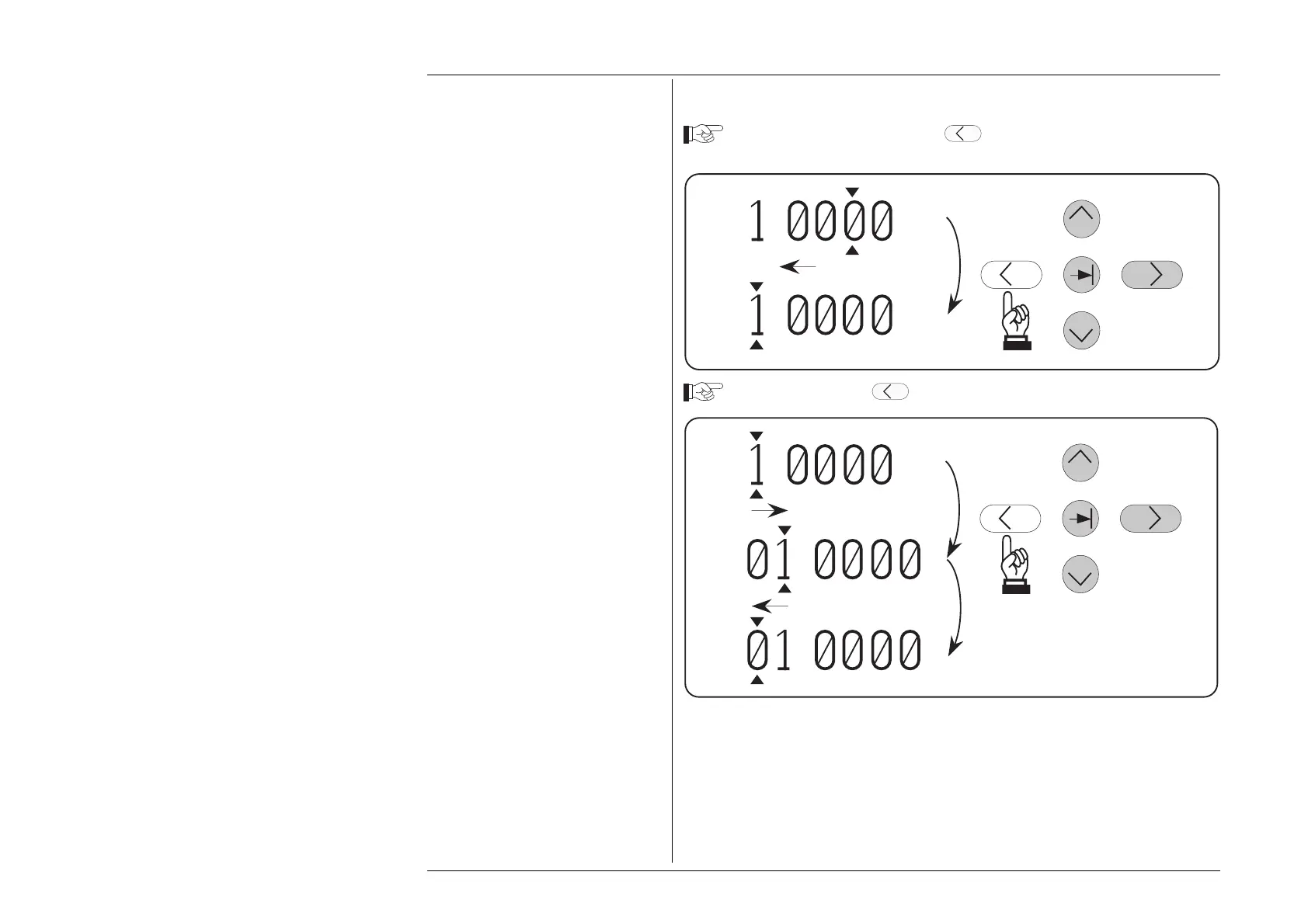
3.4.4.13 Decreasing Resolution using the Cursor
Keep Pressing and releasing the
Key until the cursor reaches the most
significant digit (the figure 1).
.
.
+
+
5
5
Note that two presses are required to reduce the resolution and reach the most-significant
digit position:
• The first press just reduces the resolution from five decimal places to four, while the
cursor moves right with its marked digit. The value is not rounded, but truncated —
the '5' digit is lost and cannot be recovered except by incrementing after the original
resolution has been restored;
• The second press moves the cursor left to reach the most-significant digit position.
Press and release the
Key twice more.
.
.
+
+
5
.
+
2



 To Next Page