3-40 Section 3: Model 9100 Controls: Working with Front Panel Controls — Tutorials
Final Width = 215mm
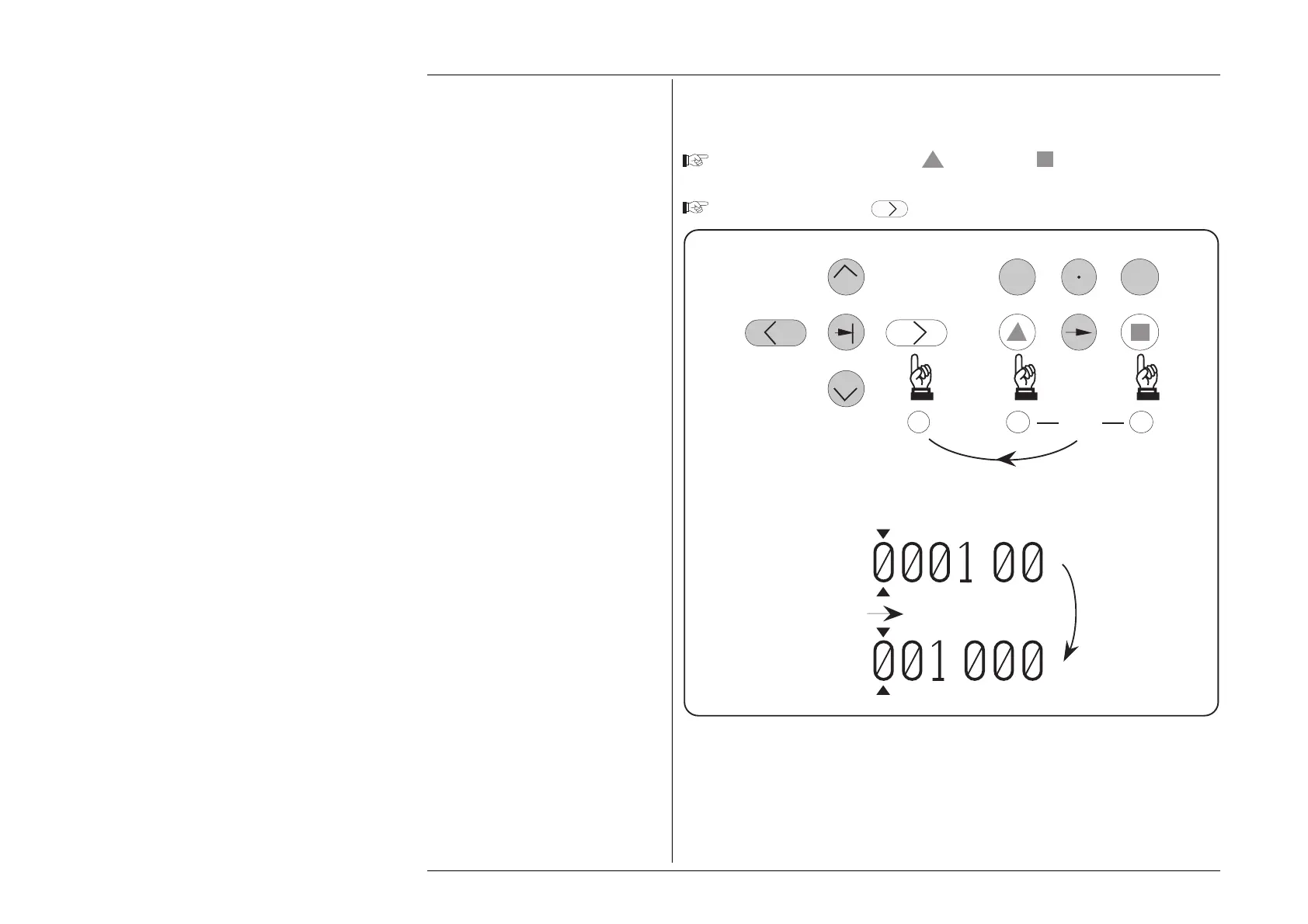
3.4.4.16 Increasing Resolution using Shift-Right
This is a short cut method of changing resolutions:
Press and release either the Key or the Key. Note that an ikon
representing the shift key appears on the bottom right corner of the screen.
Press and release the
Key.
Note that the cursor will remain with its marked digit unless it is forced to move (as shown
above) to the new most-significant digit.
Repeating shift-right actions will increase resolution to its higher limit (+1.ØØØØØ V),
where the lowest voltages can be displayed. The 'Reached lower boundary' message is
then displayed.
.
.
0
—
ST UV WX
YZ
THEN
Result
Actions
1 1
OR
2
+
+



 To Next Page