31
EN
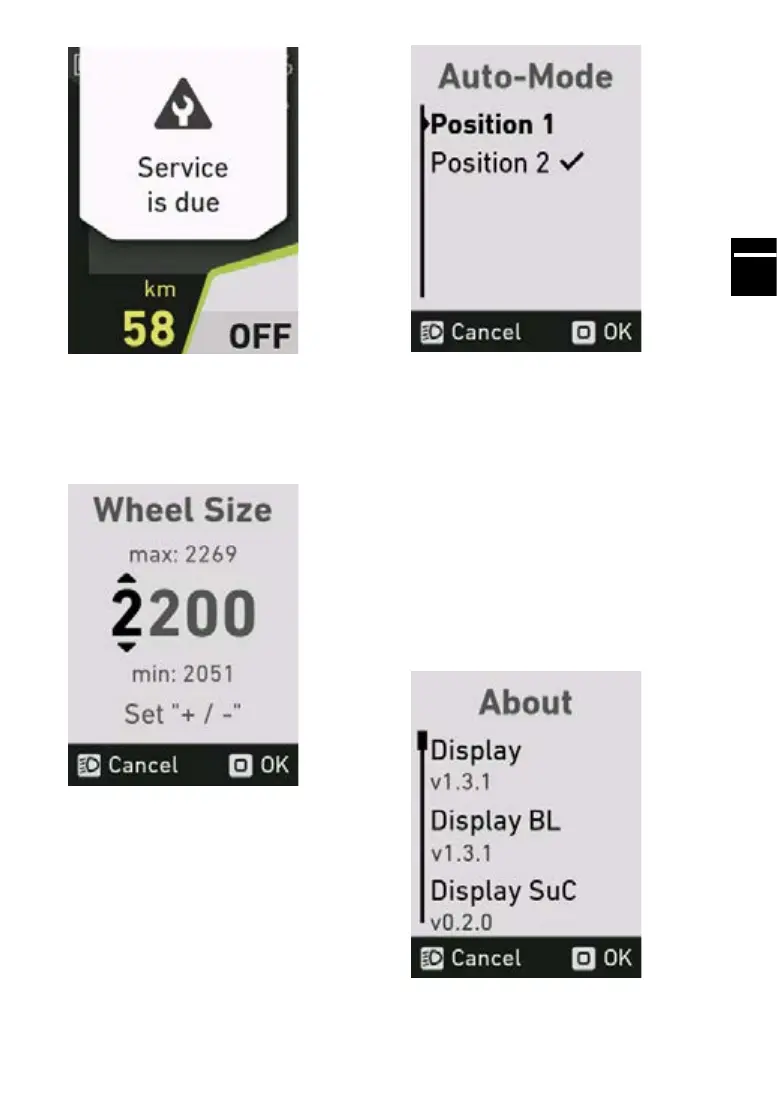
5.21 Wheelcircumferencemenu
In the wheel circumference menu, the wheel cir-
cumference used to calculate the speed can be
adjusted. You can adjust the wheel circumference
of your FLYER e-bike by ±5%.
5.22 Auto mode menu
In the auto mode menu, you can change the po-
sition of the auto mode when selecting the as-
sistance levels.
Sequence when “Position 1” is selected:
High
Std
Eco
Auto
O
Sequence when “Position 2” is selected:
High
Auto
Std
Eco
O
5.23 About menu
The about menu shows the current software ver-
sions of the individual components.



 To Next Page