MANTIS User's Guide | Chapter 11: MANTIS Radio-Frequency Identification (RFID)
Opening the Chip Dispense History
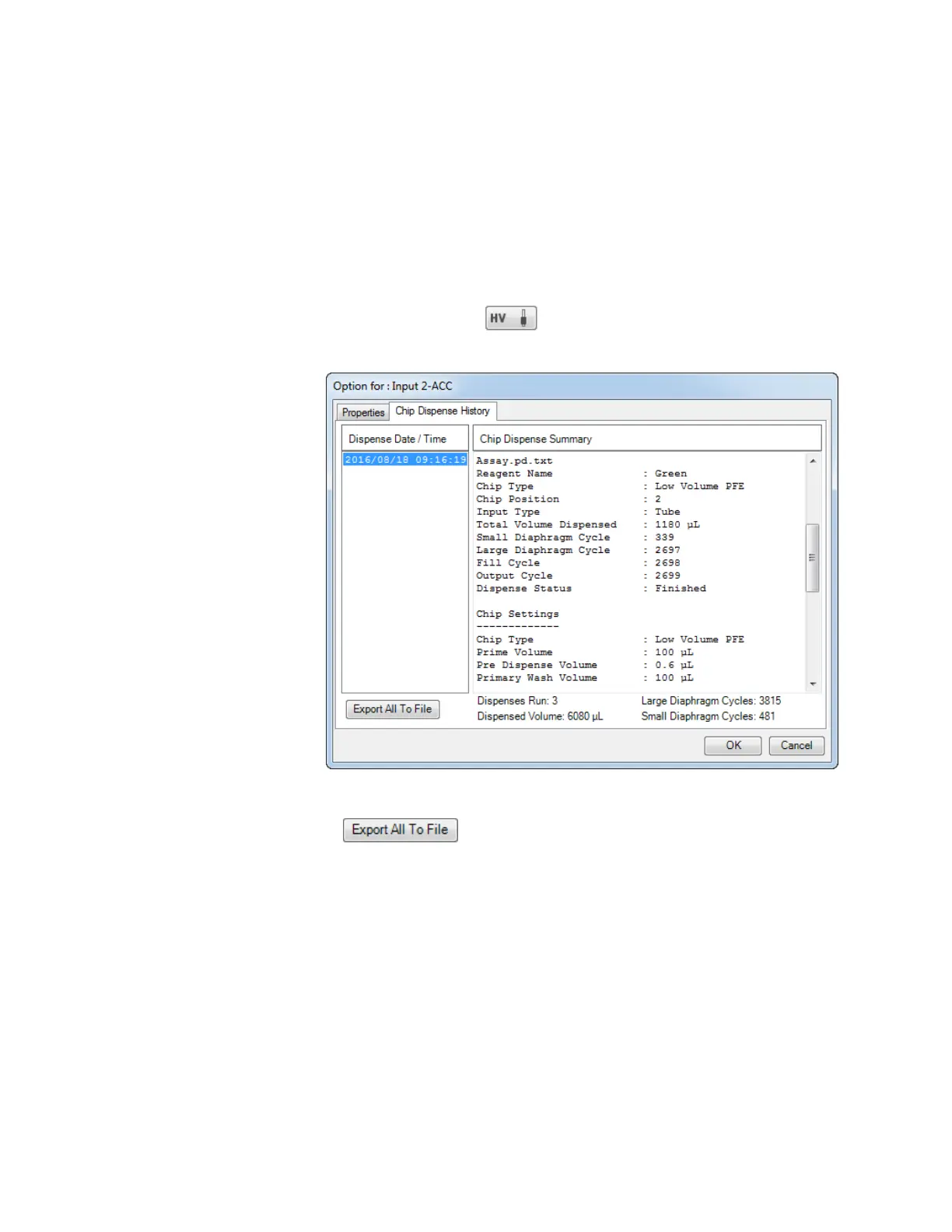
Besides scanning the RFID chips, you can also open the chip dispense history to review the
chip usage and dispense information.
Prerequisites:
● The RFID chip has been dispensed before.
To open the chip dispense history:
1. Click the Input button .
2. Go to Chip Dispense History tab.
3. To export the chip dispense history, click the Export All to File
button.
4. Change the file name if desired.
5. Click Save, and then click OK.
6. To close the window, click OK.
Dispense History Window



 To Next Page