Once you have set up the hardware, you will use the MANTIS control software to either
open a dispense list or design a dispense.
Prerequisites
● You have at least one plate type already set up in the software.
To design a dispense:
1. Choose from the following options:
● Create a new dispense list: Click the New Dispense List button . Select a
plate type and click OK.
OR
● Open an existing dispense list: Click the Open Dispense List button . Find
your dispense list and click Open, then proceed to step 5.
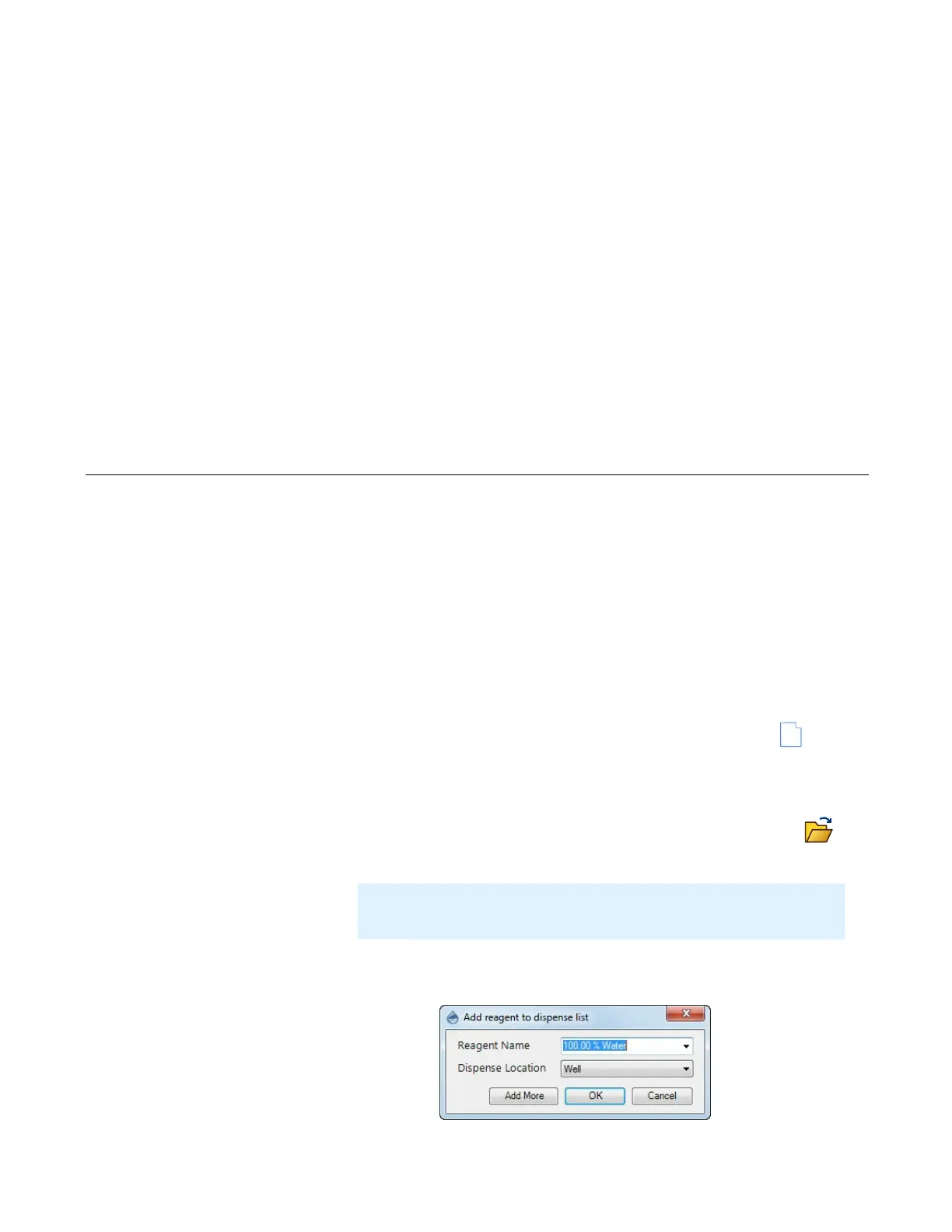
2. Add a reagent to the dispense list. Define the Reagent Name and Dispense
Location and click OK. If you want to add additional reagents, click Add More.
Dispensing With the MANTIS
Chapter 9
Note
: You can skip these steps if you have loaded experiment designs
from FORMULATOR.
Add More Option
Designing a Dispense



 To Next Page